
4 Tips And Tricks For Better Audio With Android Auto
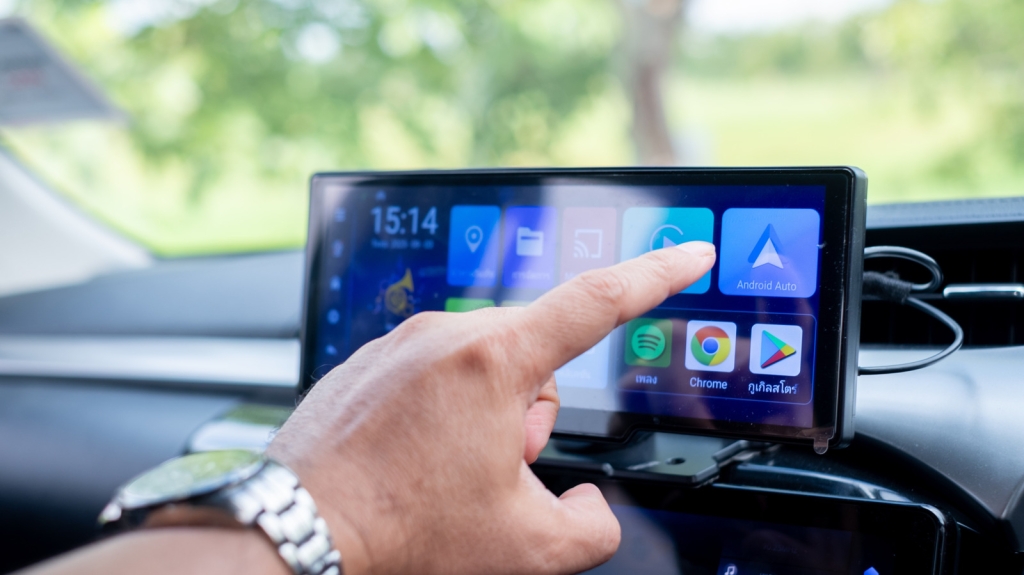
4 Pro Tips to Unlock Jaw-Dropping Audio Quality with Android Auto
Android Auto has revolutionized in-car entertainment, seamlessly blending your smartphone’s power with your vehicle’s infotainment system. From turn-by-turn navigation to hands-free messaging and, of course, crystal-clear audio streaming, it’s a game-changer for drivers everywhere. But let’s be honest—nothing kills the vibe faster than audio that sounds like it’s being played through a tin can. If you’ve been wrestling with subpar sound quality, you’re not alone. The good news? You don’t need to be an audio engineer or shell out for expensive gear to fix it. Here are four tried-and-true tricks to elevate your Android Auto audio experience to pro levels.
1. Dive Into Your Music App’s Secret Settings
Your first stop on the road to audio nirvana? Your music app’s settings. It might sound basic, but hidden tweaks can make a world of difference. Take Spotify, for example. If you’ve got the “Volume Normalization” feature turned on, it’s time to hit the brakes. This setting tries to make every track play at the same volume, but in doing so, it can squash the dynamic range and leave your music sounding flat and lifeless. Worse, it might force you to crank up your car’s volume, introducing distortion and muddying the sound.
Next, check for any custom EQ (equalizer) settings. While EQ can be a powerful tool, the wrong settings can wreak havoc on audio quality. If you’re not sure what a setting does, try disabling it and see if things improve. You can always turn it back on later. For those who want to experiment, a quick online search for EQ presets tailored to your car’s audio system can yield surprising results—just remember, your mileage may vary.
2. Upgrade Your Wireless Android Auto Adapter
If you’re rocking wireless Android Auto, your adapter could be the culprit behind your audio woes. Not all adapters are created equal, and a subpar connection can lead to dropouts, lag, and, you guessed it, poor sound quality. Do a little homework: compare your current adapter to the best wireless Android Auto adapters on the market. Look for reviews that specifically mention audio performance—real-world feedback is gold.
Also, consider your smartphone’s Bluetooth capabilities. If you’re using an older device with Bluetooth 4.0 or earlier, you might be missing out on the audio quality improvements that come with Bluetooth 5.0 and beyond. Upgrading your phone or adapter could be a game-changer.
3. Switch Up Your Cable (or Go Wireless!)
Still tethered to your dashboard with a USB cable? It might be time for an upgrade. Not all USB cables are created equal—some are built for speed, others for durability, and a few for pure audio fidelity. If you’re using a cheap or worn-out cable, you could be bottlenecking your audio quality. Invest in a high-quality USB-C cable designed for fast data transfer and reliable connections. It’s a small change that can yield big results.
If you’re feeling adventurous, consider making the leap to wireless Android Auto. A good wireless adapter can free your phone from its cable prison and, in some cases, even improve audio quality by eliminating potential interference from a physical connection. Plus, it just feels cooler to go wireless.
4. Download Your Music Before You Hit the Road
Streaming is convenient, but it’s only as good as your internet connection. If you’re driving through areas with spotty service, your audio quality can take a nosedive. The solution? Download your favorite tracks and playlists before you leave. This not only ensures uninterrupted playback but also lets you take full advantage of high-quality audio formats like Spotify’s lossless streaming.
Downloading music also saves your phone’s battery and data, making it a win-win. Just be mindful of storage space—high-quality audio files can take up a lot of room. If you’re someone who sticks to the same playlists, this is a no-brainer.
Final Thoughts
Android Auto is a powerful tool, but like any tech, it’s only as good as the setup behind it. By tweaking your app settings, upgrading your hardware, and optimizing your music library, you can transform your in-car audio experience from “meh” to mind-blowing. So, what are you waiting for? Try these tips today and let the good vibes roll.
Tags & Viral Phrases:
- Android Auto audio tips
- Better sound quality in the car
- Fix Android Auto audio problems
- Wireless Android Auto adapter
- Spotify audio settings
- USB-C cable for Android Auto
- Download music for offline listening
- Bluetooth audio quality
- Car audio hacks
- Android Auto troubleshooting
- Elevate your drive with pro audio
- Say goodbye to tinny sound
- Unlock the full potential of Android Auto
- The secret to crystal-clear car audio
- Why your Android Auto sounds bad (and how to fix it)
- Game-changing audio tips for Android Auto users
- Don’t settle for subpar sound—upgrade your setup today!
,


Leave a Reply
Want to join the discussion?Feel free to contribute!