
8.4 Months of Daily Driving GrapheneOS
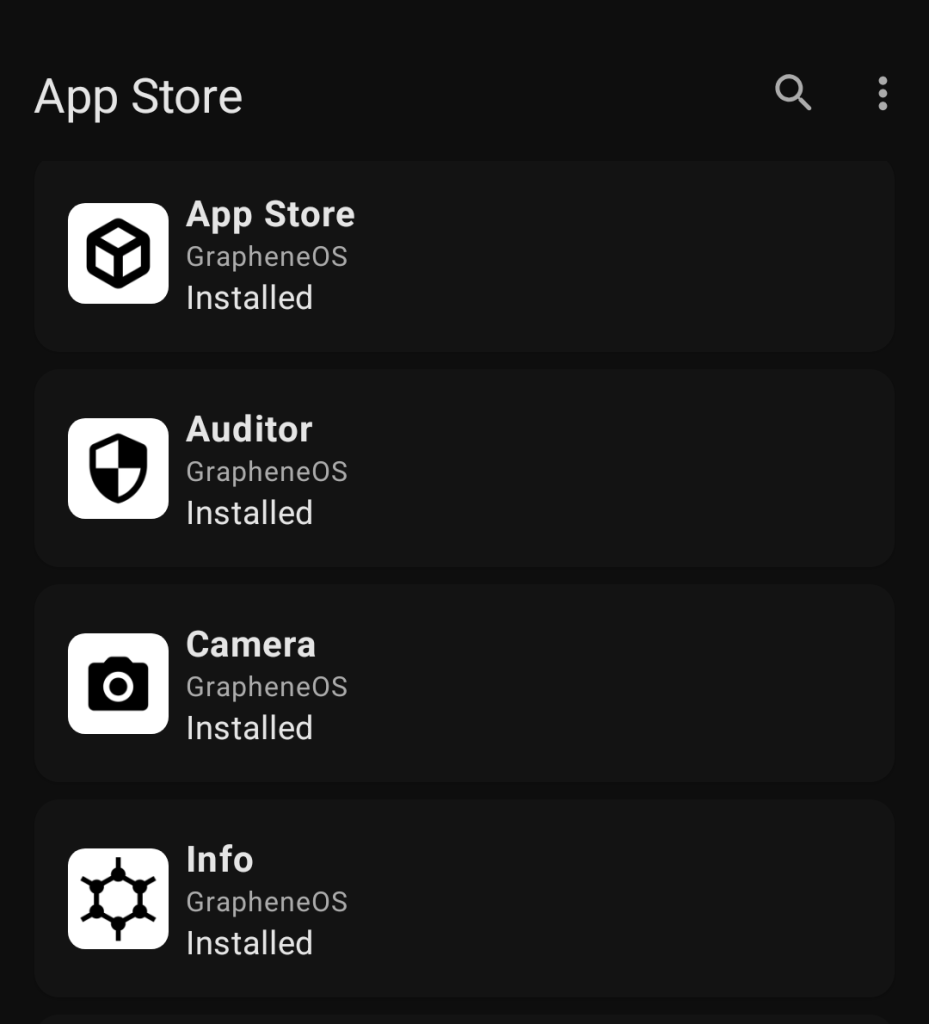
GrapheneOS: One Year Later — My Apps, Habits, and the Future of Privacy-First Android
It’s been nearly a year since I made the leap to GrapheneOS, and what a ride it’s been. Back in June, I wrote about my initial experience switching to this privacy-first Android ROM, and I had planned to wait a full year before doing an update. But two major events recently changed that timeline: GrapheneOS announced a groundbreaking partnership with Motorola to bring non-Pixel devices into the fold, and my Pixel 9 Pro Fold decided to call it quits.
The upside? I had to reinstall GrapheneOS, which gave me the perfect opportunity to reflect on the past 8.4 months of using it. Here’s what’s changed, what’s stayed the same, and why this could be a turning point for privacy-focused Android users.
The Apps: From Chaos to Intentionality
When I first transitioned to GrapheneOS, I went deep into analyzing every app on my phone. I categorized them into five buckets: essential apps, nice-to-haves, Google services, work apps, and a “private space” for junk apps I only needed occasionally. Fast forward to today, and my approach is much simpler:
- Daily Drivers: Apps I use every day.
- Google Apps I Begrudgingly Use: Services I can’t fully escape.
- Private Space / Install When Needed: Apps I only use temporarily.
Work apps? Gone. I’m in a lucky position where I can fully disconnect from work on my personal device.
The Google Apps I Begrudgingly Use
Let’s be real: some Google apps are hard to avoid on Android. The goal now is to minimize their usage as much as possible.
- Google Camera: I reinstalled it for its superior low-light performance. The GrapheneOS camera is great, but Google’s camera app is hard to beat.
- Google Maps: Still here, and likely to stay. I tried alternatives like Transportr, but they rely on APIs that have been shut down.
- Google Messages: RCS is finally working again on GrapheneOS, and it’s still the only option for messaging with family on iOS.
- Android Auto: Mostly working without issues.
The Daily Drivers
My core apps have remained largely unchanged, but there are a few notable updates:
- Firefox: Still my browser of choice.
- Tuta and Thunderbird: For email, with Thunderbird 17 launching soon with foldable support!
- Futo Keyboard: Switched to the English 244 voice-to-text model for better accuracy.
- AntennaPod: Replaced PocketCasts after they reneged on grandfathered accounts. It’s FOSS and works well with gPodder sync.
- CameraSync/GR World: For syncing location data to my Ricoh GRIII camera.
- Kagi Translate: A great FOSS alternative to Google Translate, with OCR support for traveling.
- Kvaesitso: Replaced Niagara as my launcher for its extra customization options.
- TickTick: For task management, replacing a hodgepodge of other apps. It’s just more reliable for my ADHD.
- SpamBlocker: A FOSS caller ID app with a detailed explanation of why each permission is needed.
I also uninstalled Discord after they introduced mandatory age verification. I’m experimenting with a self-hosted Pixelfed instance for family photos, but mostly I just text photos now.
The Private Space / Install When Needed Apps
I used to keep data-hungry apps in the Private Space, but now I mostly just uninstall them and only install them temporarily. For example, if I’m flying, I’ll install the airline’s app in the Private Space and remove it after the trip. Parking apps? I just walk to the pay terminal and print a ticket.
Updates on How I Use GrapheneOS Day-to-Day
I had grand plans for using multiple user profiles to isolate different parts of my life, but I gave up on that pretty quickly. It was clunky, and I just don’t need it anymore. After limiting what I do with my phone, I don’t need those different profiles.
Another big change? I now toggle off location using the quick tile unless I specifically need it. This was mostly due to me relenting and giving Google Play services expanded access to location.
Updates in GrapheneOS Itself
Over the last year, GrapheneOS has released several updates with meaningful changes:
- Lockscreen widget support (2025122500).
- Cross-SIM calling support (2026020600).
- RCS fix for T-Mobile (2026021200).
These incremental improvements add up over time, and the T-Mobile RCS fix was especially important for me.
FOSS to Table
In addition to GrapheneOS changes, there have been some great FOSS apps that fill in missing gaps. For example:
- Flip 2 DND: Implements Flip to Shhh from Digital Wellbeing.
- Modes: Android 16 AOSP reworked DND, work, driving, and sleep toggles into “Modes,” which is close enough to the old Wind Down feature.
- TTS: On Android, TTS isn’t built into AOSP. You need an app that provides
TextToSpeechService. While there are FOSS options like Sherpa TTS, they have limitations, like only supporting one language at a time.
Closing Thoughts
When I first wrote about GrapheneOS, I said, “You’re stuck with using Pixel devices if you want to use GrapheneOS, but I may leave Google devices behind once they find a possible hardware partner in the future.”
Well, the future is now! GrapheneOS has partnered with Motorola to bring non-Pixel devices into the fold, and the timing couldn’t be better. With Google trying to close off Android and F-Droid’s statement on keeping Android open, a FOSS ROM with first-party hardware support is a huge step in the right direction.
If you’re already using GrapheneOS, consider donating if you’re not already. And if you’re thinking about making the switch, now might be the perfect time.
Tags: #GrapheneOS #Privacy #Android #FOSS #Motorola #Pixel #Apps #DigitalWellbeing #OpenSource #TechNews
Viral Sentences:
- “GrapheneOS just partnered with Motorola—goodbye, Pixel lock-in!”
- “I uninstalled Discord after their mandatory age verification. Freedom feels good.”
- “TickTick saved my ADHD brain from task management chaos.”
- “Google Camera is hard to beat, even on a privacy-first ROM.”
- “The future of Android is open, and it’s called GrapheneOS.”
,

Leave a Reply
Want to join the discussion?Feel free to contribute!