
Ubuntu Drops the ‘Software & Updates’ Tool from New Installs
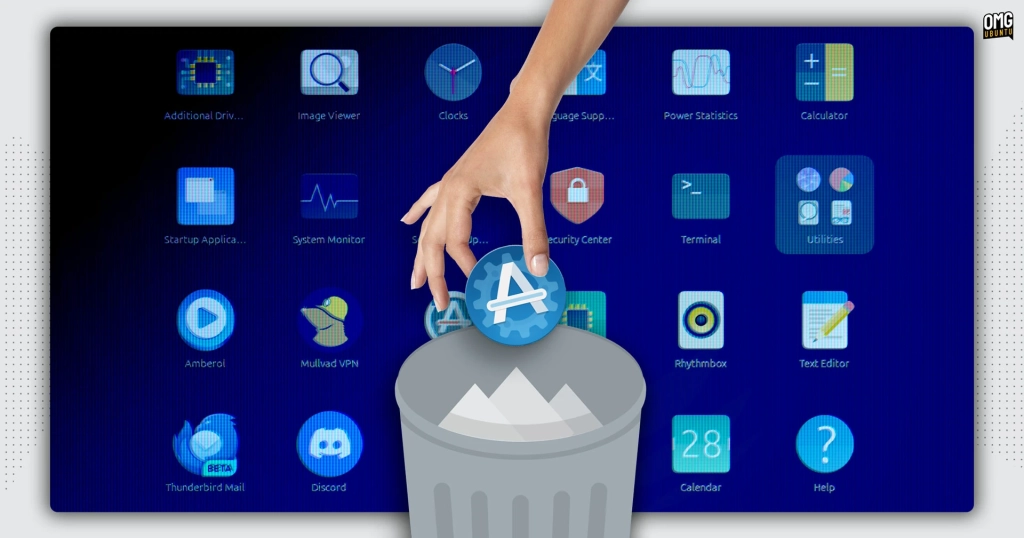
Ubuntu 26.04 LTS: The End of an Era for the Classic “Software & Updates” Tool
In a move that’s sending ripples through the Ubuntu community, Canonical has confirmed that the upcoming Ubuntu 26.04 LTS release—codenamed “Resolute Raccoon”—will no longer include the familiar “Software & Updates” utility by default in desktop installations. For years, this GTK3-based tool has been a staple of the Ubuntu experience, offering users an easy graphical interface to manage repositories, PPAs, and update settings. But now, developers are calling time on it, citing concerns over its complexity and potential for user error.
Why the Change?
According to Canonical’s Jean-Baptiste Lallement, many of the features within “Software & Updates” are either “dangerous or too complex” for regular users. One of the most notable examples is the ability to disable access to Ubuntu’s main repositories directly from the GUI. While this might seem like a harmless tweak, it can have serious consequences: accidentally toggling this setting could leave users unable to install crucial updates, potentially exposing their systems to security vulnerabilities.
Moreover, with Ubuntu LTS releases now enjoying an unprecedented 15 years of support, the maintenance burden of keeping this aging GTK3 tool up-to-date has become increasingly untenable. Canonical is keen to streamline its development efforts and reduce technical debt, and removing “Software & Updates” from the default installation is a key part of that strategy.
What Stays, What Goes?
It’s important to clarify that this change only affects the graphical “Software & Updates” utility. The underlying command-line tools, provided by the software-properties-common package, remain untouched. This means that power users and system administrators who rely on terminal-based package management—using commands like add-apt-repository—will not experience any disruption.
For those who still prefer the graphical interface, there’s no need to panic. The software-properties-gtk package will remain available in the Ubuntu 26.04 repositories, so you can always install it manually if you miss the old tool. Additionally, if you’re upgrading from a previous version of Ubuntu, “Software & Updates” will not be uninstalled—Ubuntu’s policy is to never remove features that users have come to rely on, unless they explicitly choose to do so.
The Bigger Picture: Ubuntu Pro and the Snap Revolution
Another significant change in Ubuntu 26.04 is the relocation of Ubuntu Pro subscription options. Previously accessible through “Software & Updates,” these features are now integrated into the Snap-based “Security Center” app. This shift reflects Canonical’s broader push towards Snap packages and centralized security management, aiming to provide a more unified and secure experience for users.
What This Means for Users
For most casual users, the removal of “Software & Updates” from the default installation will go largely unnoticed. Ubuntu’s default update settings are generally sufficient for everyday use, and the new “Security Center” offers a more modern, streamlined way to manage security and subscription features.
However, for advanced users and developers who frequently tweak repositories, mirrors, or update behaviors, the change may require a slight adjustment. Installing the software-properties-gtk package is a simple fix, and the command-line tools remain fully functional for those who prefer the terminal.
Community Reaction and the Road Ahead
As with any significant change, the Ubuntu community’s reaction has been mixed. Some applaud the move as a necessary step towards modernization and simplification, while others lament the loss of a familiar tool. Regardless, Ubuntu’s commitment to user choice and backward compatibility ensures that no one is forced to abandon the features they rely on.
Looking ahead, Ubuntu 26.04 LTS promises to be a milestone release—not just for its extended support lifecycle, but for its bold steps in reshaping the desktop experience. Whether you’re a casual user or a seasoned sysadmin, the changes in “Resolute Raccoon” are sure to spark conversation and perhaps even inspire new workflows.
Tags: Ubuntu 26.04 LTS, Software & Updates, Canonical, Ubuntu Pro, Snap packages, GTK3, Linux desktop, repository management, PPAs, Jean-Baptiste Lallement, Security Center, add-apt-repository, LTS support, Ubuntu community, Resolute Raccoon, software-properties-gtk, command-line tools, update settings, Linux news, open source.
Viral Phrases:
- “The end of an era for Ubuntu’s classic tool!”
- “Ubuntu 26.04 drops a beloved feature—here’s why.”
- “Is this the future of Linux desktop management?”
- “Don’t panic! Here’s how to keep your favorite tool.”
- “Ubuntu’s bold move: 15 years of support, fewer headaches.”
- “Snap-based Security Center: The new sheriff in town.”
- “Command-line lovers, rejoice—your tools are safe!”
- “Accidental repo disable? Ubuntu says ‘no more!'”
- “Resolute Raccoon: Ubuntu’s most daring LTS yet.”
- “Upgrade without fear—your old tool isn’t going anywhere.”
- “Linux power users, adapt and thrive!”
- “Canonical’s gamble: Simplify or alienate?”
- “The GUI tool that could break your system—now optional.”
- “Ubuntu 26.04: Less is more, but you still have a choice.”
- “Is this the end of GTK3 in Ubuntu’s default install?”
,

Leave a Reply
Want to join the discussion?Feel free to contribute!