
Samsung is considering custom font support for the Notes app
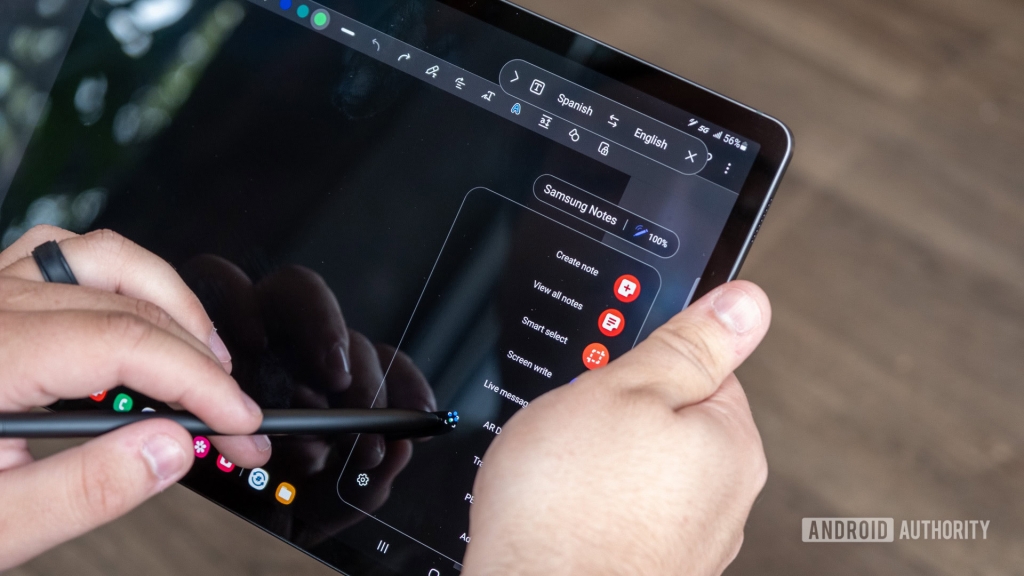
Samsung Notes May Finally Get Custom Font Support After User Backlash
Samsung’s popular Samsung Notes app, a cornerstone of the One UI ecosystem, could be on the verge of a major update that users have been clamoring for years: custom font support. The revelation comes after a frustrated user took to the Samsung Community forums to vent about the app’s glaring limitation—its complete reliance on system-wide Android fonts.
The Current State of Fonts in Samsung Notes
Right now, Samsung Notes is surprisingly inflexible when it comes to typography. Users are stuck with whatever font their device is set to use system-wide, with no option to mix and match different typefaces within a single note. This limitation has been a thorn in the side of students, professionals, and anyone who values visual organization in their digital notebooks.
The app does offer basic text formatting like bold, italics, and underline, but these pale in comparison to what competitors offer. Imagine trying to organize class notes or project documents where you can’t visually distinguish between headings, subheadings, and body text using different fonts—it’s a productivity nightmare.
Samsung’s Surprising Response
What makes this story particularly interesting is Samsung’s candid response to the user complaint. A Samsung Notes manager actually participated in the forum discussion, explaining that the company is “considering” expanding font support in the app. This level of transparency is unusual for Samsung, which typically keeps its development plans under wraps until official announcements.
The manager’s explanation for the current limitation is equally revealing: copyright issues. According to the response, Samsung avoids third-party fonts because many typefaces require commercial licenses for use in apps. While some fonts are freely available in the public domain, the legal landscape around font usage is complex enough that Samsung has chosen to avoid the headache entirely.
Why This Matters
The demand for custom fonts in Samsung Notes isn’t just about aesthetics—it’s about functionality. As the original poster pointed out, students and professionals need better organizational tools. Being able to use different fonts for different types of content within the same note could revolutionize how people use the app for studying, project management, and creative work.
Think about it: you could use a clean sans-serif for main content, a decorative font for headers, and a monospaced font for code snippets—all in the same document. This level of customization is standard in desktop publishing software but remains elusive in mobile note-taking apps.
The Bigger Picture
This potential update comes at a crucial time for Samsung. With Apple’s iPad continuing to dominate the tablet market and apps like GoodNotes and Notability setting the standard for digital note-taking, Samsung needs to ensure its Notes app remains competitive. Custom font support could be a significant differentiator, especially for users who rely on their Galaxy tablets for serious productivity work.
The fact that Samsung is even considering this feature suggests the company is listening to its user base—a welcome change from the perception that Samsung sometimes ignores customer feedback. However, the mention of “considering” rather than “planning” leaves room for disappointment. Many users have learned to be skeptical of vague promises from tech companies.
What’s Next?
While there’s no timeline for when (or if) custom font support might arrive in Samsung Notes, the fact that it’s on the company’s radar is promising. Users are already speculating about which fonts Samsung might include—would they stick to safe, widely-used options like Arial and Times New Roman, or venture into more creative territory?
The copyright explanation also raises interesting questions about how Samsung might implement this feature. Would they partner with font foundries for licensed content? Create their own font library? Or perhaps take the Google Fonts approach and offer a curated selection of open-source typefaces?
Community Reaction
The Samsung Community forums are buzzing with discussion about this potential feature. Many users are expressing cautious optimism, having been burned by unfulfilled promises before. Others are suggesting additional features they’d like to see, including better PDF annotation tools, improved handwriting recognition, and deeper integration with other Samsung apps.
Some users are pointing out that even if Samsung can’t offer third-party fonts due to copyright concerns, they could at least expand their built-in font library. The current selection is quite limited compared to what’s available on competing platforms.
The Verdict
Samsung Notes is a powerful app that’s been underserved in terms of typography options. The potential addition of custom fonts could elevate it from a basic note-taking tool to a serious productivity powerhouse. However, until Samsung makes an official announcement with concrete details, users should temper their expectations.
What’s clear is that Samsung is aware of the demand and is at least thinking about how to address it. In the fast-moving world of mobile technology, that’s often the first step toward meaningful change.
Tags & Viral Phrases:
- Samsung Notes custom fonts
- Samsung typography update
- Galaxy tablet productivity
- One UI note-taking features
- Samsung Community feedback
- Digital notebook customization
- Mobile app font support
- Student note organization
- Samsung copyright issues
- Tablet note-taking apps
- Galaxy Tab S9 Plus features
- Samsung Notes vs iPad Notes
- Typography in mobile apps
- Samsung listening to users
- Note-taking app comparison
- Android font customization
- Samsung productivity tools
- Mobile document editing
- Font licensing in apps
- Samsung Notes improvements
- Tech community feedback
- Mobile writing experience
- Samsung app development
- Digital organization tools
- Tablet productivity features
,


Leave a Reply
Want to join the discussion?Feel free to contribute!