
Gmail for Android finally lets you create new labels
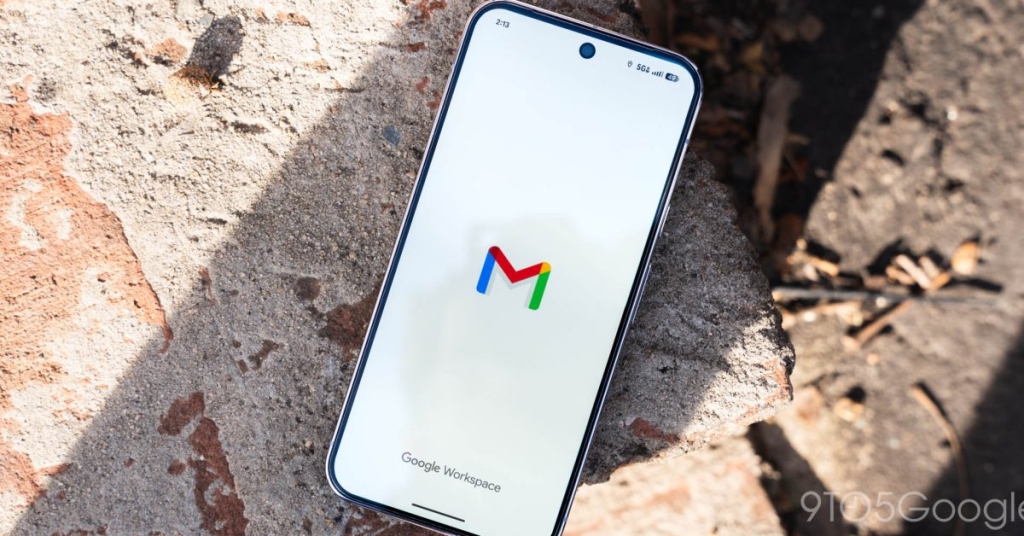
Gmail for Android Finally Gets Label Creation, Closing a Long-Standing Gap
In a move that’s sending waves through the email management world, Google is finally bringing one of Gmail’s most requested features to its Android app: the ability to create new labels on the go. For years, Gmail users on mobile have been forced to rely on the desktop version for this essential organizational tool, but that’s all about to change.
The Feature You’ve Been Waiting For
Starting now, Gmail for Android users will notice a shiny new “Create label” option nestled in the navigation drawer, sitting comfortably between “Manage subscriptions” and any existing labels. A subtle pill-shaped “New” tag and a circular badge on the hamburger menu will let you know this feature is live and ready to use. Tapping it opens a simple interface where you can enter a name for your new label—no desktop required.
This update is a game-changer for anyone who’s ever felt frustrated by Gmail’s mobile limitations. Labels are a cornerstone of Gmail’s organizational system, allowing users to categorize emails, streamline workflows, and keep their inboxes tidy. Now, you can create and manage them directly from your phone, making Gmail’s mobile experience feel truly complete.
More Than Just Labels
But that’s not all—Google is also making it easier to delete labels on the go. Head to Settings > Gmail address > Notifications > Manage labels, and you’ll now see a “Delete” option. While the Android app still lacks color customization for labels (a feature available on iOS), this update is a massive step forward.
For many users, this was the last major hurdle keeping them tethered to the desktop version of Gmail. Personally, I’ve always found it frustrating to have to switch devices just to create a label or delete an old one. Now, with these updates, Gmail’s mobile app feels more powerful and versatile than ever.
Rolling Out Gradually
As with many Google updates, this feature is rolling out on an account-by-account basis. You might see it on one of your Gmail addresses but not another, so don’t panic if it’s not immediately available. The update is being pushed through version 2026.01.26.x of Gmail for Android, and it’s already live on iOS.
What’s Next for Gmail?
While this update is a huge win, there’s still room for improvement. One feature that’s notably missing is the ability to delete individual messages within a thread or conversation. For power users, this remains a pain point, but it’s clear Google is listening to feedback and steadily improving the mobile experience.
More Gmail News
- Gmail for iPhone Gets a New Google Photos Picker: iPhone users can now enjoy a revamped Google Photos picker, making it easier to attach images to emails.
- Google Shuts Down Gmailify After Nearly 10 Years: The service, which allowed non-Gmail users to access Gmail features, is officially being retired.
- Gmail Widget Gets a Material 3 Expressive Update: The Gmail widget has been refreshed with Google’s latest design language, bringing a sleeker look to your home screen.
Tags & Viral Phrases:
Gmail Android update, create labels on mobile, Gmail app features, Google email management, mobile productivity hacks, Gmail label creation, Android Gmail tips, Google Workspace updates, email organization, Gmail mobile improvements, must-have Gmail features, Google app updates, tech news 2026, Gmail iOS vs Android, label management on the go.
,

Leave a Reply
Want to join the discussion?Feel free to contribute!