
Is Ubuntu Treating Its Users as If They Can’t Be Trusted?
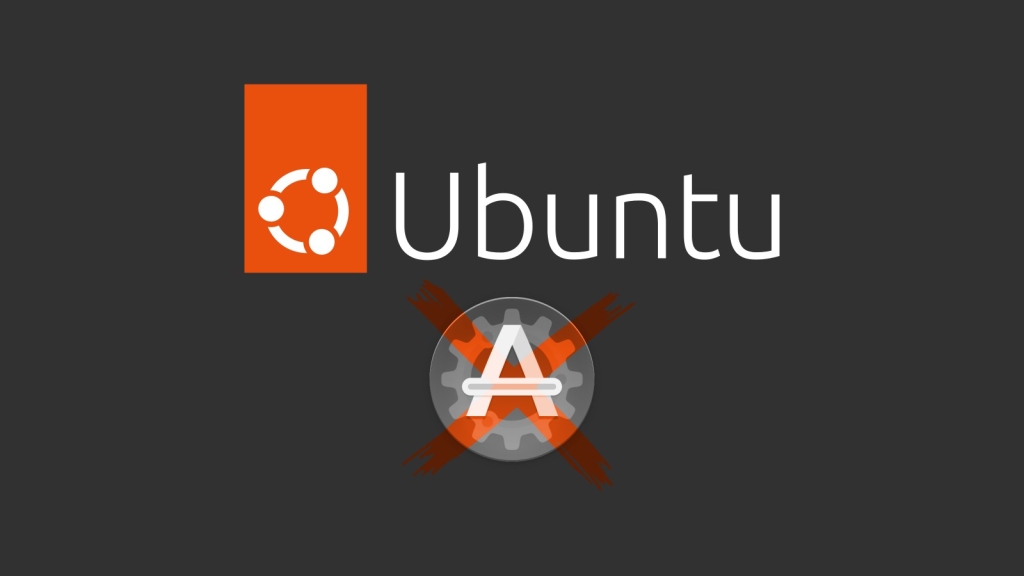
Ubuntu 26.04 LTS Drops Its Iconic “Software & Updates” GUI — Is This the End of User Freedom?
In a move that has left the Linux community buzzing with disbelief, Ubuntu 26.04 LTS—slated for release on April 23—has officially decided to remove the beloved “Software & Updates” graphical tool from its default desktop installation. For years, this handy utility has been a cornerstone of Ubuntu’s user-friendly approach, allowing even the most novice users to effortlessly manage repositories, enable or disable software sources, and tweak system updates with just a few clicks. But now, Canonical, Ubuntu’s parent company, seems to be taking a sharp turn toward a more controlled, curated experience—and not everyone is thrilled about it.
The Change: What’s Happening?
The decision, detailed in Launchpad bug report 2140527, involves replacing the software-properties-gtk package (which powers the GUI) with software-properties-common in the desktop seed. In plain English? The underlying tools for managing repositories are still there, but the friendly, point-and-click interface that made them accessible to everyone is being yanked out of fresh installs.
For those upgrading from previous Ubuntu versions, don’t panic just yet—if you already have the “Software & Updates” app installed, it’ll stick around. And yes, tech-savvy users can always reinstall it manually using APT. But for newcomers or those setting up a fresh system, this change means one less intuitive tool at their fingertips.
The Justification: “Too Complex for Normal Users”?
Here’s where things get really interesting—and, frankly, a bit eyebrow-raising. The official reasoning behind this move? According to the bug report, the “Software & Updates” app is an “old GTK application essentially focused on the deb/apt world,” and “many of its features are dangerous or too complex for normal users” (think: removing the main repository, enabling proposed updates, or adding source repos without specifying what).
Let that sink in for a moment. Canonical is essentially saying that users can’t be trusted with a tool that’s been a staple of Ubuntu for years. Instead of improving the interface or adding safeguards, they’ve decided to simply remove it. It’s a bit like taking the steering wheel out of a car because some drivers might take a corner too fast.
The Backlash: Is Ubuntu Becoming “Closebuntu”?
The Linux community isn’t taking this lying down. Critics are quick to point out that this move feels at odds with the very spirit of open-source software. Linux has always been about empowering users, giving them the freedom to tinker, customize, and control their own systems. By stripping away a tool that made these tasks accessible to everyone, Canonical risks alienating its user base and turning Ubuntu into what some are already calling “Closebuntu”—a more closed, less user-friendly experience.
One particularly scathing comment on the bug report reads: “This is Spa… sorry, Linux!”—a tongue-in-cheek jab at how this decision mirrors the restrictive practices of certain proprietary operating systems. After all, if users can’t be trusted to manage their own repositories, what’s next? Removing the terminal? Locking down system settings?
The Bigger Picture: Ubuntu’s Desktop Strategy
This isn’t the first time Canonical has made waves with its desktop strategy. Over the years, Ubuntu has experimented with everything from the controversial Unity desktop environment to the shift toward GNOME. Each change has sparked debate, but this latest move feels different. It’s not just about aesthetics or user interface—it’s about control.
By removing the “Software & Updates” GUI, Canonical is sending a clear message: they want to curate the user experience, even if it means limiting what users can do out of the box. For some, this might be a welcome simplification. For others, it’s a step backward—a betrayal of the open, empowering ethos that Linux was built on.
What Does This Mean for Users?
So, what does all this mean for you, the average Ubuntu user? If you’re upgrading from an older version, you probably won’t notice much of a difference—at least not right away. But if you’re setting up a fresh Ubuntu 26.04 LTS system, you’ll need to roll up your sleeves and get comfortable with the command line if you want to manage your repositories.
For newcomers, this could be a stumbling block. Ubuntu has always prided itself on being user-friendly, a gateway distro for those making the leap from Windows or macOS. By removing a tool that made system management accessible, Canonical risks making Ubuntu less welcoming to beginners.
The Silver Lining?
On the flip side, there’s an argument to be made that this change could encourage users to learn more about how their systems work. After all, the command line is a powerful tool, and mastering it can open up a world of possibilities. But let’s be real—most people just want their computers to work without having to memorize a bunch of commands.
Final Thoughts: A Step Too Far?
Ubuntu has always been a distro that balances innovation with accessibility. But this latest move feels like a step too far. By removing the “Software & Updates” GUI, Canonical is prioritizing control over convenience, and in doing so, risks alienating the very users who made Ubuntu the popular distro it is today.
As one commenter put it, “This is Spa… sorry, Linux!” And they’re not wrong. If Ubuntu continues down this path, it might find itself losing ground to other distros that still prioritize user freedom and accessibility.
Only time will tell whether this decision will pay off for Canonical or backfire spectacularly. In the meantime, one thing’s for sure: the Linux community will be watching closely—and voicing their opinions loudly.
Tags: Ubuntu 26.04 LTS, Software & Updates, Canonical, Linux, open source, user freedom, command line, repositories, desktop strategy, Closebuntu, tech news, Linux community, GNOME, APT, software management
Viral Sentences:
- “Ubuntu just became a little less user-friendly—and a lot more controversial.”
- “Is this the end of ‘Linux for human beings’?”
- “Canonical’s latest move has the community asking: ‘What’s next, removing the terminal?'”
- “Ubuntu 26.04 LTS: Where convenience goes to die.”
- “The ‘Software & Updates’ GUI is gone, but the debate is just getting started.”
- “Closebuntu? More like ‘Controlbuntu’ at this point.”
- “Ubuntu’s desktop strategy: Less user freedom, more curated chaos.”
- “The Linux community is not here for Canonical’s ‘we know best’ attitude.”
- “Ubuntu 26.04 LTS: Because who needs a GUI anyway?”
- “This isn’t just a change—it’s a statement. And the community is listening.”
,

Leave a Reply
Want to join the discussion?Feel free to contribute!