
Gboard might turn your keyboard into a trackpad with new cursor mode
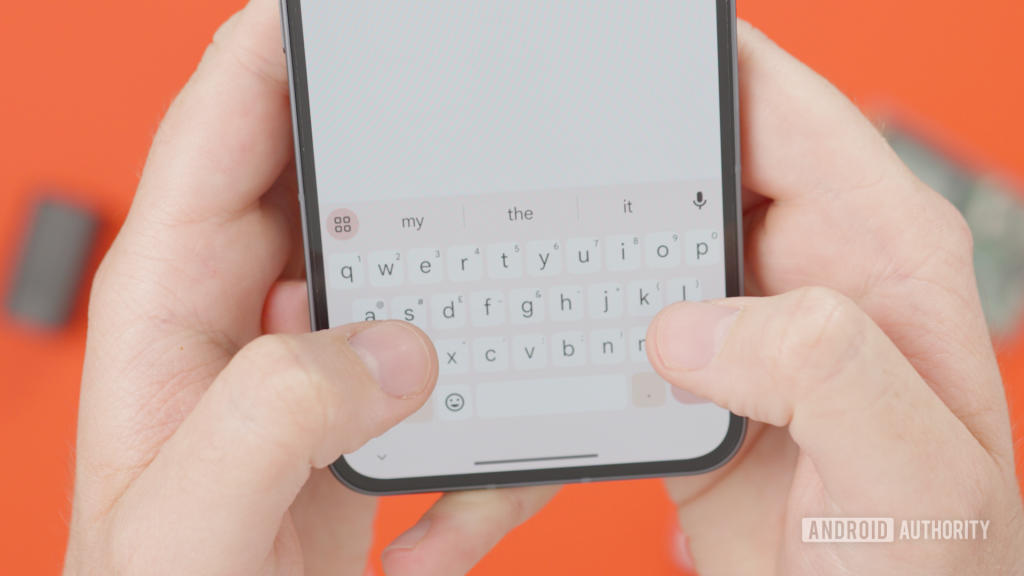
Google’s Gboard Set to Revolutionize Text Editing with New Cursor Mode
In a groundbreaking move that’s set to redefine the way Android users interact with their on-screen keyboards, Google is reportedly gearing up to introduce a revolutionary cursor mode to Gboard. This highly anticipated feature promises to make text editing more intuitive and efficient than ever before, particularly for those who frequently find themselves wrestling with cursor placement on their mobile devices.
The Current State of Gboard’s Cursor Control
Before we dive into the exciting new developments, let’s take a moment to appreciate how far Gboard has come in terms of cursor control. Currently, Gboard offers a glide cursor control feature that allows users to move their cursor from left to right by holding and swiping along the space bar. While this feature has been a significant improvement over traditional tap-and-hold methods, it’s not without its limitations.
The existing glide cursor control is somewhat restrictive, primarily supporting left-to-right movements. Users who need to navigate between lines or paragraphs often find themselves repeatedly swiping until they reach the desired location. This can be particularly cumbersome when dealing with large blocks of text or when trying to make edits near the top of the screen on larger devices.
The Game-Changing Cursor Mode
Enter the new cursor mode – a feature that’s poised to transform the Gboard experience entirely. Discovered in version 16.8.2.867538971-beta-arm64-v8a of the Gboard app, this upcoming functionality essentially turns the entire Gboard keyboard area into a virtual trackpad.
Here’s how it works: By simply holding down the space bar, users will activate a virtual touch area that replaces the digital keys. A virtual cursor will appear, and users can then drag this cursor around the screen to move the text insertion point with unprecedented precision and ease.
Breaking Free from Limitations
What sets this new cursor mode apart from the existing glide cursor control is its unrestricted nature. Users will be able to drag the cursor in any direction, not just left and right. Moreover, the cursor won’t be confined to the Gboard area – it can venture beyond the keyboard’s boundaries, allowing for seamless navigation across the entire text field.
This level of freedom addresses one of the most significant pain points of mobile text editing: the difficulty of moving the cursor to specific locations, especially on larger screens or when dealing with extensive text. Whether you’re trying to correct a typo in the middle of a paragraph or add a crucial detail at the end of a lengthy document, the new cursor mode promises to make these tasks a breeze.
A Boon for Large-Screen Devices and Foldables
The introduction of this cursor mode is particularly exciting for users of large-screen devices and foldable phones. On these devices, reaching the top areas of the screen to place the cursor can often feel like a stretch – literally. With the new cursor mode, users can keep their fingers comfortably on the keyboard while still having the ability to move the cursor anywhere on the screen.
This feature could potentially revolutionize productivity on foldable devices, where the expanded screen real estate often comes with the challenge of reaching all areas of the display comfortably. The cursor mode could bridge this gap, making text editing on these devices as efficient as it is on traditional smartphones or even desktop computers.
The Future of Gboard’s Cursor Control
As of now, it remains unclear whether this new cursor mode will replace the existing glide cursor control feature or simply expand upon it. Google may choose to offer users the flexibility to switch between the two modes based on their preferences or the specific task at hand.
The timeline for the release of this feature is also uncertain. While we’ve seen evidence of its development in the beta version of Gboard, there’s no guarantee that it will make it to a public release. However, given the clear benefits it offers and the demand for more efficient text editing tools on mobile devices, there’s reason to be optimistic about its eventual rollout.
The Bigger Picture: Google’s Commitment to User Experience
This potential addition to Gboard is part of Google’s broader strategy to continually enhance the user experience across its suite of applications. By focusing on improving fundamental aspects of text input and editing, Google is demonstrating its commitment to making mobile productivity as seamless and efficient as possible.
The cursor mode is just one example of how Google is leveraging the unique capabilities of touchscreen devices to create more intuitive and powerful user interfaces. As mobile devices continue to play an increasingly central role in our personal and professional lives, innovations like these will be crucial in bridging the gap between mobile and desktop computing experiences.
Looking Ahead
As we eagerly await more information about the release of this cursor mode, it’s worth considering the potential ripple effects this feature could have across the mobile keyboard landscape. If successful, we might see other keyboard developers rushing to implement similar features, potentially sparking a new wave of innovation in mobile text input and editing.
Moreover, this development raises interesting questions about the future of mobile text editing. Could we see further integration of trackpad-like functionality in other aspects of mobile interfaces? Might we eventually see a convergence of mobile and desktop text editing paradigms?
Only time will tell, but one thing is certain: with innovations like the new cursor mode, the future of mobile text editing looks brighter than ever. As Android users, we can look forward to a future where our on-screen keyboards are not just tools for input, but powerful allies in our quest for mobile productivity and efficiency.
In conclusion, while we await the official rollout of this exciting new feature, one thing is clear – Google’s Gboard is once again pushing the boundaries of what’s possible in mobile text editing. Whether you’re a casual texter, a social media enthusiast, or a mobile professional, the new cursor mode promises to make your Gboard experience smoother, faster, and more intuitive than ever before.
tags
Gboard #Google #AndroidKeyboard #CursorMode #MobileProductivity #TextEditing #VirtualTrackpad #MobileInnovation #GestureControl #FoldablePhones
viral_sentences
“Google’s Gboard is about to change the game with its revolutionary cursor mode!”
“Say goodbye to frustrating cursor placement on your Android device!”
“The future of mobile text editing is here, and it’s incredibly intuitive!”
“Large-screen device users, rejoice! Your text editing woes are over!”
“Gboard’s new cursor mode might just make your physical keyboard jealous!”
“Google proves once again why it’s the king of user experience innovation!”
“This cursor mode could be the productivity boost you never knew you needed!”
“Foldable phone users, get ready for a text editing experience like never before!”
“The line between mobile and desktop text editing is about to get very blurry!”
“Gboard’s virtual trackpad is set to revolutionize how we interact with our keyboards!”
,

Leave a Reply
Want to join the discussion?Feel free to contribute!