
HomePod Software update: How to get latest version (26.3)
HomePod Software 26.3: The Bug-Fix Update You Didn’t Know You Needed!
🚨 APPLE JUST DROPPED HOMEPOD SOFTWARE 26.3 – HERE’S WHY YOU NEED IT NOW! 🚨
Listen up, Apple fans! Your HomePod isn’t just some fancy speaker—it’s a full-blown computer hiding in your living room. And like any computer, it needs regular software updates to keep things running smoothly. Apple just unleashed HomePod Software 26.3, and while it might seem like just another boring bug-fix update, trust me—you’ll want this.
WHAT’S THE DEAL WITH HOMEPOD SOFTWARE?
First things first—did you know your HomePod runs on something called audioOS? Yeah, neither did most people! Internally, Apple calls it that, but publicly it’s just “HomePod Software.” Think of it as Apple TV’s tvOS but supercharged for your smart speaker. Makes sense, right? Both are all about multimedia, Siri magic, and zero cellular drama.
WHY VERSION 26.3 IS A BIG DEAL
Apple’s been tight-lipped about what’s new, but here’s the tea: Version 26.3 is all about performance and stability improvements. No flashy new features, just rock-solid reliability. And honestly? That’s exactly what we need. Nobody wants their HomePod glitching out mid-playlist.
IS YOUR HOMEPOD RUNNING THE LATEST VERSION?
Here’s the kicker—if you’re relying on automatic updates, your HomePod might still be stuck on an older version. Apple takes its sweet time rolling these out, sometimes waiting weeks to push updates to everyone. Don’t wait around—grab that update manually and stay ahead of the game.
HOW TO UPDATE YOUR HOMEPOD (IT’S SUPER EASY)
Ready to get your HomePod up to speed? Follow these steps:
- Open the Home app on your iPhone (you know, that little house icon).
- Tap the Home tab in the bottom-left corner.
- Hit the menu button (three dots) in the top-right corner.
- Select Home Settings from the dropdown.
- Scroll to Software Update and tap it.
If there’s an update available, you’ll see an Update All button. Tap it, and boom—you’re golden. If nothing shows up, try rebooting your HomePod the old-school way: unplug it, wait a few seconds, then plug it back in.
AUTOMATIC UPDATES: PROS AND CONS
By default, your HomePod is set to update automatically. Sounds convenient, right? But here’s the catch—Apple’s rollout schedule is slower than molasses. If you’re the type who likes to stay on the cutting edge, you might want to check for updates manually after every tvOS release.
On the flip side, if you’re happy with how your HomePod performs and don’t want to risk a buggy update, you can turn off automatic updates. Just toggle it off in the same Software Update menu. But fair warning—you’ll miss out on future features if you do this.
THE BOTTOM LINE
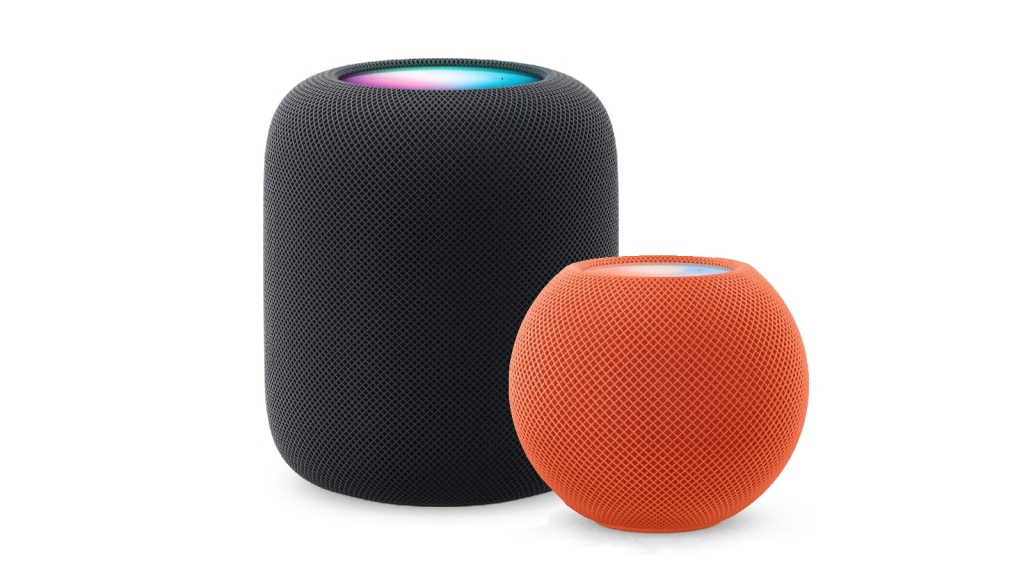
HomePod Software 26.3 might not be the flashiest update, but it’s a must-have for anyone who values a smooth, glitch-free experience. Whether you’re rocking the original HomePod, the HomePod 2, or the pint-sized HomePod mini, this update is for you.
So, what are you waiting for? Go check for that update and keep your HomePod running like a dream. Your future self will thank you.
Tags: HomePod, HomePod Software 26.3, Apple, audioOS, Siri, smart speaker, software update, bug fixes, performance, stability, tvOS, Home app, automatic updates, tech news, Apple ecosystem
Viral Phrases:
- “🚨 APPLE JUST DROPPED HOMEPOD SOFTWARE 26.3 – HERE’S WHY YOU NEED IT NOW! 🚨”
- “Your HomePod isn’t just some fancy speaker—it’s a full-blown computer hiding in your living room.”
- “Apple takes its sweet time rolling these out, sometimes waiting weeks to push updates to everyone.”
- “Grab that update manually and stay ahead of the game.”
- “Reboot your HomePod the old-school way: unplug it, wait a few seconds, then plug it back in.”
- “HomePod Software 26.3 might not be the flashiest update, but it’s a must-have.”
- “Keep your HomePod running like a dream. Your future self will thank you.”
,


Leave a Reply
Want to join the discussion?Feel free to contribute!