
An ARM Homelab Server, or a Minisforum MS-R1 Review – Sour Coffee Labs
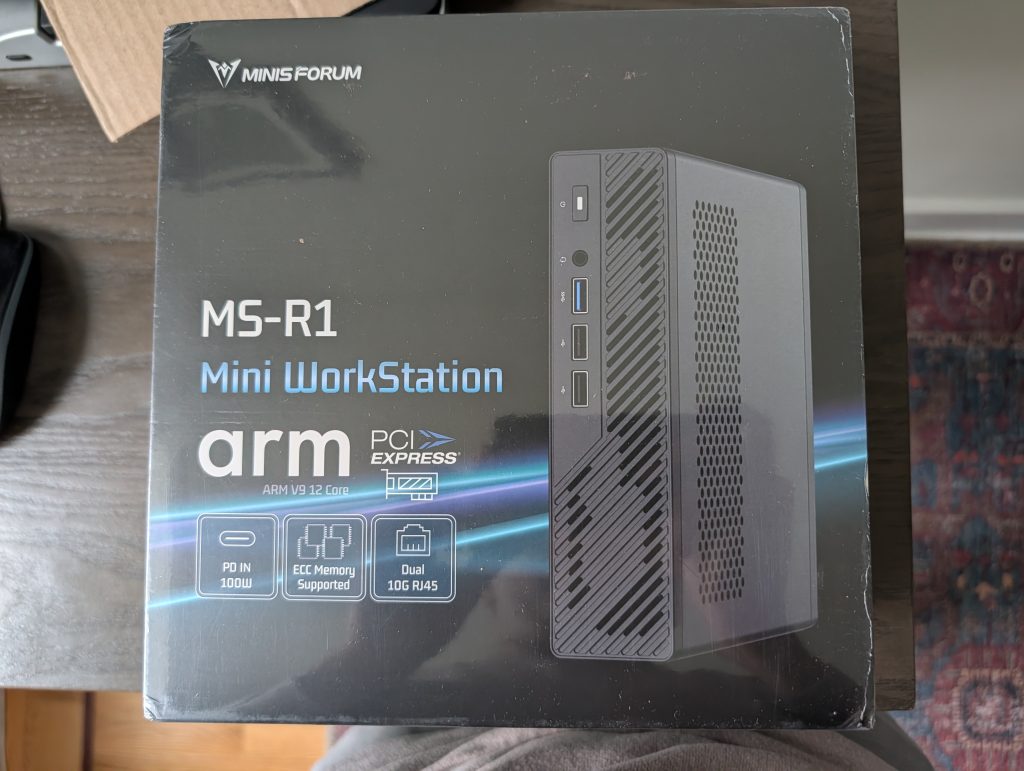
Minisforum MS-R1: My ARM Server Homelab Dream Finally Realized
As a long-time homelab enthusiast, I’ve been chasing the ARM server dream for years. The landscape was bleak—either settle for underpowered ARM boards or shell out for expensive Mac hardware running Asahi, which has seen better days in terms of development momentum. Then Minisforum dropped the MS-R1 Mini PC, and suddenly my homelab had a new star player.
Unboxing and Assembly
The MS-R1 arrived as a barebones system, which meant I needed to bring my own storage. Fortunately, I had a 1TB SSD sitting idle. The unboxing experience was straightforward—a clean, professional package that didn’t waste my time with unnecessary flair.
Inside the box, the compact chassis immediately impressed me. For context, I already had two MS-01s in my homelab that had replaced power-hungry HPE towers, and the MS-R1 promised to deliver that same efficiency upgrade but with ARM architecture.
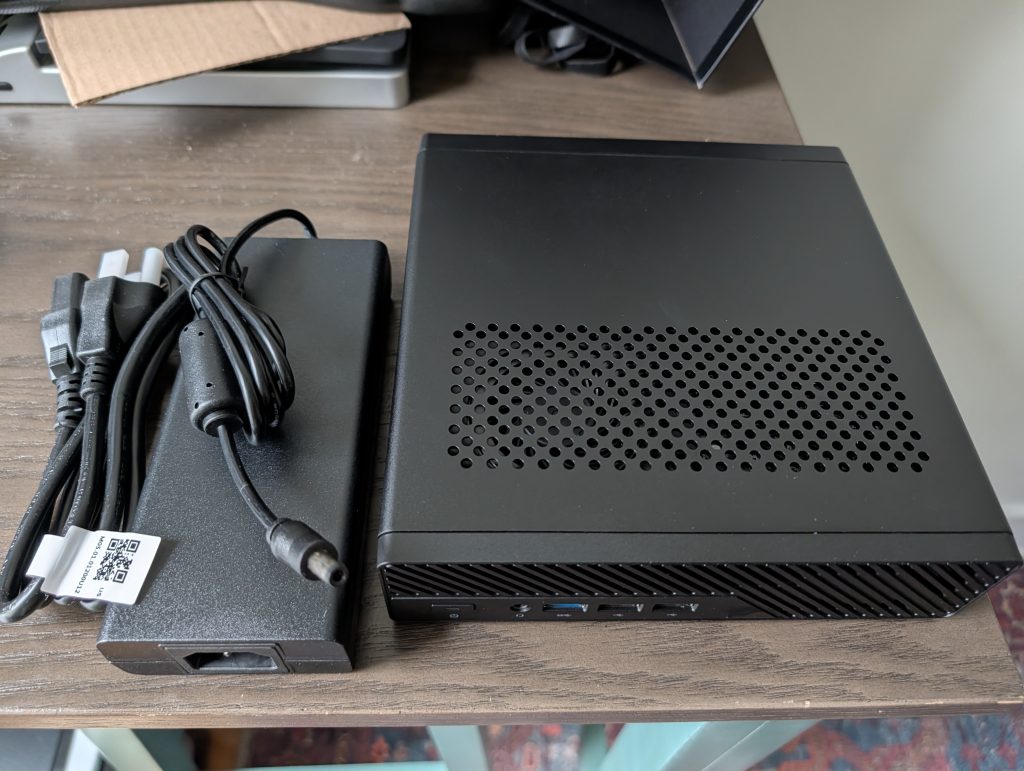
The assembly was refreshingly simple—slot in the SSD, connect power, and you’re ready to boot. No wrestling with proprietary cooling solutions or hunting for obscure mounting brackets.
The Rocky Linux Roadblock
My first attempt was with Rocky Linux, my go-to for server workloads. The installation went smoothly until I hit a wall: the onboard Realtek NICs weren’t detected.
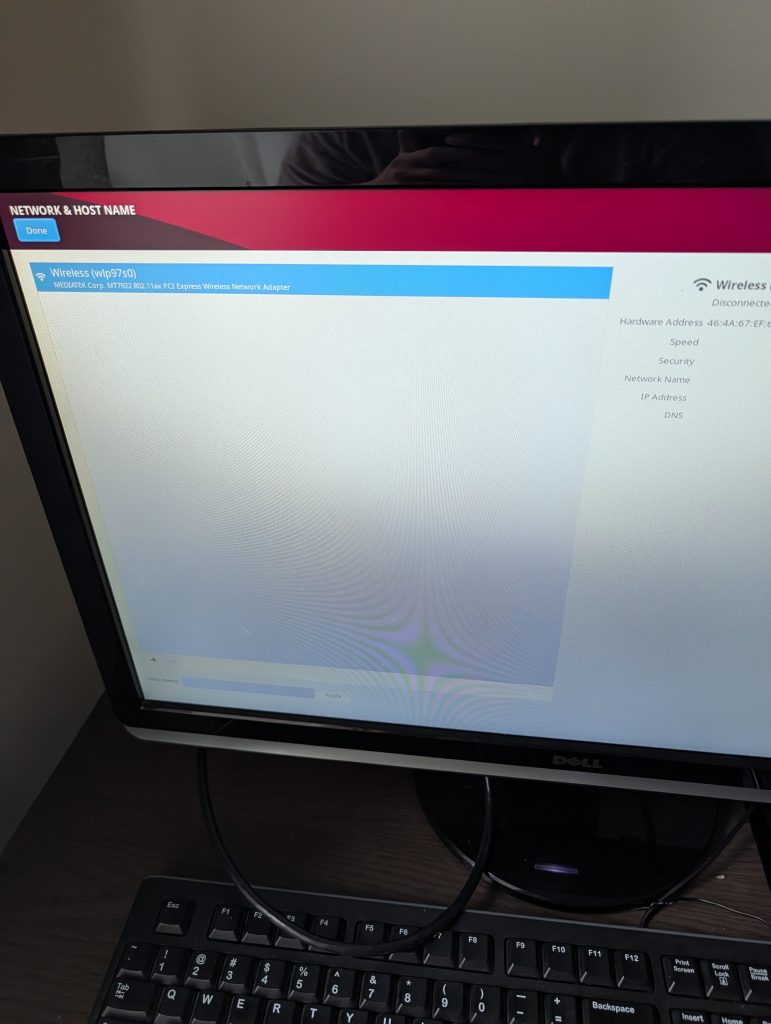
I’m stubborn enough to try sideloading Realtek r8127 drivers, and while they technically worked, maintaining them across kernel updates was a hacky nightmare. This is where the ARM ecosystem still shows its growing pains—hardware support isn’t quite as seamless as x86.
Fedora to the Rescue
Fedora became my compromise choice. I know, I know—Fedora isn’t traditionally server-grade, but hear me out. The Realtek 8127 driver support landed in Fedora 43 but won’t make it to RHEL 10 due to freeze timelines. Sometimes you have to choose between ideological purity and getting things working.
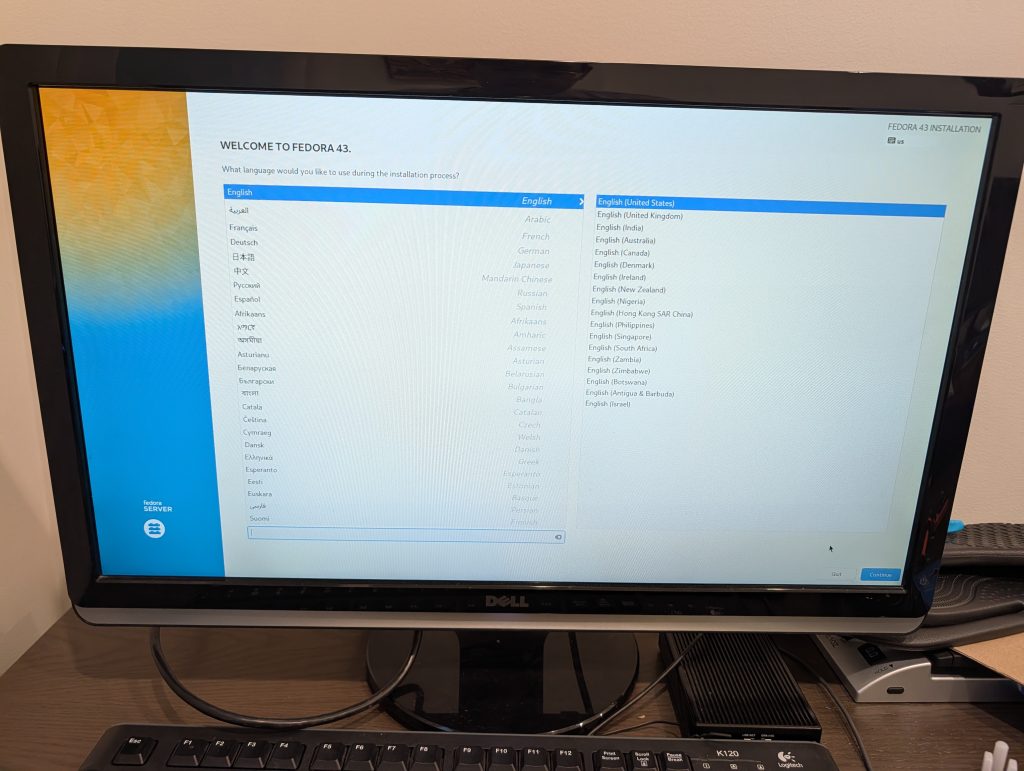
Fedora 43 detected everything out of the box, NICs included. Mission accomplished.
My Homelab Setup
Here’s the current lineup:
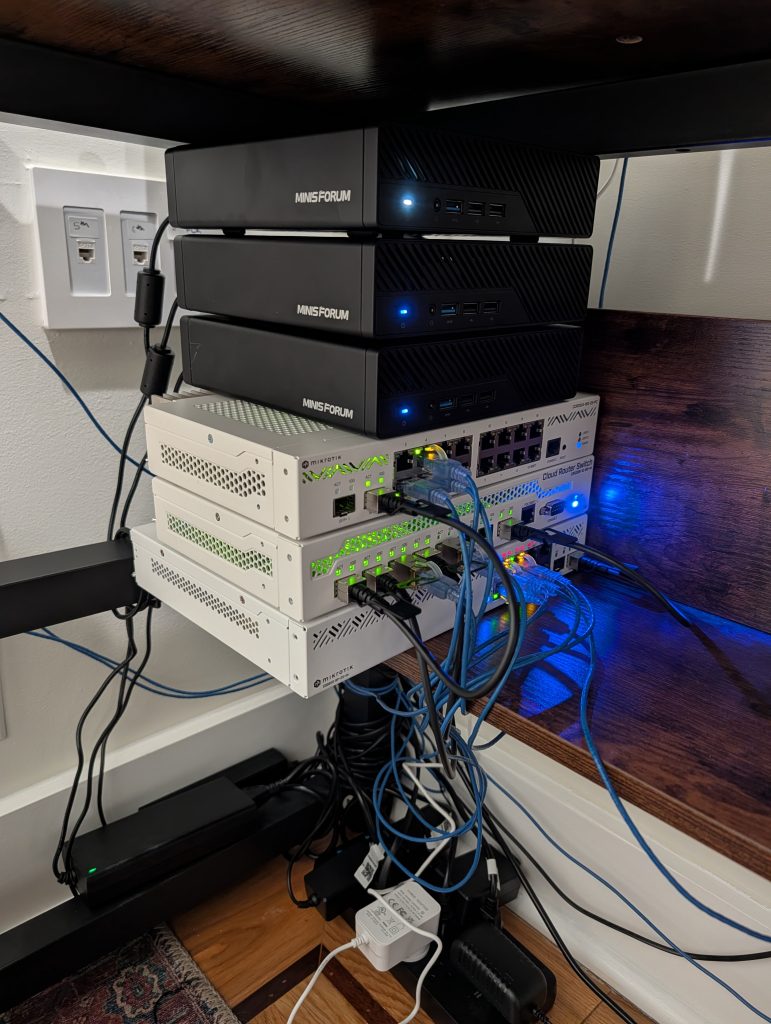
From top to bottom: MS-R1, two MS-01s, MikroTik CCR2004-16G-2S+PC, CRS309-1G-8S+IN, and CSS610-8P-2S+IN. The MS-R1 sits proudly at the top, finally giving me that ARM presence I’ve been craving.
What I Love About the MS-R1
The value proposition is undeniable. We’re talking ARM performance that doesn’t require a second mortgage. The MS-R1 delivers enough horsepower for most homelab workloads while sipping power compared to x86 alternatives.
The hardware support story is surprisingly good, thanks to UEFI and ACPI. I can run FreeBSD VMs, Linux distributions, and theoretically even Windows via UTM on ARM. The fact that even Huawei ARM laptops in China can run Windows VMs despite US sanctions speaks volumes about how far ARM virtualization has come.
Performance-wise, it’s not breaking any records, but it’s plenty fast for what I need. I’m running my secondary Samba domain controller in a FreeBSD 15.0 VM without breaking a sweat.
The Rough Edges
Let’s be real—this isn’t a perfect device. The M.2 situation is confusing. There are two slots, but one is permanently occupied by Wi-Fi, and even if you remove it, you can’t use it for a second M.2 SSD—only U.2. Coming from the MS-01 and A2 with their multiple M.2 options, this feels like a step back.
The Marvell AQC107 NICs were completely invisible to the UEFI. I couldn’t get them to work at all, which was disappointing given the marketing materials.
And that “power on after outage” feature? Yeah, it didn’t actually work when I tested it. Small thing, but annoying when you’re trying to build a resilient setup.
Why Not Debian or Ubuntu?
I know Minisforum recommends their Debian image, and I respect Debian’s place in the ecosystem. They’re community-owned, have excellent upgrade paths, and do many things right. But Debian-based distributions just aren’t my cup of tea.
I ran Debian for 2.5 months once before spending nearly a decade on FreeBSD. It’s not that Debian is bad—it’s that it’s not for me. I need Rocky or Fedora energy, not Debian energy.
The Bigger Picture
The ARM server ecosystem is still finding its footing. Compared to x86, it’s like the Wild West—exciting but occasionally frustrating. I daily drive an HP OmniBook Ultra instead of a faster M3 Pro MacBook Pro specifically because of Linux, and let’s not even talk about Asahi’s development delays.
The MS-R1 isn’t replacing my MS-01s anytime soon. There’s still too much x86 software in my life, and vPro features are genuinely useful. But as an addition to my homelab? Absolutely worth it.
Final Thoughts
At $559 during a RAM shortage (MSRP is $599), the MS-R1 represents incredible value for what it is: an accessible ARM server that actually works for real workloads. The early adopter pain points are real, but they’re manageable if you’re comfortable with Linux and don’t mind occasional tinkering.
I don’t regret the purchase at all. My FreeBSD VM is humming along nicely, the power consumption is fantastic, and I finally have that ARM server presence in my homelab that I’ve been dreaming about for years.
The ARM future is coming, and devices like the MS-R1 are paving the way—imperfections and all.
ARM server revolution
Minisforum MS-R1 review
Homelab ARM setup
Fedora on ARM
Linux server build
Bare metal ARM performance
UEFI ARM support
Realtek NIC drivers
Power-efficient computing
x86 vs ARM comparison
Virtual machine hosting
Network interface detection
Hardware compatibility issues
Server hardware value
DIY homelab project
Open source server OS
System assembly guide
Network boot problems
Driver installation challenges
Energy-efficient servers
Alternative architecture computing
Small form factor servers
Linux distribution choice
Hardware upgrade limitations
Server virtualization setup
Community-driven development
Performance benchmarking
Storage configuration options
Power management features
System integration challenges
Cost-effective computing solutions
Next-gen server technology
Hardware support maturity
Operating system compatibility
Server deployment experience
Technical troubleshooting
Hardware selection criteria
System configuration tips
Performance optimization
Hardware limitations
Software compatibility
Server maintenance
Technology adoption journey
Computing ecosystem evolution
Hardware innovation impact
System reliability concerns
User experience feedback
Technology investment decisions
Hardware ecosystem maturity
Performance expectations
System capabilities assessment
Technology adoption barriers
,


Leave a Reply
Want to join the discussion?Feel free to contribute!