
Google is improving earthquake alerts on Wear OS watches
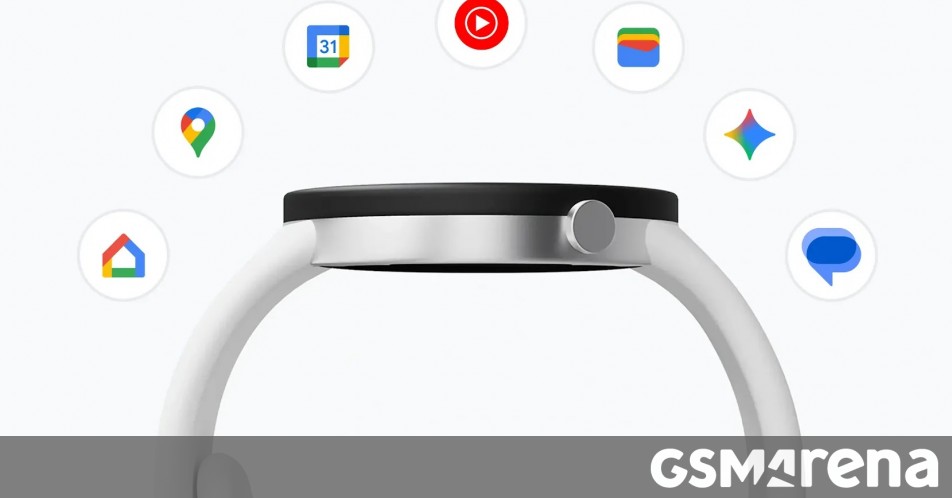
Google has just rolled out a major upgrade to earthquake alerts on Wear OS, and it’s a game-changer for smartwatch users who want to stay safe during seismic events. According to the latest release notes for Google Play Services, your Wear OS device can now send earthquake alerts even when it’s not connected to your smartphone. This is a huge leap forward in ensuring that you’re always in the loop, no matter where you are or what device you’re using.
For those who might not be familiar, Google first introduced the Android Earthquake Alerts System to Wear OS last year. At the time, the feature was essentially a mirror of the alerts you’d receive on your phone. So, if your phone detected an earthquake and sent you a notification, your watch would do the same—but only if it was connected to your phone. This meant that if you were out for a run, left your phone at home, or were in an area with poor connectivity, you could miss out on critical alerts.
Now, Google is changing the game. With this update, your Wear OS watch can independently notify you about earthquakes, even if your phone is nowhere in sight. This is a significant improvement, especially for those who rely on their smartwatches for real-time updates. However, there’s a catch: your watch will likely need standalone internet connectivity to make this work. In other words, this feature is most likely to benefit users with cellular-enabled Wear OS devices, such as the Apple Watch Series 8 or the Samsung Galaxy Watch 5.
So, how does this system work? The Earthquake Alerts System uses aggregated sensor data from millions of Android devices to detect earthquakes. Here’s the science behind it: when your phone’s accelerometer detects a vibration that could indicate an earthquake, it sends that data, along with a general location, to Google’s servers. When the servers receive a large number of such communications from nearby areas, they create an alert. This crowdsourced approach allows Google to detect earthquakes quickly and accurately, even in regions where traditional seismometers might be sparse.
But here’s the million-dollar question: will Google start using sensor data from Wear OS watches as well? As of now, it’s unclear. While the update allows watches to receive alerts independently, there’s no word on whether Google plans to incorporate data from Wear OS devices into its earthquake detection system. If they do, it could further enhance the accuracy and speed of alerts, especially in areas with high Wear OS adoption.
This update is a testament to Google’s commitment to leveraging technology for public safety. Earthquakes can strike without warning, and every second counts when it comes to taking protective action. By ensuring that Wear OS users can receive alerts even when they’re away from their phones, Google is making it easier for people to stay informed and stay safe.
For those who own a cellular-enabled Wear OS device, this update is a must-have. It’s not just about convenience—it’s about peace of mind. Whether you’re hiking in the mountains, swimming at the beach, or simply running errands without your phone, you can rest assured that your watch has your back.
In conclusion, Google’s latest update to Wear OS earthquake alerts is a significant step forward in disaster preparedness. It’s a reminder of how technology can be harnessed to protect and empower us in times of need. So, if you haven’t already, make sure your Wear OS device is updated to the latest version of Google Play Services. After all, when it comes to earthquakes, it’s better to be safe than sorry.
#WearOS #EarthquakeAlerts #GooglePlayServices #SmartwatchSafety #TechUpdate #Android #SeismicAlerts #WearableTech #PublicSafety #Innovation #Google #DisasterPreparedness #TechNews #MobileTech #SmartDevices #EarthquakeSafety #WearableTechnology #TechAdvancements #AndroidUpdates #SafetyFirst #TechForGood #WearableAlerts #EarthquakeDetection #SmartWatches #TechInnovation #GoogleUpdates #WearOSUpdate #EarthquakePreparedness #TechTrends #SmartTech,

Leave a Reply
Want to join the discussion?Feel free to contribute!