
10 Hacks Every Oura Ring User Should Know
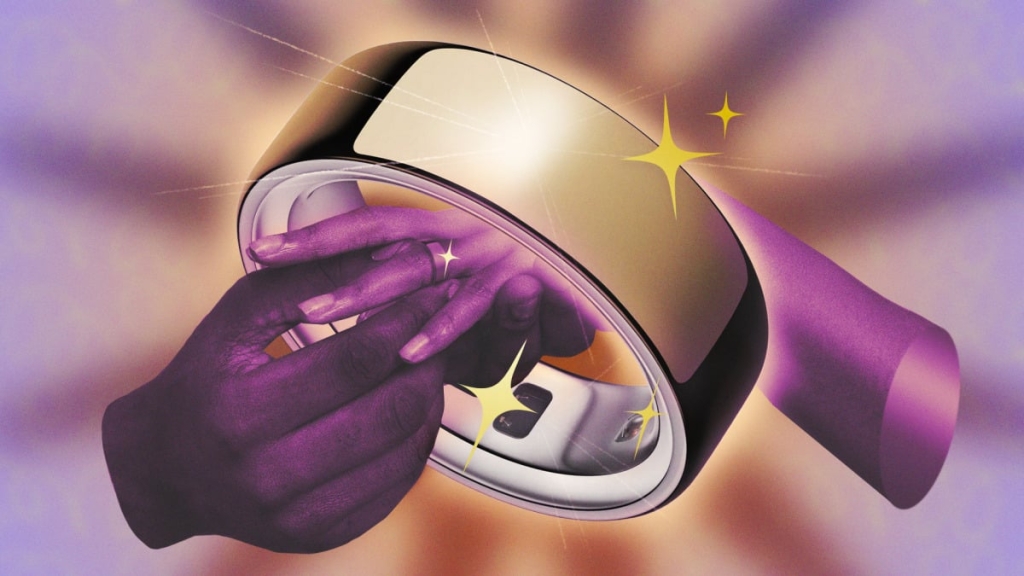
Oura Ring 4: The Ultimate Guide to Hidden Features and Hacks
The Oura Ring 4 has become a staple for health enthusiasts, offering unparalleled insights into sleep, recovery, and overall wellness. After nearly five years of using the device, I’ve uncovered some of its most overlooked features—and one you should probably turn off. Whether you’re a seasoned Oura user or considering the upgrade, these tips will help you maximize your experience.
1. Turn Off Blood Oxygen Sensing to Save Battery
The Oura Ring 4’s blood oxygen sensing feature is a game-changer for those with specific health concerns, but for most users, it’s an unnecessary battery drain. By disabling this feature in the settings, you can extend your battery life by an extra day or two. Simply navigate to the hamburger menu, select Blood Oxygen Sensing, and toggle it off. You’ll lose metrics like “average blood oxygen” and “breathing regularity,” but the trade-off is worth it for most users.
2. Sync Workouts to Avoid Manual Logging
Let’s face it: the Oura Ring 4 isn’t the best workout tracker. It struggles with precision during activities like running or weightlifting. However, it shines as a companion to other fitness apps. If you use Apple Fitness, Strava, or any other workout tracker, sync them with Oura to automatically log your activities. Go to Settings, then Apple Health (iPhone) or Health Connect (Android), and enable the integrations. This ensures your workouts appear seamlessly in your Oura timeline.
3. Tag Auto-Detected Workouts (and Laugh at the Results)
Oura’s auto-detection feature can sometimes mislabel activities. I’ve seen hair brushing and yarn winding tagged as exercise! While it’s amusing, it’s also important to correct these tags. Oura learns from your input, so make sure to label activities accurately. For example, if you went for a walk, tag it as such. If an activity is clearly mislabeled, you can dismiss it entirely.
4. Consider the Charging Case for Convenience
The Oura Ring 4 only needs charging once or twice a week, but finding a consistent routine can be tricky. I’ve found that charging it during gym sessions works perfectly, but others prefer charging while showering. For optimal battery health, aim to keep the battery between 25% and 80% most of the time. The charging case is a convenient option, though it costs an extra $99. If you’re serious about your Oura Ring, it’s a worthwhile investment.
5. Use Trends to Track Long-Term Progress
One of Oura’s best-hidden features is Trends, accessible from the hamburger menu. This tool allows you to see how various metrics have changed over weeks or months. For example, I’ve noticed my resting heart rate improving over the past 8 weeks, returning to my baseline after a period of elevated levels. You can also correlate lifestyle factors like vitamin intake or sleep quality with your readiness, sleep, or activity scores.
6. Log Meals Without Tracking Calories
Oura’s meal tracking feature is a great way to monitor your eating habits without the hassle of calorie counting. Simply log your meals (you can even snap a picture of your plate), and Oura will provide feedback on their healthiness and consistency. If you prefer to avoid calories altogether, you can opt out in the settings.
7. Adjust Your Activity Goal
Oura sets daily activity goals based on calories, but you can customize this to suit your preferences. Go to the Activity screen, select Edit activity goal, and choose between calories or steps. If you want to avoid seeing calories anywhere in the app, toggle the Calorie opt-out option in the settings.
8. Use Rest Mode for Travel, Illness, or Recovery
Rest Mode is designed for when you’re sick or recovering from an injury, but it’s also useful for other situations. I’ve seen users activate it during their menstrual cycle or while traveling to avoid being nagged about activity goals. Rest Mode pauses your goals and stops giving you readiness scores, making it perfect for times when you need a break.
9. Explore Labs for New Features and Studies
The Labs section in the hamburger menu is where Oura tests new features and studies. Right now, they’re running a blood pressure profile study, which could lead to future blood pressure estimates in the app. Labs is a great way to get a sneak peek at upcoming features and contribute to research.
10. Download Your Data from the Cloud
Did you know you can download all your Oura data, even without an active subscription? Visit cloud.ouraring.com to access a web dashboard where you can view long-term trends and compare variables. For a more detailed analysis, go to the membership hub and request a CSV export of your data. This is a goldmine for data enthusiasts!
Tags & Viral Phrases:
-
OuraRing4
-
HealthTech
-
SleepTracking
-
FitnessGoals
-
WellnessJourney
-
Biohacking
-
DataDrivenHealth
-
TechHacks
-
SmartRing
-
RecoveryMode
-
TrendsAnalysis
-
MealTracking
-
RestMode
-
LabsBeta
-
DataExport
-
BatteryLifeHack
-
WorkoutSync
-
AutoDetection
-
ChargingCase
-
CalorieOptOut
-
BloodOxygenSensing
-
LongTermTrends
-
HealthInsights
-
TechTips
-
WellnessTech
-
SmartHealth
-
OuraHacks
-
TechInnovation
-
HealthOptimization
-
SleepOptimization
-
FitnessTracking
-
DataExport
-
HealthData
-
TechSavvy
-
WellnessGoals
-
RecoveryTips
-
HealthMonitoring
-
TechTrends
-
WellnessJourney
-
HealthHacks
-
TechLife
-
SmartLiving
-
HealthTechRevolution
-
OuraCommunity
-
TechEnthusiasts
-
WellnessWarriors
-
HealthOptimization
-
TechInnovation
-
SmartHealthTech
-
WellnessTechTrends
-
HealthDataInsights
-
TechForWellness
-
SmartRingTech
-
HealthTechRevolution
-
WellnessTechInnovation
-
HealthOptimizationTips
-
TechForHealth
-
SmartHealthJourney
-
WellnessTechHacks
-
HealthTechTrends
-
TechWellness
-
SmartHealthSolutions
-
WellnessTechRevolution
-
HealthTechInsights
-
TechForWellnessJourney
-
SmartHealthTechTrends
-
WellnessTechInnovationTips
-
HealthTechOptimization
-
TechForHealthOptimization
-
SmartHealthTechHacks
-
WellnessTechRevolutionTips
-
HealthTechTrends2023
-
TechForWellness2023
-
SmartHealthTech2023
-
WellnessTechInnovation2023
-
HealthTechOptimization2023
-
TechForHealth2023
-
SmartHealthJourney2023
-
WellnessTechHacks2023
-
HealthTechTrends2024
-
TechForWellness2024
-
SmartHealthTech2024
-
WellnessTechInnovation2024
-
HealthTechOptimization2024
-
TechForHealth2024
-
SmartHealthJourney2024
-
WellnessTechHacks2024
This guide is packed with actionable tips to help you get the most out of your Oura Ring 4. Whether you’re optimizing battery life, syncing workouts, or exploring new features, these hacks will elevate your health and wellness journey. Happy tracking!
,

Leave a Reply
Want to join the discussion?Feel free to contribute!