
How to Run Ethernet Cables to Your Router and Keep Them Tidy
How to Run Ethernet Cables to Your Router and Keep Them Tidy
Running Ethernet cables around your home can seem daunting, but with the right tools and techniques, you can achieve a professional-looking setup that keeps your network running smoothly. Whether you’re setting up a home office, gaming room, or just want reliable internet throughout your house, this guide will walk you through everything you need to know about running Ethernet cables.
Getting Started: What You’ll Need
Before diving into the installation process, let’s cover the essential tools and materials you’ll need:
- Ethernet cables (Cat5e, Cat6, or Cat6a depending on your needs)
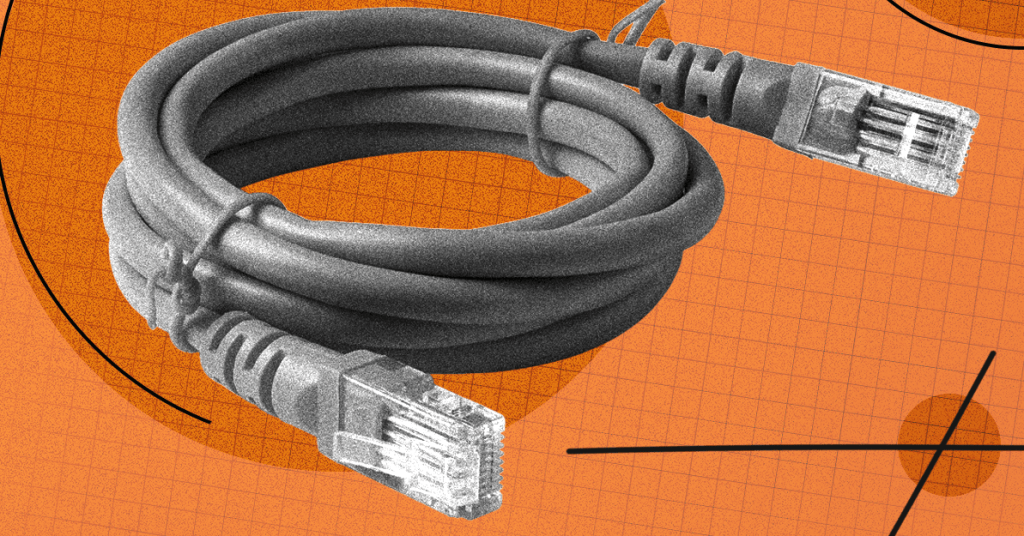
- Cable ties for bundling and organizing cables
- Cable clips for securing cables along walls
- Cable sleeves for a clean, professional look
- Labels to identify different cables
- Cable raceways or trunking for hiding cables
- Fish tape or fiberglass rods for running cables through walls
- Drill and appropriate bits
- Stud finder
- Measuring tape
- Scissors or cable cutters
Cable Management 101
Bundle Your Cables
One of the first steps in creating a tidy Ethernet setup is to bundle your cables together. This not only looks better but also makes it easier to manage and troubleshoot your network later.
Cable ties are your best friend here. You probably have some lying around, but you can buy a pack of 60 reusable ones for just $7 on Amazon. These are perfect for keeping multiple cables bound together and making them easier to manage.
Use Cable Sleeves
For an even cleaner look, consider using cable sleeves. These provide a mesh cover for bundles of cables, making it easy to remove or add cables as needed. They’re especially useful when you have multiple cables running in the same direction.
The Alex Tech 10-Foot Cable Sleeve is a great option at just $9 on Amazon. It allows you to bundle several cables together while still being able to access individual cables when needed.
Label Everything
If you have more than one cable, make sure you label them. This can save you a lot of trouble later. Picking a different color for your Ethernet cables (or at least not black, white, or gray) can help you immediately tell them apart from other cable types. This is especially handy if you’re installing them behind walls or under floors.
How to Hide Ethernet Cables
There are several ways to hide Ethernet cables, and some are much tougher and more invasive than others.
Along Baseboards
Running an Ethernet cable along your baseboard or skirting board can be reasonably neat and easy to do. Depending on your baseboard style, there might be a suitable channel or recess, and you can use cable clips with nails or adhesive.
The tricky part is dealing with doors and transitions between rooms. If you’re lucky, there might be enough of a gap under your door, though it can be neater and safer to drill a hole through the wall to get the cable from one room to the next.
Under Carpets
Probably the easiest way to hide cables is to stick them under your carpets. It’s best to stay tight to the baseboards to minimize the risk of anyone standing on the cable. If you have carpet grippers around the edges, you may be able to run cables on either side of them to keep them neatly out of the way.
Just make sure to avoid high-traffic areas, and if you do have to run a cable across a doorway, get a proper cable protector like the D-Line 6-Foot Floor Cord Cover for $20 on Amazon.
Using Cable Raceways
If you don’t want visible cables but can’t go into or under the wall, cable raceways or trunking could be the answer. You can get kits with various lengths of trunking with angled turns to run your cable.
The best trunking can also be painted to match your baseboard or walls, which really helps it blend in. The D-Line Mini Cable Trunking 4-Meter Pack for $30 on Amazon is an excellent option that includes everything you need to create clean cable runs.
Crown Molding
Maybe your cable run could be an excuse to upgrade your rooms with some crown molding or coving. Crown molding that runs around the top of a room, where the wall meets the ceiling, is easy to fit and can add a decorative flourish while hiding paintwork. It can also contain a channel with an Ethernet cable inside, though you’ll still need a neat solution to run the cable in and out.
Behind the Wall or Under the Floor
For the neatest finish, you can’t beat running cable behind your wall or under the floor, but this is also the most difficult way to do it. You need various tools, and it can be a messy job, with potential risks including electrical cables and water pipes.
If you’re up for the challenge and your home is suitable, here are a few things that can help you do a good job:
Boeray Fiberglass Flexible Snake Rods ($19 on Amazon): These extendable, flexible rods make it easier to run cables from spot A to spot B with limited access.
Safety First
Before you start cutting into walls or floors, make sure you:
- Turn off power to the area where you’ll be working
- Use a stud finder to locate electrical wires and plumbing
- Check local building codes for any restrictions
- Consider hiring a professional if you’re unsure about any step
Testing and Troubleshooting
Once you’ve installed your Ethernet cables, it’s important to test them to ensure they’re working correctly. You can use a network cable tester to verify that each wire is properly connected and that there are no breaks in the cable.
Common issues to watch out for include:
- Kinked or bent cables that can damage the internal wiring
- Overly tight cable ties that can crush the cable
- Interference from electrical cables (keep Ethernet cables at least 12 inches away from electrical wiring)
- Improper termination at the connectors
Final Thoughts
Running Ethernet cables around your home might seem intimidating at first, but with the right approach and tools, you can create a clean, professional-looking network setup. Whether you choose to run cables along baseboards, hide them under carpets, or go all-in with in-wall installation, the key is to plan your route carefully and take your time with the installation.
Remember that while Wi-Fi is convenient, nothing beats the reliability and speed of a wired Ethernet connection. With a little effort upfront, you can enjoy fast, stable internet throughout your home for years to come.
Tags: Ethernet cables, cable management, home networking, wired internet, network installation, cable hiding, DIY networking, Cat6 cables, cable organization, home office setup
Viral Phrases: “Say goodbye to Wi-Fi dead zones forever,” “The secret to ultra-fast home internet,” “Transform your home network in just one weekend,” “Why everyone’s switching back to wired connections,” “The cable management hack that changed everything,” “How to make your internet 10x faster without upgrading your plan,” “The professional secret to perfect cable runs,” “Why your gaming setup needs this one upgrade,” “The hidden danger in your home network,” “How I doubled my internet speed with this simple trick”
,


Leave a Reply
Want to join the discussion?Feel free to contribute!