
7 surprisingly useful ways to use ChatGPT’s voice mode, from a former skeptic
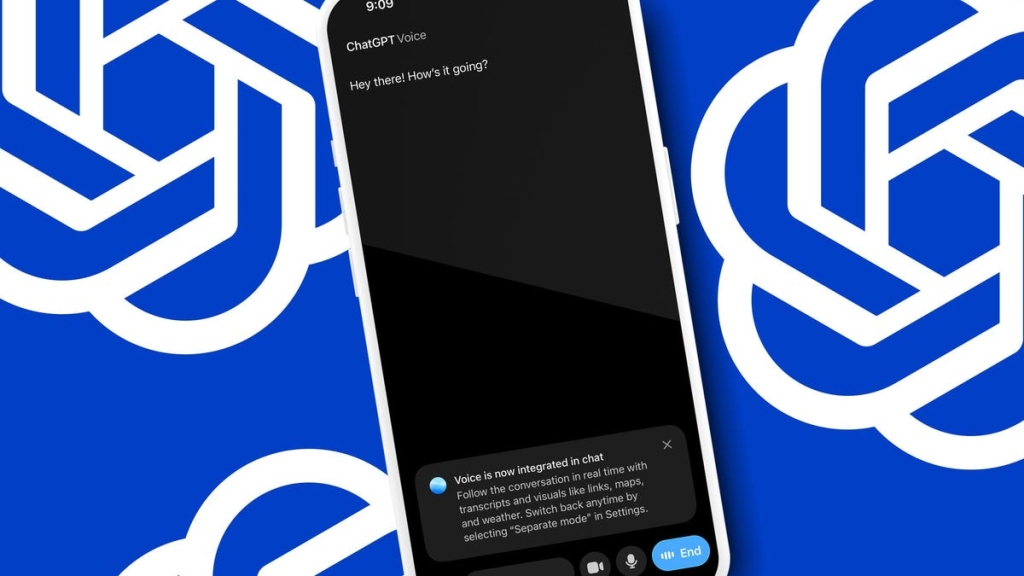
Voice Mode vs. Typing: The New ChatGPT Experience
If you haven’t tried ChatGPT’s Voice Mode lately, you’re missing out on a surprisingly powerful productivity tool. I recently revisited it after a disappointing first experience, and I’m now convinced it’s a game-changer for certain workflows.
The Conversational Difference
Using Voice Mode feels fundamentally different than typing. There’s something about the back-and-forth dialogue that creates a more collaborative atmosphere. When I was brainstorming ideas for this article, my verbal prompts became more expansive and exploratory compared to my typically concise typed queries.
The AI’s tone of voice adds another layer of engagement. Instead of just reading text responses, you get inflection and pacing that makes the interaction feel more like working with a colleague than querying a machine.
Seven Productivity Use Cases That Actually Work
1. Real-Time Translation While Traveling
Your phone becomes a universal translator. Speak in English, get instant translation in the target language, and have it translate responses back to English. It’s not perfect (Klingon worked, Shyriiwook didn’t), but it’s genuinely useful for travel.
2. Organizing Your Thoughts Through Verbal Processing
Sometimes you just need to talk things out. Voice Mode lets you ramble for 60 seconds about what’s stressing you, then summarizes and provides actionable next steps. It’s like having a personal organizational coach.
3. Brainstorming Partner On Demand
Need to explore new ideas rather than just organize existing ones? Voice Mode excels at triggering new thoughts and analysis. Use prompts like “Can you talk me through this?” to unlock creative thinking.
4. Interview and Meeting Preparation
Practice answering questions verbally and get immediate feedback. The interactive nature is much different than writing out answers—you get to experience the rhythm and flow of actual conversation.
5. Hands-Free Task Management
Cooking, commuting, or cleaning? Keep Voice Mode running in the background while you handle other tasks. I built a complete shopping list while checking our fridge and freezer, with the AI keeping track of quantities needed.
6. Copy Editing for Messages
Dictate a message in brainstorming mode, then ask ChatGPT to clean it up for you. It’s perfect for those times when you know what you want to say but struggle with the exact wording.
7. Real-Time Image Analysis
Available to paid tiers, this feature lets you upload screenshots or photos and discuss them in real-time. I found it particularly helpful for filling out forms—screenshot the form, keep Voice Mode running in another tab, and get guided assistance.
The Exercise Buddy Bonus
Here’s something OpenAI didn’t mention: Voice Mode makes an excellent workout companion. It can track your reps, remind you what’s next, and provide encouragement (even if you’re like me and typically resist AI pep talks).
The Usage Limit Reality Check
Here’s where things get tricky. I’m on the $20/month ChatGPT Plus plan and hit usage limits after about 30 minutes of continuous conversation. The message I received wasn’t particularly helpful about what those limits actually are.
According to OpenAI’s documentation, Plus users start with GPT-4o but get downgraded to GPT-4o mini after using up their “GPT-4o minutes.” But what constitutes a minute? How many do you get? The FAQ is outdated and doesn’t provide clear answers.
My Voice Mode Workflow
What I’ve found most valuable is using Voice Mode for initial brainstorming and organization, then switching to typing for precision work. The conversational fluidity of voice is great for exploring ideas, but typing still wins for exact specifications.
The ability to have transcripts of voice conversations is also incredibly useful—you can go back, extract key points, and paste them into other documents or emails.
The Bottom Line
Voice Mode isn’t replacing typing for me, but it’s become an essential tool in my productivity arsenal. It shines in scenarios where conversational exploration and real-time feedback matter more than absolute precision.
Have you tried Voice Mode for productivity? What tasks have you found it most useful for? And have you hit those mysterious usage limits too?
Tags
ChatGPT Voice Mode, productivity AI, voice assistant, real-time translation, interview prep, hands-free computing, AI exercise buddy, ChatGPT limits, GPT-4o vs GPT-4o mini, conversational AI, brainstorming tool, image analysis AI
Viral Phrases
“ChatGPT just became my universal translator”
“The AI that talks back (and it’s actually useful)”
“I hit the ChatGPT voice wall after 30 minutes”
“Voice Mode feels like collaborating with a colleague, not querying a machine”
“My phone is now a Star Trek universal translator”
“The hands-free shopping list that actually works”
“ChatGPT as your personal brainstorming partner”
“When AI encouragement actually helps during workouts”
“The mysterious ChatGPT usage limits no one understands”
“Voice Mode: where conversational fluidity beats typing precision”
,


Leave a Reply
Want to join the discussion?Feel free to contribute!