
I Turned Off My iPhone’s AI Button Last Year and Never Looked Back. You Should, Too
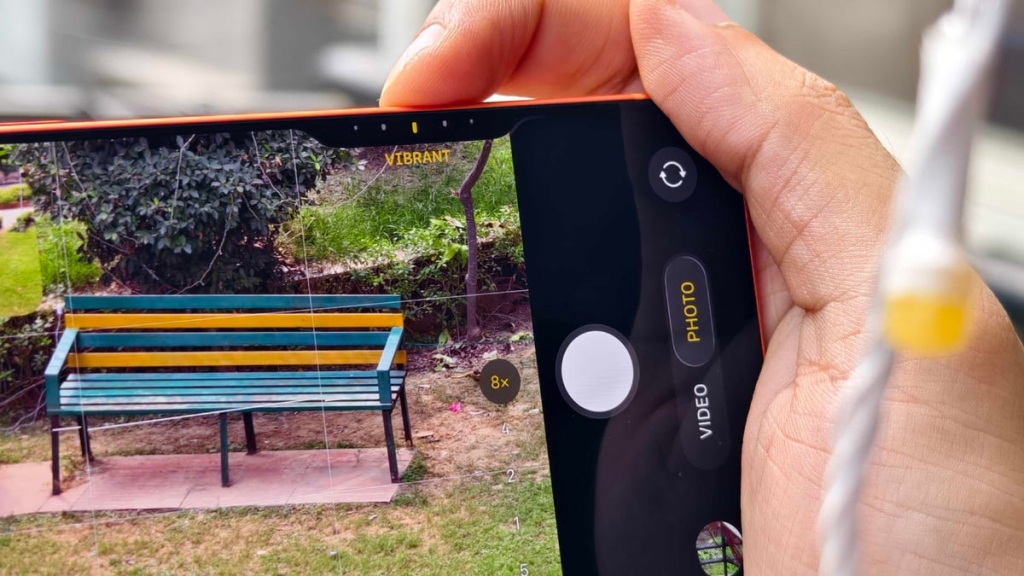
I Killed the iPhone 16’s Most Annoying Feature — And You Should Too
After months of frustration with my iPhone 16, I finally pulled the plug on one of Apple’s most misguided “innovations” — and it’s transformed my entire experience with the device.
When I upgraded to the iPhone 16, I was excited about the new features. But coming from an older model, I was immediately confronted with two new buttons that Apple had added: the action button and the camera control button. While the action button has proven useful and stays out of the way, the camera control button has been nothing short of a nightmare.
The camera control button is Apple’s most visible commitment to artificial intelligence yet. It’s the physical gateway to Visual Intelligence, Apple’s AI-powered feature that lets you scan objects in the real world to get information about them. It sounds impressive in theory, but in practice, it’s been a constant source of irritation.
Here’s the problem: the button is incredibly easy to trigger accidentally. It’s positioned on the lower right side of the device, roughly the same size as the power button, and requires almost no pressure to activate. I’ve opened my camera while simply putting my phone in my pocket, while driving with navigation apps open, and once I even left it running overnight, completely draining my battery.
But the irony is even more frustrating — when I actually want to use the camera control button intentionally, it often takes multiple attempts to get it to work properly. It’s the worst of both worlds: hypersensitive when you don’t need it, and unresponsive when you do.
The result? My camera roll is filled with dozens of completely useless, blurry images that I couldn’t even identify if I tried. These accidental photos serve no purpose whatsoever, yet they clutter my storage and make finding actual photos more difficult.
What makes this particularly galling is that there are already three other ways to quickly access the iPhone’s camera from the lock screen, all of which work reliably and take seconds to use. The camera control button feels like a solution in search of a problem — a very expensive, very unreliable solution that exists primarily to push Apple’s AI agenda.
As someone who covers AI professionally, I see this as a troubling trend across the entire tech industry. Companies are so desperate to appear cutting-edge and AI-forward that they’re sacrificing user experience for the sake of marketing buzzwords. Google bombards users with Gemini pop-ups in every app. Microsoft added a dedicated Copilot button to Windows laptops. And Apple created this camera control button that most people will never use intentionally.
The difference is that Apple, at least, provides an opt-out option. And that’s exactly what I did — and you should too.
Here’s how to disable the camera control button:
- Open your iPhone’s Settings app
- Scroll down and select “Camera”
- Tap on “Camera Control”
- Select “Accessibility”
- Toggle off “Camera Control”
If you’re also experiencing the hyper-sensitivity issue, you can adjust the trigger sensitivity in the same menu under “Light-press force.” You can set how many taps and how much pressure are needed to activate the button.
Since disabling the camera control button, my iPhone experience has improved dramatically. I no longer accidentally launch the camera multiple times per day. My battery life has improved. And my camera roll no longer contains dozens of useless blurry photos.
The irony is that by removing this “AI feature,” my phone actually works better for me. It’s a reminder that not every new feature is an improvement, and that sometimes the best user experience comes from stripping away the unnecessary rather than adding more complexity.
Apple Intelligence and other AI features have their place, but they shouldn’t come at the cost of basic usability. The camera control button is a perfect example of a feature that was designed for marketing materials rather than real-world use.
If you’re an iPhone 16 user who’s been frustrated by this button, I encourage you to disable it. You’ll likely find, as I did, that you don’t miss it at all. Sometimes the smartest thing you can do with your smart phone is to make it a little bit dumber.
viral tags and phrases:
- iPhone 16 camera control button frustration
- Accidentally taking 50 blurry photos
- Killing Apple’s most annoying feature
- Why I disabled my iPhone’s AI button
- Camera control button is useless
- iPhone 16 camera button problems
- Apple Intelligence gone wrong
- Tech companies forcing AI features
- How to disable iPhone camera control
- My iPhone 16 camera roll is full of garbage
- Apple’s AI button is a disaster
- Camera control button sensitivity issues
- iPhone 16 battery drain from camera button
- Visual Intelligence nobody asked for
- iPhone 16 usability nightmare
- Tech companies prioritizing AI over user experience
- The camera button that works when you don’t want it
- iPhone 16 camera control is broken
- Apple’s most misguided innovation
- Why I made my iPhone dumber
,


Leave a Reply
Want to join the discussion?Feel free to contribute!