
Vivaldi Browser 7.8 Brings Drag and Drop Tab Tiling and Smarter Pinned Tabs
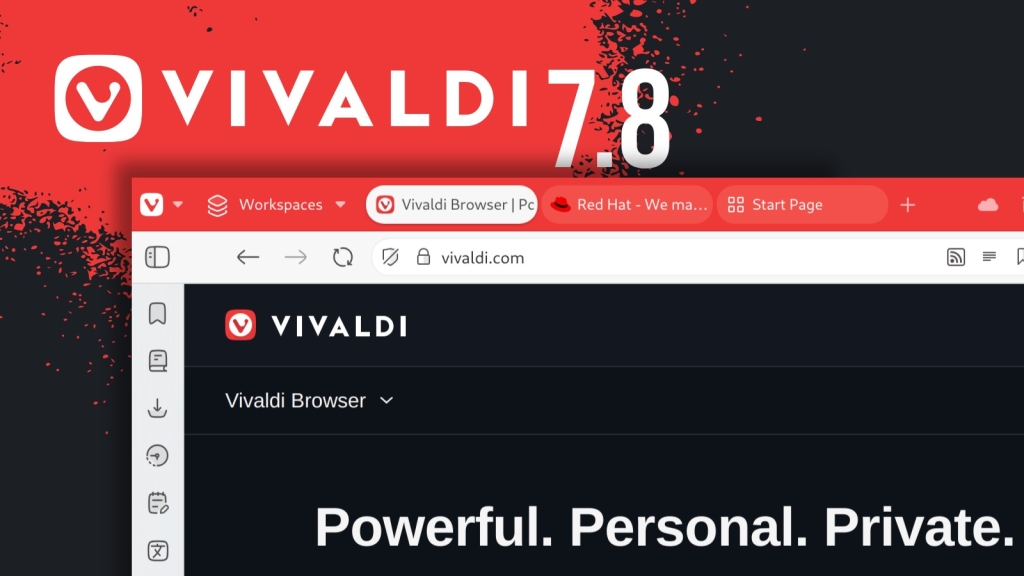
Vivaldi 7.8 Arrives With a Tab Tiling Overhaul That Finally Feels Instant
Vivaldi has rolled out version 7.8 of its cross-platform web browser, delivering what might be the most significant usability leap the tiling system has ever seen. For years, Tab Tiling in Vivaldi has been powerful but slightly buried behind menus and manual setup. With 7.8, the company has torn down that friction, turning tiling into something you just do rather than something you configure.
The change is subtle in presentation but transformative in practice. Instead of opening a dialog or diving into settings, you now drag a tab, hover over the area of the page where you want it to land, and drop. Side-by-side, top-and-bottom, or full grid layouts are all available instantly, with no mental context switch required. It feels less like a feature and more like a natural extension of how you already work.
Even better, Vivaldi 7.8 introduces the ability to open links directly into a tiled layout. That means you can keep your workspace intact while new content slots neatly into your existing arrangement. For those who rely on mouse gestures, the whole process can happen without ever touching a menu, making it a fluid part of the browsing flow rather than an interruption.
Beyond tiling, Vivaldi has addressed long-standing quirks in tab behavior. Pinned tabs can now be locked to a specific domain, so they truly behave like tools rather than shrunken normal tabs. A pinned mail tab stays mail; a pinned dashboard remains exactly where it belongs. It’s a small-sounding change that eliminates a surprising amount of daily friction.
The built-in mail client also gets a welcome boost. It now works across multiple windows, and pinned mail tabs persist across Workspaces. Previously, mail was confined to a single window, making it awkward to integrate into more complex setups. That limitation is gone, and the mail experience now feels as flexible as the rest of Vivaldi’s environment.
There are also smaller touches that add up quickly. An optional Daily Image feature refreshes the Start Page background using Unsplash photography, giving your browser a fresh look each day without effort. Accessibility improves with caret browsing promoted to a dedicated setting, making it easier to navigate pages using only the keyboard. Windows users get a redesigned installer aimed at a smoother setup experience. And beneath it all, a long list of crash fixes—aided by improvements to Vivaldi’s crash reporting—should make the browser feel more stable than ever.
For those who live in their browser, these updates don’t just add features; they remove obstacles. Tab Tiling is no longer a power-user Easter egg—it’s now a first-class way to work, as immediate and intuitive as splitting your screen in any modern IDE. Whether you’re researching across multiple sources, comparing data, or just keeping communication and work separate but visible, Vivaldi 7.8 makes it feel effortless.
For more details, you can read the official release announcement on Vivaldi’s blog. Downloads for all supported platforms are available directly from the project’s website.
#Vivaldi #TabTiling #WebBrowser #Productivity #BrowserUpdate #TechNews #OpenSource #CrossPlatform #DailyImage #CaretBrowsing #MailClient #Workspace #MouseGestures #Unsplash #BrowserCustomization,


Leave a Reply
Want to join the discussion?Feel free to contribute!