
What’s a minimal install for Linux? 6 reasons it can come in handy
Why Minimal Linux Installations Are the Ultimate Power Move for Tech Enthusiasts
In a world where bloated operating systems slow down even the most powerful hardware, minimal Linux installations are making a comeback—and for good reason. Whether you’re a seasoned sysadmin or a curious beginner, going minimal isn’t just about saving space; it’s about taking control, boosting performance, and building an OS that’s truly yours.
What Exactly Is a Minimal Linux Installation?
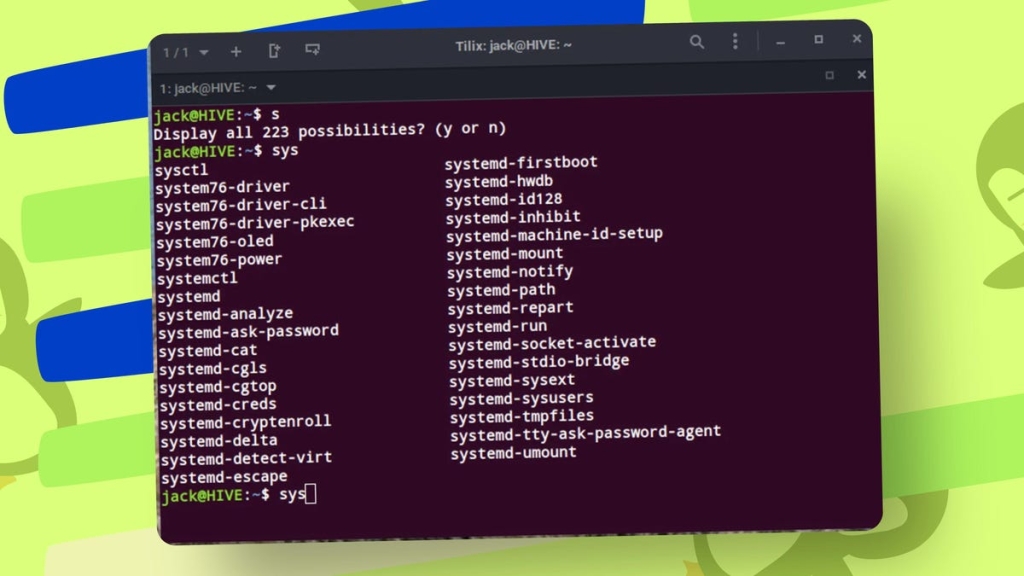
At its core, a minimal Linux installation is the bare-bones version of your favorite distro. Think of it as the skeleton of an operating system—just the kernel, bootloader, core utilities, and a package manager. No desktop environment, no pre-installed apps, no fluff. It’s text-only, command-line driven, and demands a bit more Linux know-how. But here’s the kicker: once you master it, you’ll have a system that’s lightning-fast, ultra-secure, and perfectly tailored to your needs.
Why Go Minimal? Here’s Where It Shines
-
Revive Old Hardware: Got a dusty laptop or a mini PC gathering cobwebs? A minimal install can breathe new life into it. With installations as small as 500MB, you can turn ancient hardware into a productivity powerhouse.
-
Server and Cloud Deployments: Whether you’re spinning up a virtual machine or deploying to the cloud, minimal installs mean faster boot times, fewer updates, and a leaner attack surface.
-
Enhanced Security: Fewer services and apps mean fewer vulnerabilities. It’s cybersecurity 101—less is more.
-
Ultimate Customization: Want a distro that’s exactly what you need? Start minimal and build up. Choose your desktop environment, apps, and services with surgical precision.
-
Distraction-Free Productivity: Need to focus? A minimal setup strips away the noise, leaving you with just the tools you need to get things done.
-
Developer’s Dream: For coders who prefer the command line, a minimal install is a blank canvas. Install only your IDEs, compilers, and libraries—no bloat, no lag.
Who Should Try It?
If you’re comfortable with the terminal and ready to roll up your sleeves, a minimal install is a fantastic way to deepen your Linux skills. It’s not for absolute beginners, but if you’re willing to learn, the rewards are immense.
Popular Distros for Minimal Installations
Not every distro offers a minimal option, but these do: Alpine Linux, Arch Linux, Debian, Slackware, Void Linux, NixOS, and Tiny Core Linux. Some even offer GUI installers that still result in a minimal, command-line-only system.
The Bottom Line
A minimal Linux installation isn’t just a tech curiosity—it’s a statement. It says you value performance, security, and control over convenience. Whether you’re reviving old hardware, building a custom server, or just want a distraction-free workspace, going minimal is a power move that pays off.
Tags: #Linux #MinimalInstallation #OpenSource #TechTips #CommandLine #SysAdmin #Security #Customization #OldHardware #CloudComputing #Productivity #Development #DIY #TechLife #LinuxDistro #ServerSetup #Minimalism #TechHacks #BeginnerFriendly #AdvancedLinux
Viral Sentences:
- “Turn your old laptop into a rocket with a minimal Linux install!”
- “Why pay for bloatware when you can build your own OS?”
- “Minimal Linux: Because less is more (and faster).”
- “Revive your old hardware—minimal install, maximum performance.”
- “The ultimate power move for tech enthusiasts: going minimal.”
- “Security starts with simplicity—minimal Linux is your best friend.”
- “Build your dream OS from scratch—start with a minimal install.”
- “Distraction-free productivity? Minimal Linux has your back.”
- “Developers, rejoice: minimal installs mean no more bloat, just speed.”
- “Minimal Linux: The art of doing more with less.”
,


Leave a Reply
Want to join the discussion?Feel free to contribute!