
Nano Feels Complicated? Try These 5 Easier Terminal Editors
5 Terminal Editors That Are Simpler Than Nano—And Actually Fun to Use
In the never-ending battle between Vim and Emacs, where customization and deep mastery reign supreme, let’s take a detour into the world of simplicity. Forget the steep learning curves—these editors are so intuitive, even your grandma could use them (okay, maybe not, but they’re close).
Here are five terminal editors that make Nano look like rocket science.
1. Fresh
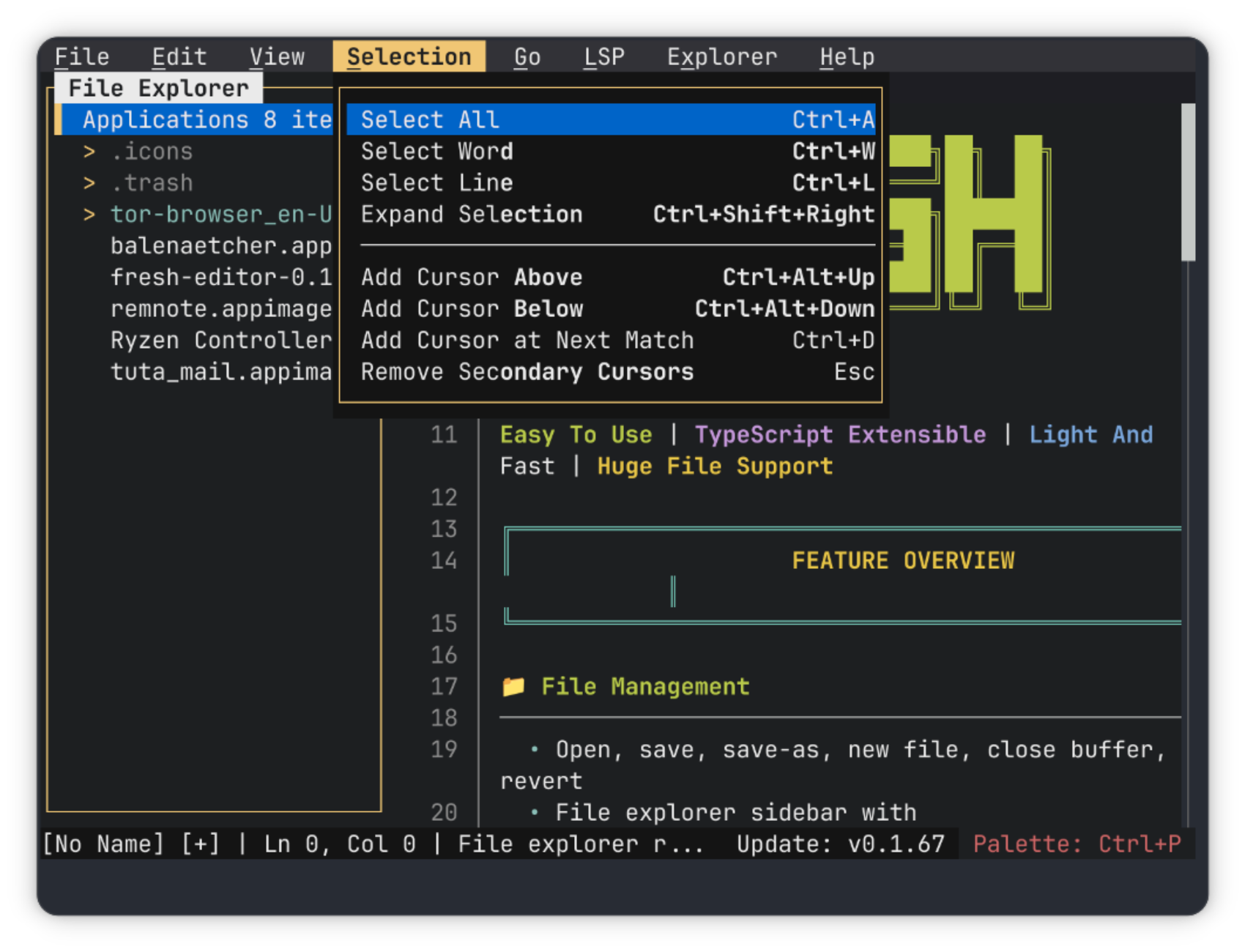
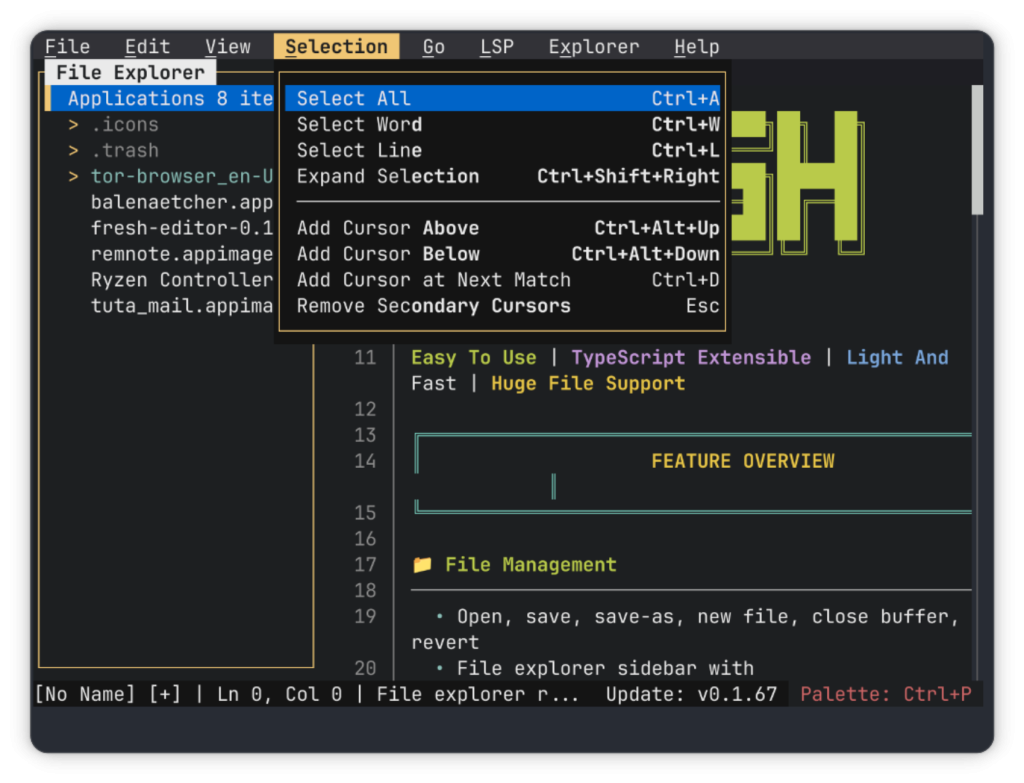
Fresh is basically a GUI editor masquerading as a terminal app. Written in Rust, it’s packed with features like a file explorer, split windows, syntax highlighting, and even a command palette (Ctrl+P) that lists every action you can take—complete with keyboard shortcuts.
Want more? Fresh supports TypeScript extensions, so you can add Git integration, Markdown support, and more. It’s like VS Code, but for your terminal.
Who’s it for? If you want a feature-rich editor with a sleek interface and the ability to extend it, Fresh is your jam.
2. ne (Nice Editor)
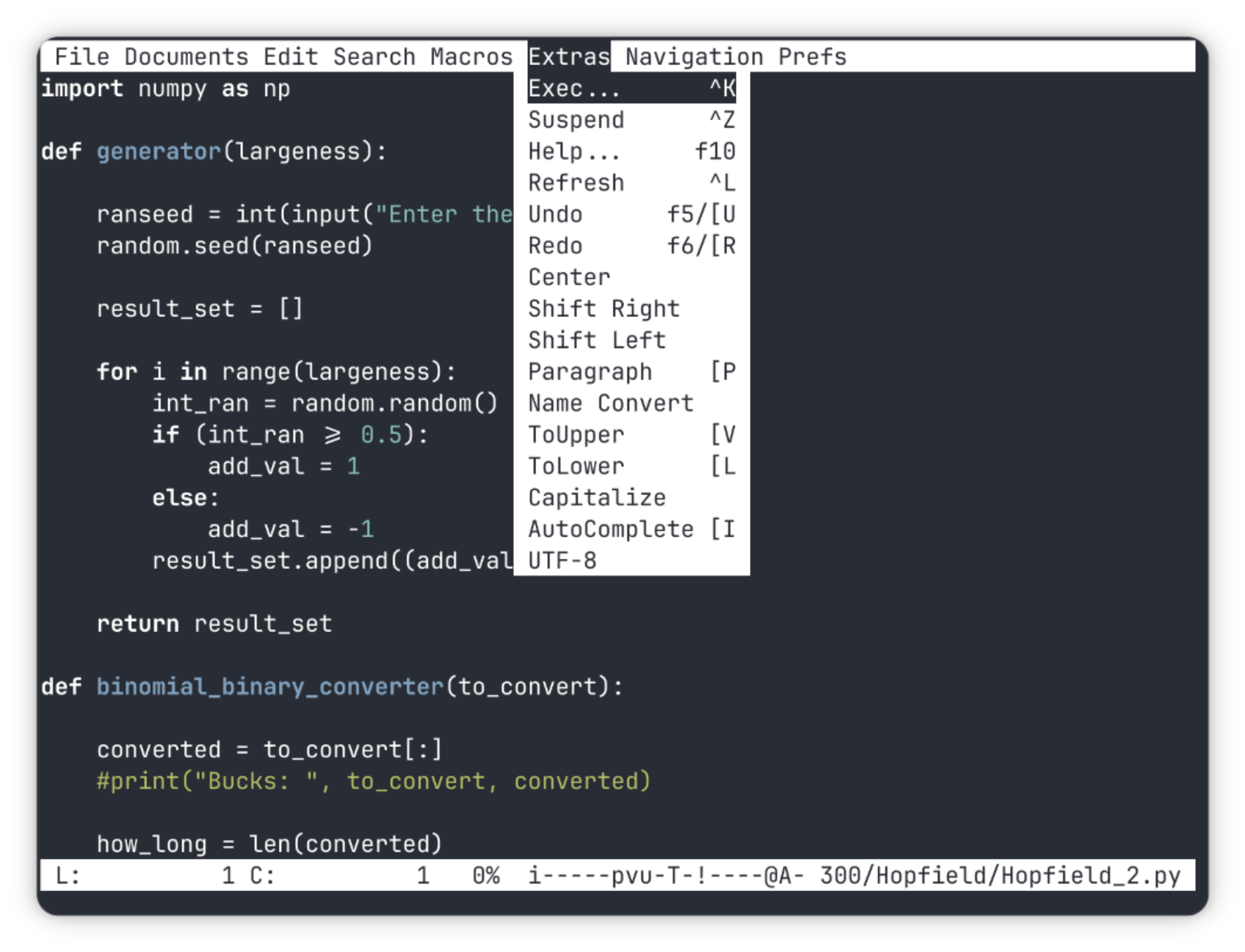
ne is the minimalist’s dream. It’s got a clean interface with a status bar and a menu that only appears when you press F1. The keybindings are intuitive—think Ctrl+C for copy, Ctrl+V for paste, and so on.
But here’s the kicker: ne lets you record macros. Need to repeat a task? Record it once, and you’re golden. It’s a game-changer for developers.
Who’s it for? If you want a distraction-free editor with smart shortcuts and macro support, ne is your best bet.
3. micro
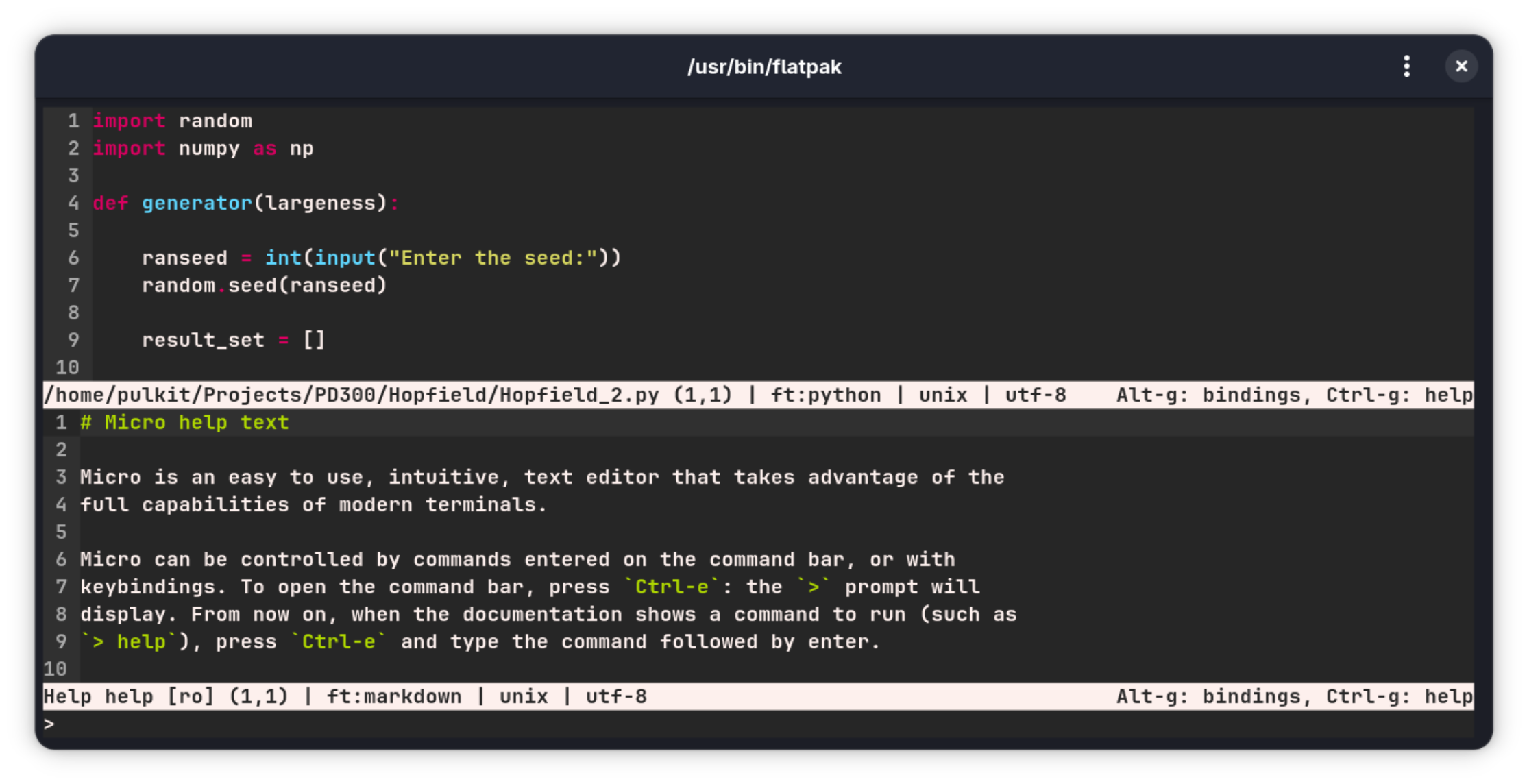
micro is the Swiss Army knife of terminal editors. It’s got tabs, split windows, multiple cursors, and syntax highlighting for over 130 languages. The real star here is the command bar (Ctrl+E), which lets you do everything from changing themes to running shell commands.
And yes, it supports Lua plugins. So if you’re feeling adventurous, you can customize it to your heart’s content.
Who’s it for? If you want a simple editor with a powerful command bar and plugin support, micro is the one.
4. Dinky
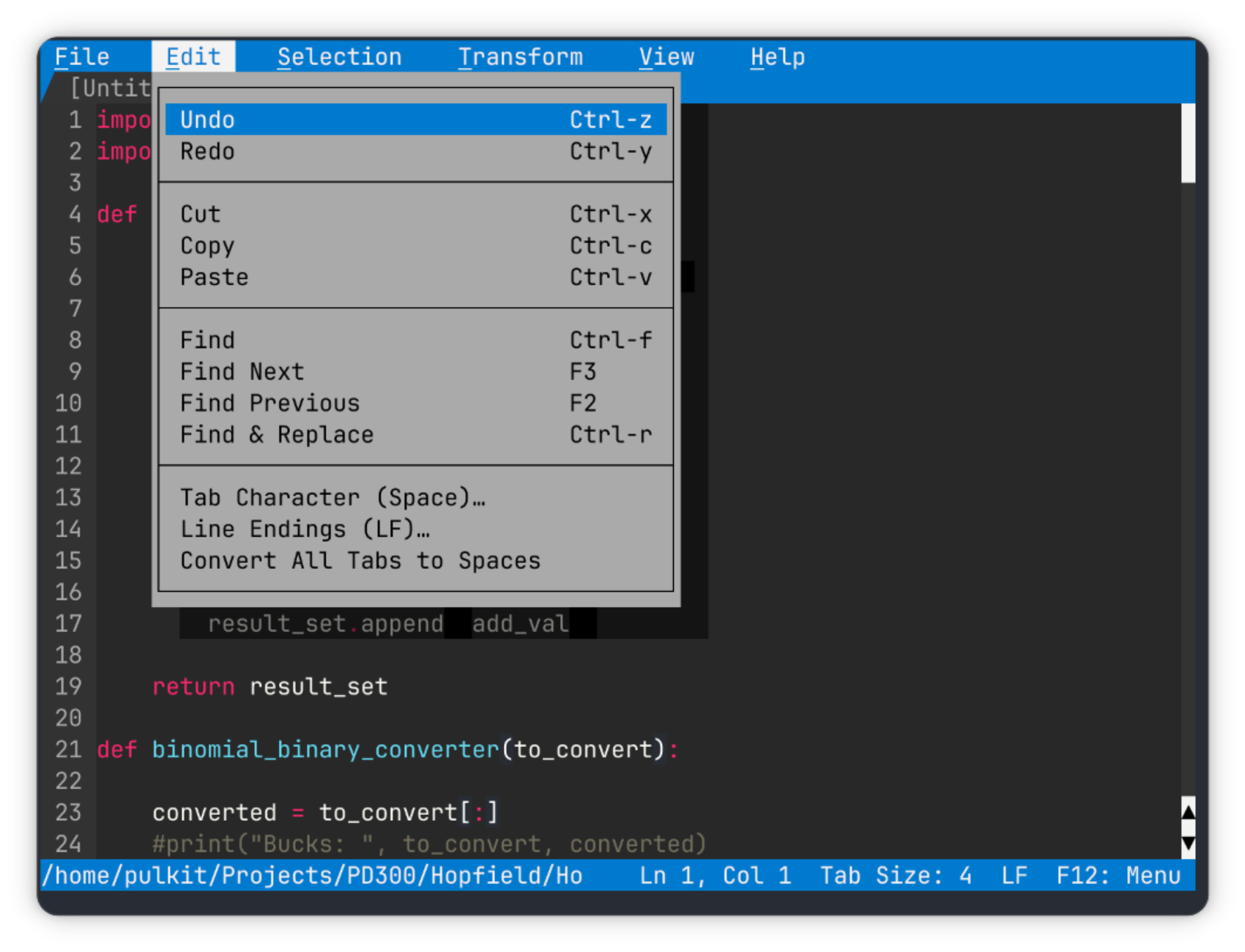
Dinky is the editor for those who love retro vibes. It’s got a nostalgic interface with trapezoidal tabs and a menu on top. The default theme is a throwback to the good old days, complete with solid shadows.
Dinky’s got all the basics—syntax highlighting, navigation options, and even URL encoding/decoding. It’s simple, but it gets the job done.
Who’s it for? If you want a straightforward editor with a retro aesthetic, Dinky is your pick.
5. ash
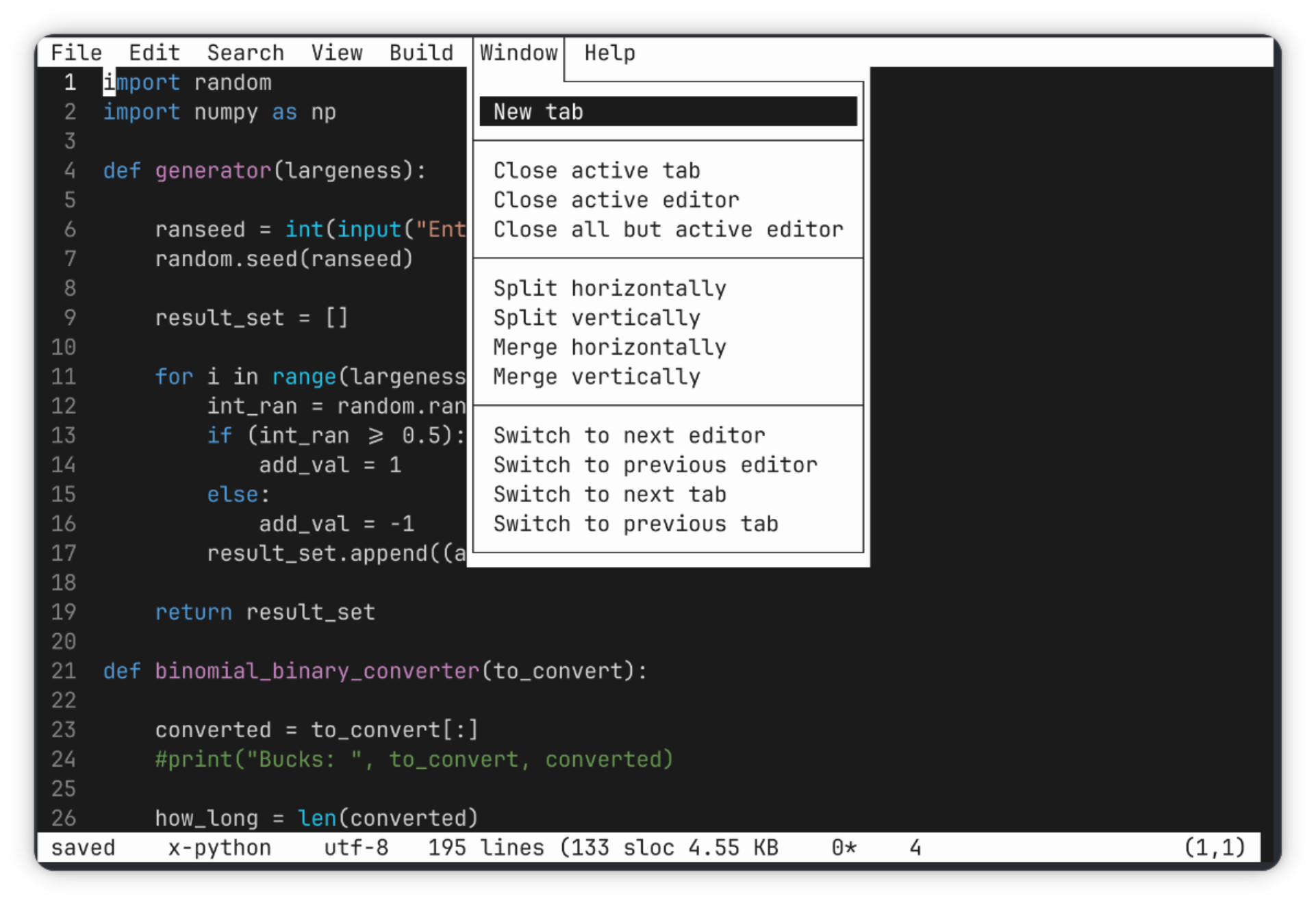
ash is the epitome of clean design. It’s got a minimalist interface with just a status bar and a menu that appears when you click the top of the window. The real standout feature? You can build and execute code right from the editor.
It’s perfect for developers who want a no-frills editor with Git integration and multi-file editing.
Who’s it for? If you want a distraction-free editor with coding capabilities, ash is worth a try.
Special Mention: MS Edit
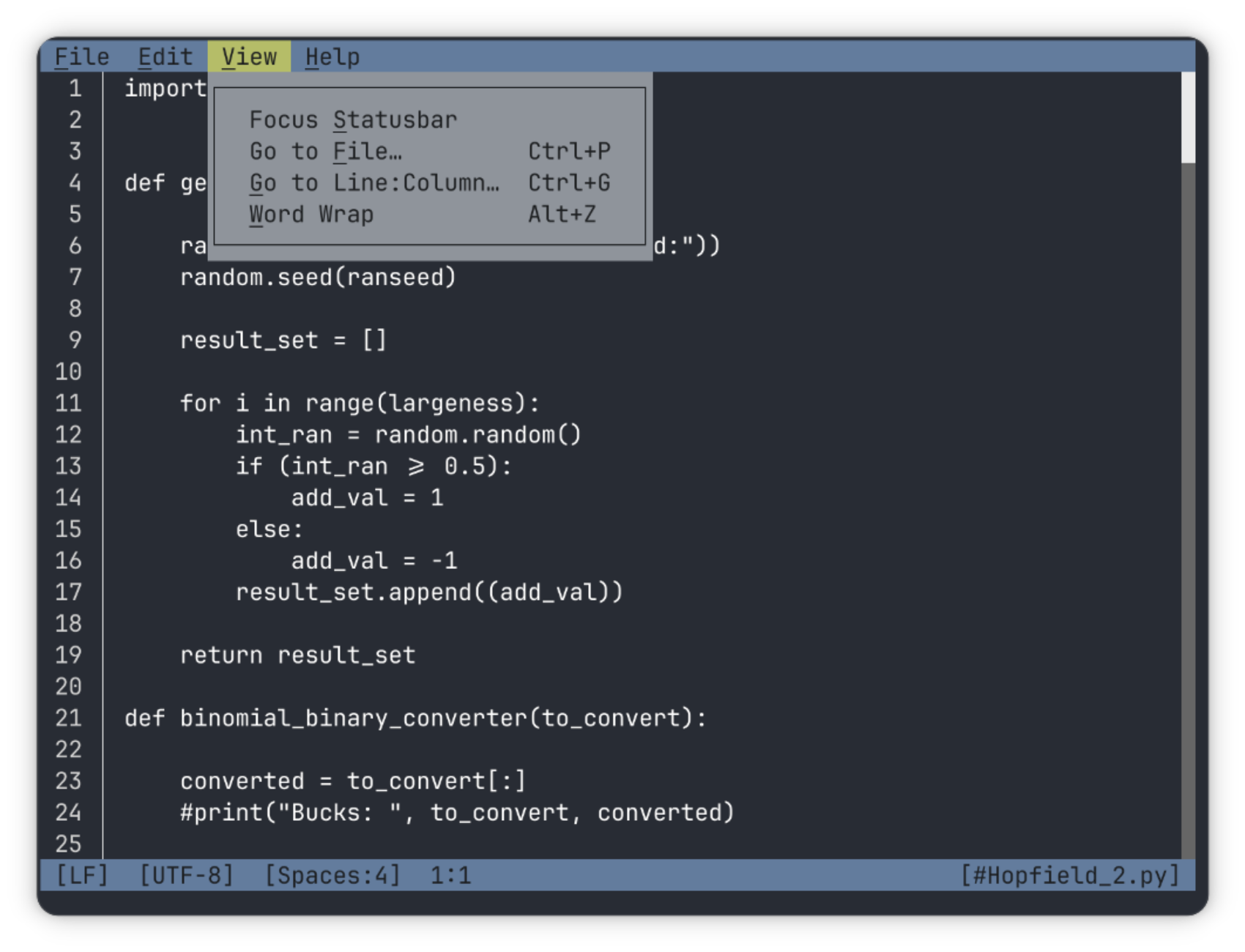
Yes, you read that right. Microsoft’s Edit is a surprisingly simple and nostalgic terminal editor. Inspired by the classic MS-DOS Editor, it’s written in Rust and has a modern interface.
It’s got all the basics—open files, copy/paste, find/replace, and more. The only downside? No syntax highlighting (yet).
Who’s it for? If you’re feeling nostalgic and want a lightweight editor, give MS Edit a shot.
Wrapping Up
The Linux terminal has come a long way, and these editors prove it. Whether you’re a developer, a writer, or just someone who needs to edit a file, there’s something here for everyone. So, which one will you try first? Let us know in the comments!
Tags: #Linux #Terminal #TextEditors #Nano #Vim #Emacs #Fresh #ne #micro #Dinky #ash #MSEDit #OpenSource #Productivity #Coding #DeveloperTools
Viral Phrases: “Simpler than Nano!” “Terminal editors that don’t suck!” “Nostalgia meets modern tech!” “Macros for the win!” “Microsoft’s secret weapon!” “Rust-powered simplicity!” “Command bar magic!” “Retro vibes, modern features!” “Distraction-free editing!” “Build and execute—right from the editor!”
,


Leave a Reply
Want to join the discussion?Feel free to contribute!