
Apple Stops Signing iOS 26.2, Blocking Downgrades From iOS 26.2.1
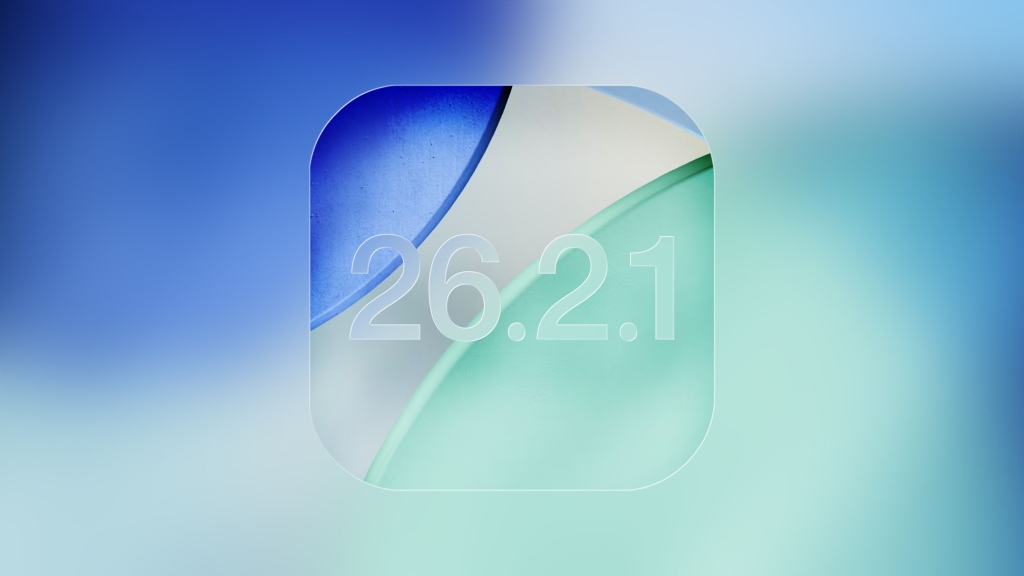
Apple Just Killed iOS 26.2 — And Here’s Why It Matters More Than You Think
In a move that flew under the radar for most iPhone users, Apple has officially stopped signing iOS 26.2, locking millions into the newer iOS 26.2.1. That’s right — if you’ve already upgraded, there’s no going back. And this isn’t just another routine software update — it’s a strategic play that could impact your device’s security, performance, and even resale value.
What “Stopping Signing” Actually Means (And Why It’s a Big Deal)
When Apple stops signing an iOS version, it’s like slamming the door shut on a time machine. Your iPhone can no longer verify or install that older version, even if you desperately want to roll back. This is Apple’s way of nudging everyone toward the latest and greatest — whether you like it or not.
iOS 26.2.1 wasn’t just a minor tweak. It brought full support for the brand-new AirTags 2, Apple’s upgraded tracking devices that are already flying off shelves. But here’s the kicker: if you were hoping to downgrade to iOS 26.2 for any reason — maybe you heard it was smoother, or you just don’t trust the new update — tough luck. That option is gone.
The Security Angle: Apple’s Iron Fist
Apple’s decision isn’t arbitrary. By cutting off older versions, they’re essentially forcing users to stay protected. Outdated software is a hacker’s playground, and Apple knows it. Once an iOS version is unsigned, it’s a lot harder for bad actors to exploit known vulnerabilities.
But there’s a flip side: what if iOS 26.2.1 has bugs? What if your iPhone suddenly feels slower, or certain apps start acting up? Without the ability to downgrade, you’re stuck — at least until the next update drops.
The Downgrade Loophole (That No Longer Exists)
Until today, tech-savvy users could still downgrade using a Mac or Windows PC and the Apple Devices app. It was a lifeline for those who regretted updating. But now, that lifeline is gone. Apple’s servers have closed the door, and there’s no key.
The Bigger Picture: Apple’s Master Plan
This isn’t just about iOS 26.2. Apple has also stopped signing several legacy versions, including iOS 12.5.7, iOS 15.8.5, iOS 16.7.12, and iOS 18.7.3. If your device can’t run iOS 26, you’re being pushed to update — or risk being left behind entirely.
And let’s not forget the timing. Just last week, Apple released iOS 12.5.8, iOS 15.8.6, and iOS 18.7.4, along with an updated iOS 16.7.14 today. It’s clear: Apple is cleaning house, and they’re doing it fast.
What This Means for You
If you’re running iOS 26.2.1, you’re locked in. If you’re still on iOS 26.2, you might want to update sooner rather than later — because once you do, there’s no going back. And if you’re on an older device, it’s time to check for updates. Apple isn’t playing around.
Tags & Viral Phrases
- iOS 26.2.1 vs iOS 26.2 downgrade battle
- Apple stops signing iOS 26.2 — no more rollbacks!
- iOS 26.2.1 brings AirTags 2 support — upgrade now or regret later
- Apple’s iOS signing shutdown: what it means for your iPhone security
- Can’t downgrade iOS 26.2? Here’s why Apple locked you in
- iOS 26.2.1 bugs? Too bad — Apple won’t let you go back
- Apple’s iOS signing strategy: pushing users to update faster than ever
- iOS 26.2.1: the update you can’t escape
- Apple’s iOS signing shutdown: a blessing or a curse?
- iOS 26.2.1 vs iOS 26.2: which one should you really be on?
,

Leave a Reply
Want to join the discussion?Feel free to contribute!