
Adobe will let you create custom Firefly AI model on your own work and art style
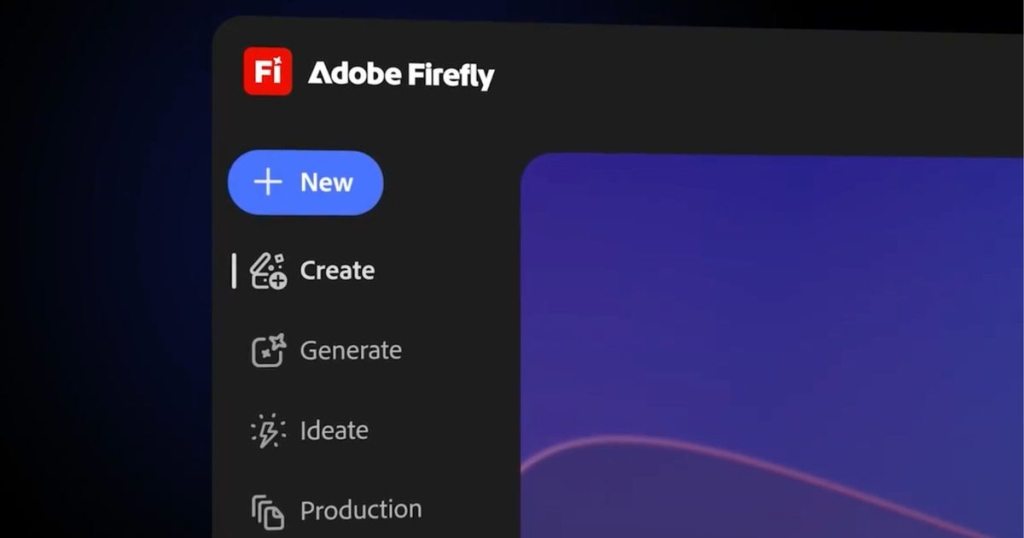
Adobe Firefly Gets a Major Upgrade: Custom Models and 30+ AI Tools in One Place
Adobe is dramatically expanding its Firefly AI platform with a suite of new capabilities designed to give creators unprecedented control over their visual style and workflow. The company has introduced Custom Models in public beta, allowing users to train Firefly on their own images to generate content that matches their unique aesthetic—whether that’s illustration, photography, or character design.
This represents a significant shift from the one-size-fits-all approach of most AI image generators. Now, instead of receiving generic outputs that look like they came from the same template as everyone else’s creations, you can develop a model that consistently produces work in your signature style. The process is straightforward: upload your reference images, and Firefly learns the patterns, colors, and composition preferences that define your visual language.
Privacy-conscious creators will appreciate that these custom models are private by default, making them ideal for brand work, internal projects, or any situation where proprietary visual assets need protection. Once trained, you can generate multiple variations without starting from scratch each time—a massive time-saver for iterative creative work.
A Growing Library of Models and Tools in One Place
Adobe isn’t stopping at custom models. The company is transforming Firefly into a comprehensive AI creation hub, bringing together more than 30 models from Adobe and leading partners including Google, OpenAI, Runway, and Kling. This consolidation means you no longer need to jump between different platforms to access various AI capabilities.
The expanded model lineup includes impressive additions like Google’s Veo 3.1 for advanced video generation, Runway Gen-4.5 for cinematic content, Firefly Image Model 5 for enhanced photorealism, and Kling 2.5 Turbo for rapid generation. Each model brings its own strengths, and having them all accessible within Firefly’s interface allows for seamless comparison and experimentation.
New tools are also rolling out to streamline the creative process. Quick Cut can transform raw footage into a rough edit within minutes, dramatically accelerating video production workflows. Object manipulation capabilities let you add or remove elements from scenes, while scene extension tools help maintain visual consistency when expanding compositions.
How Adobe is Turning Firefly into a Complete AI Studio
The vision for Firefly extends far beyond simple prompt-based generation. Adobe is building it into a complete creative ecosystem where you can brainstorm ideas, generate content, edit results, and refine outputs—all within a single interface. This integrated approach eliminates the friction of switching between multiple applications and platforms.
Adobe is also embracing agentic AI, where the system actively assists and guides creative work rather than passively waiting for commands. This represents a more collaborative relationship between creator and AI, with the technology offering suggestions, identifying potential improvements, and helping maintain consistency across projects.
Importantly, Adobe continues to emphasize that Firefly is trained on licensed data, addressing one of the major concerns in the AI art space. This focus on commercially safe training data makes Firefly particularly attractive for professional use, where copyright concerns can be a significant barrier to adoption.
The company is also experimenting with experimental concepts like Project Moonlight, which can automatically transform random video clips into polished edits. This kind of automated content assembly hints at where AI-driven creation might be headed—systems that can understand narrative structure, pacing, and visual coherence well enough to handle substantial portions of the creative process independently.
What This Means for Creators
For professional artists, designers, and content creators, these updates represent a significant evolution in AI-assisted creation. The ability to train custom models means you can maintain your distinctive style while leveraging AI’s speed and iteration capabilities. The expanded model library provides access to specialized tools for different creative challenges without the complexity of managing multiple subscriptions and interfaces.
The integrated workflow approach means less time spent on technical logistics and more time on actual creative decisions. Whether you’re producing marketing materials, entertainment content, or personal projects, Firefly is positioning itself as a comprehensive solution that can handle everything from initial concept to final polish.
As AI continues to reshape creative industries, tools like Firefly that balance powerful capabilities with practical workflow integration and ethical considerations may well define the next generation of digital creation.
Tags: #AdobeFirefly #AI #ArtificialIntelligence #CreativeTech #DigitalArt #VideoEditing #CustomModels #AgenticAI #CreativeWorkflow #TechNews
ViralPhrases: “Your style, your AI”, “30+ models in one place”, “Custom models in public beta”, “Private by default”, “Quick Cut transforms footage in minutes”, “Agentic AI is here”, “Licensed data means commercial safe”, “Project Moonlight automatic editing”, “Train your own visual style”, “AI studio revolution”
,

Leave a Reply
Want to join the discussion?Feel free to contribute!