
Apple releases macOS 26.4 public beta 2
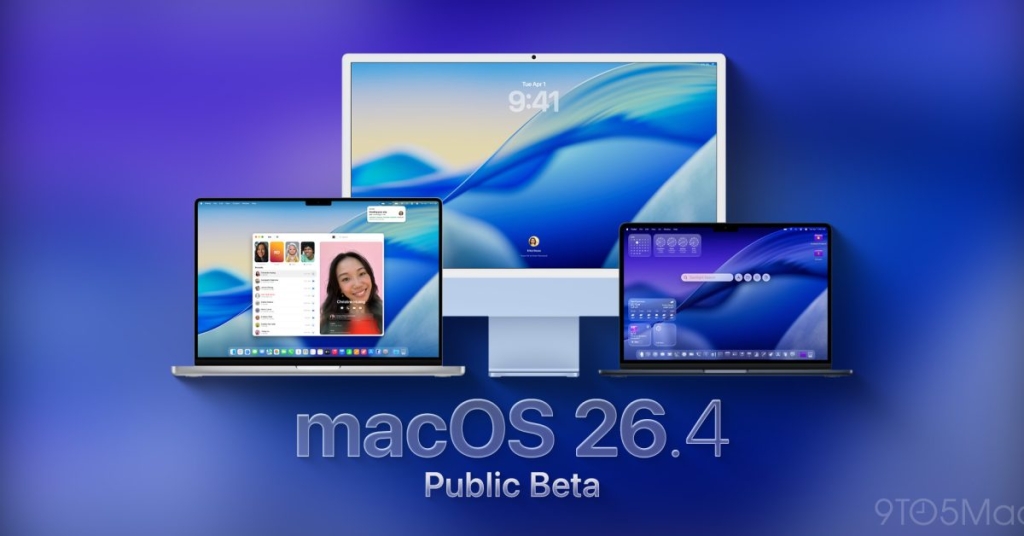
macOS 26.4 Public Beta Rolls Out: Apple Introduces Battery Charge Limits and Rosetta 2 Sunset Warning
Apple has officially launched the macOS 26.4 public beta 2, following yesterday’s developer preview, and it’s already generating significant buzz among Mac users. This latest beta release introduces several notable features, including a revamped Safari tab interface, a native battery charge management tool, and a clear warning about the future discontinuation of Rosetta 2—Apple’s Intel-to-Apple Silicon translation layer.
Safari Gets a Sleeker Look with Compact Tab Bar
One of the most visible changes in macOS 26.4 is the return of the compact tab bar in Safari. After user feedback and iterative design tweaks, Apple has brought back this space-saving feature that many power users have been requesting. The compact tab bar reduces vertical space usage, giving more room to web content—a welcome change for those who work with multiple tabs open simultaneously.
Rosetta 2’s Sunset: A Wake-Up Call for Developers
In a move that’s bound to stir discussions across the developer community, Apple is now displaying persistent notifications warning that Rosetta 2 will cease to function in future macOS versions. This aligns with Apple’s long-term strategy to transition entirely to Apple Silicon, and it’s a clear signal for developers to update their Intel-based apps to native Apple Silicon versions.
The notification appears as a system alert, urging users and developers to prepare for the eventual deprecation of Rosetta 2, which Apple had previously indicated would end with macOS 27. By introducing these alerts early in macOS 26.4, Apple is giving the ecosystem ample time to adapt.
Native Battery Charge Limit: Goodbye to Third-Party Tools
Perhaps the most exciting addition for everyday Mac users is the native battery charge limit feature. Previously, managing battery health on MacBooks required third-party utilities to cap charging at 80% or other custom levels—a common practice to prolong battery lifespan. Now, Apple has baked this functionality directly into macOS 26.4, allowing users to set a maximum charge limit between 80% and 100%.
This feature is particularly beneficial for users who keep their MacBooks plugged in for extended periods, as it helps prevent battery wear caused by constant full charging. The setting is easily accessible in the Battery section of System Settings, and it even integrates with the Shortcuts app for automation enthusiasts.
Release Details and How to Join the Beta
The public beta 2 build number is 25E5218f, identical to yesterday’s developer beta, indicating that Apple is stabilizing this release for broader testing. If you’re eager to try out these features, you can join Apple’s free Public Beta Program by visiting beta.apple.com. However, keep in mind that beta software can be unstable, so it’s best to install it on a secondary Mac or back up your data before proceeding.
Community Reactions and What’s Next
Early adopters in the beta community have already begun sharing their experiences. Many are praising the return of the compact tab bar and the convenience of the native battery management tool. However, some developers are expressing concern over the Rosetta 2 deprecation timeline, urging Apple to provide more transitional support.
As macOS 26.4 continues its beta journey, users and developers alike are watching closely for any additional refinements or surprises Apple might have in store before the final release.
Tags & Viral Phrases:
macOS 26.4, Apple Silicon, Rosetta 2, Safari compact tab bar, battery charge limit, MacBook battery health, macOS beta, Apple Public Beta Program, developer tools, Intel to Apple Silicon transition, system notifications, Shortcuts integration, battery management, macOS 27, Apple ecosystem, tech news, beta software, Apple updates, Mac users, battery lifespan, third-party apps, native features, system settings, Apple developers, software deprecation, power users, web browsing, automation, tech community, Apple ecosystem transition.
,

Leave a Reply
Want to join the discussion?Feel free to contribute!