
Apple should take Visual Intelligence one step further – with Reminders
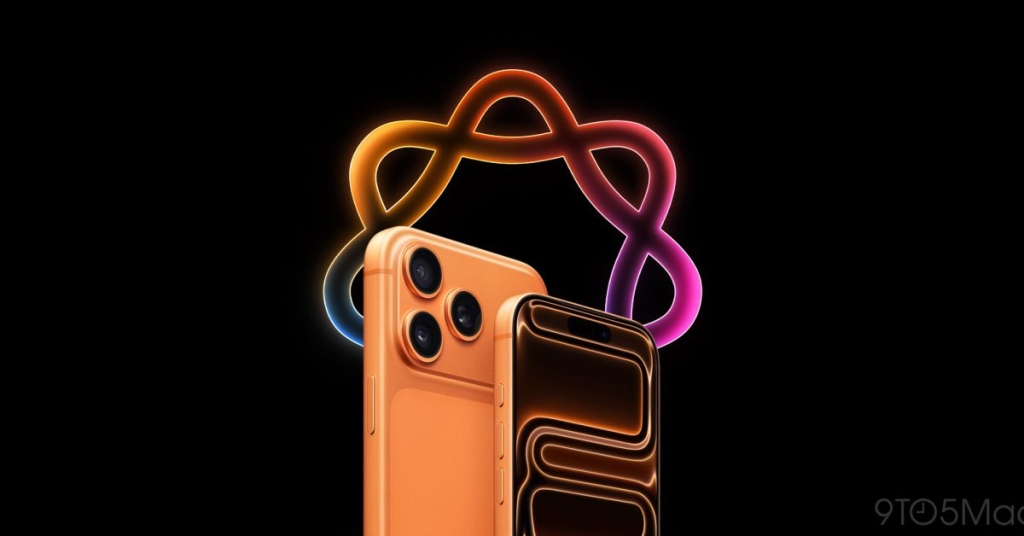
Apple’s Visual Intelligence Takes a Bold Leap Forward: Reminders Integration Could Be the Next Game-Changer
In the ever-evolving landscape of mobile technology, Apple continues to push boundaries with its innovative AI-driven features. The latest buzz in the tech community centers around Visual Intelligence, Apple’s powerful AI system that’s transforming how we interact with our devices. While the feature has already made waves with its screenshot capabilities in iOS 26, industry insiders and users alike are speculating about what could be the next frontier: seamless Reminders integration.
The Evolution of Visual Intelligence
Visual Intelligence began its journey as a relatively modest feature, initially accessible through Camera Control. However, with the release of iOS 26, Apple dramatically expanded its capabilities, bringing powerful AI analysis to screenshots. This expansion has proven to be a game-changer for many users, offering three groundbreaking features: quick Calendar event creation, image similarity searches (perfect for shopping enthusiasts), and ChatGPT integration for deeper screenshot analysis.
The Calendar integration, in particular, has received widespread acclaim. Users can now snap a screenshot of an event poster or digital invitation, and Visual Intelligence intelligently extracts relevant details to create a Calendar event automatically. This seemingly simple feature has significantly streamlined the process of organizing one’s schedule, making it more intuitive and less time-consuming.
The Case for Reminders Integration
Building on this success, many tech enthusiasts and power users are advocating for the next logical step: integrating Reminders into Visual Intelligence. The potential applications are vast and could revolutionize how we manage tasks and information in our daily lives.
Imagine this scenario: you’re browsing the web for research, come across valuable information, but don’t have time to process it immediately. With Reminders integration, you could simply take a screenshot, and Visual Intelligence would analyze the content, allowing you to quickly convert it into a reminder. This would essentially create a universal bookmarking system, enabling users to capture and organize information effortlessly.
The benefits extend beyond personal research. Consider the common situation where friends or colleagues text you asking to be reminded of something. While it might seem odd to use someone as a human reminder, it’s a reality many face. With Visual Intelligence’s proposed Reminders integration, you could screenshot these conversations and have the AI intelligently parse out the reminder details, creating a task automatically.
Technical Challenges and Opportunities
Implementing Reminders integration would undoubtedly present more complex challenges than the current Calendar feature. While extracting a date, time, and event title from a screenshot is relatively straightforward, understanding the context and intent behind a reminder request requires more sophisticated natural language processing and contextual analysis.
However, these challenges also represent exciting opportunities for Apple to showcase the full potential of its AI capabilities. The system would need to understand not just the explicit content of a screenshot but also infer implicit information and user intent. This could involve analyzing text, images, and even the context in which the screenshot was taken.
Moreover, expanding Visual Intelligence to work with Camera Control for reminder creation opens up even more possibilities. Users could take photos of physical objects, documents, or scenes and have the AI generate relevant reminders based on the visual content. This could be particularly useful for tasks like remembering to buy groceries when you see an empty shelf or setting a reminder to follow up on a document you’ve photographed.
Industry Implications and User Expectations
The potential integration of Reminders into Visual Intelligence speaks to a larger trend in the tech industry: the move towards more proactive and context-aware AI assistants. Users are increasingly expecting their devices to not just respond to commands but to anticipate needs and streamline workflows.
Apple’s approach to this integration could set a new standard for how AI is implemented in mobile operating systems. The key will be balancing powerful functionality with user privacy and data security – principles that Apple has consistently prioritized.
Looking Ahead: iOS 27 and Beyond
As speculation mounts about what iOS 27 might bring, the tech community is abuzz with anticipation. Will Apple answer the call for Reminders integration in Visual Intelligence? If implemented, it could be one of the most significant updates to the iPhone’s productivity features in recent years.
The potential impact extends beyond just convenience. By making information capture and task management more seamless, Apple could be paving the way for users to be more organized, productive, and in control of their digital lives. This aligns perfectly with Apple’s broader mission of creating technology that enhances human capabilities rather than complicating them.
Conclusion
Visual Intelligence has already proven to be a valuable addition to the iOS ecosystem, and its potential expansion into Reminders management could be the next big leap in mobile productivity. As Apple continues to refine its AI capabilities, users can look forward to a future where their devices don’t just store information but actively help manage and utilize it in increasingly intelligent ways.
The tech world will be watching closely as iOS 27 development progresses, eager to see if Apple will indeed integrate Reminders into Visual Intelligence. Regardless of the outcome, one thing is clear: the intersection of AI and mobile productivity is an exciting space to watch, with Apple leading the charge towards a more intuitive and helpful digital future.
Tags & Viral Phrases:
- Apple Intelligence
- Visual Intelligence
- iOS 26
- iOS 27 rumors
- iPhone productivity features
- AI screenshot analysis
- Reminders integration
- Calendar event creation
- ChatGPT integration
- Camera Control AI
- Mobile productivity revolution
- Apple ecosystem enhancement
- Natural language processing
- Context-aware AI
- Digital task management
- Universal bookmarking system
- Proactive AI assistants
- User privacy in AI
- Mobile operating system innovation
- Information capture technology
,


Leave a Reply
Want to join the discussion?Feel free to contribute!