
Apple’s New MacBooks Have a Keyboard Change You Might Have Missed
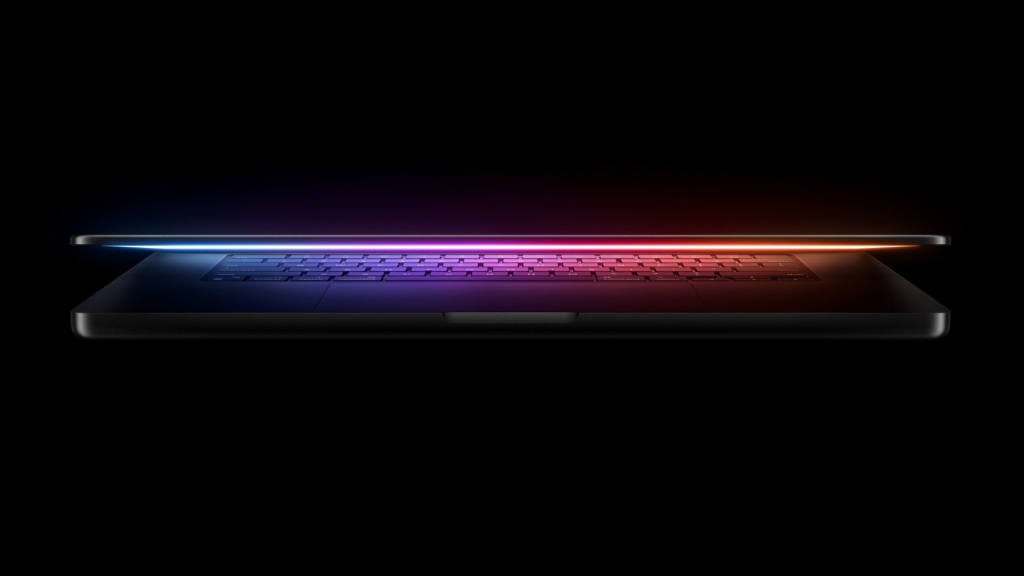
Apple’s Subtle Keyboard Evolution: A Global Shift in User Interface Design
In a move that flew under the radar during last week’s product announcements, Apple has implemented a significant yet understated change to its MacBook keyboards that’s set to impact millions of users worldwide. The tech giant has transitioned from text-based labels to glyph-based icons on several keycaps across its latest MacBook Air, MacBook Pro, and the newly introduced MacBook Neo lineup.
This seemingly minor adjustment represents more than just an aesthetic refresh—it’s a strategic evolution in Apple’s approach to universal design language. The change specifically affects the U.S. English keyboard layout, where the tab, caps lock, shift, return, and delete keys now feature symbolic representations rather than their traditional text labels.
The Global Reach of a Local Change
What makes this modification particularly noteworthy is its extensive geographic impact. While the change originates from the U.S. English layout, its influence extends far beyond American borders. Due to Apple’s regional distribution strategies, this updated keyboard design will appear on devices sold in Canada, Australia, New Zealand, and Singapore—effectively bringing the glyph-based approach to millions of additional users.
For European users, however, this development might feel like catching up rather than breaking new ground. Apple has employed glyph-based labeling on British English and various European language keyboards for years, making this change more of a harmonization effort than an innovation in those markets.
Design Philosophy Behind the Glyphs
The shift from text to symbols reflects Apple’s ongoing commitment to creating more intuitive, universally understandable interfaces. Glyphs transcend language barriers, offering immediate visual recognition regardless of the user’s linguistic background. This design choice aligns perfectly with Apple’s global market strategy and its emphasis on creating products that feel native to users worldwide.
The specific symbols chosen for these keycaps have been carefully crafted to maintain clarity while reducing visual clutter. The tab key now features an unmistakable right-pointing arrow, caps lock displays a simple upward arrow, shift shows a larger upward arrow, return adopts a curved return symbol, and delete presents a left-pointing arrow—all instantly recognizable to experienced computer users.
Technical Implementation and Manufacturing
From a manufacturing perspective, this change represents a relatively straightforward modification in the production process. The keycaps themselves remain identical in size, shape, and material composition to their predecessors. The only difference lies in the printing process, where symbolic representations replace text-based labels.
This subtle change required Apple to update its keyboard tooling and quality control processes to ensure consistent symbol rendering across millions of units. The company’s supply chain partners had to adapt their manufacturing lines to accommodate this new design language without disrupting production schedules.
User Adaptation and Learning Curve
For long-time Mac users, this transition might initially cause a brief moment of disorientation. The human brain develops muscle memory for frequently used keyboard layouts, and even minor visual changes can temporarily affect typing efficiency. However, Apple’s choice of universally recognized symbols should minimize this adjustment period.
The company’s extensive user testing likely confirmed that the cognitive load of adapting to these new symbols is minimal compared to the benefits of a more cohesive, globally consistent design language. Most users should find themselves acclimated to the new layout within days of regular use.
Historical Context and Industry Evolution
Apple’s keyboard evolution reflects broader trends in human-computer interaction design. Throughout computing history, keyboard layouts have oscillated between text-based and symbol-based approaches, with different manufacturers adopting varying philosophies. Apple’s decision to standardize on glyphs for these specific keys represents a maturation of this ongoing dialogue about optimal user interface design.
This change also positions Apple’s products more consistently with its other devices, where touch-based interfaces have long relied on intuitive icons rather than text labels. The MacBook keyboard now feels more integrated with the broader Apple ecosystem’s design language.
Market Implications and Competitive Landscape
While this change might seem minor, it’s worth considering its potential ripple effects throughout the tech industry. As one of the world’s most influential technology companies, Apple’s design decisions often set trends that competitors follow. Other laptop manufacturers may observe user reactions to these glyph-based keys and consider similar transitions for their own products.
The timing of this change—coinciding with the launch of new MacBook models and the budget-friendly MacBook Neo—suggests Apple views this as part of a broader strategy to modernize its product lineup while maintaining familiarity for existing users.
Future Prospects and Design Direction
This keyboard modification could be the first step in a larger reimagining of Apple’s input devices. As the company continues to explore new form factors and interaction methods, we might see further refinements to keyboard design that prioritize visual clarity and universal usability.
The success of this change could influence future Apple products, potentially extending similar design principles to other input devices or even inspiring new approaches to on-screen keyboard design in the company’s software ecosystem.
Launch Timeline and Availability
The new MacBook Air, MacBook Pro, and MacBook Neo models featuring these updated keyboards are set to launch this Wednesday, marking the official rollout of this subtle yet significant design evolution. Users who purchase these new models will experience firsthand the practical implications of Apple’s design philosophy in action.
As these devices reach consumers’ hands, the tech community will be watching closely to gauge user reactions and adoption rates. The true measure of success for this change will be whether users notice it at all—ideally, the transition should feel so natural that it goes largely unremarked upon, while simultaneously improving the overall user experience.
Tags: #Apple #MacBook #Keyboard #Design #Technology #Innovation #UserInterface #GlobalDesign #TechNews #AppleEvent
Viral Phrases: “Apple’s subtle keyboard revolution”, “The change you didn’t notice but will love”, “Glyphs over words: Apple’s universal language”, “Keyboard evolution you can’t unsee”, “Design details that matter”, “Apple’s global design strategy”, “The future of typing is symbolic”, “Minor change, major impact”, “Apple’s attention to detail”, “Tech evolution in plain sight”
,


Leave a Reply
Want to join the discussion?Feel free to contribute!