
Bottles 62.0 Adds Dynamic Launcher Portal Support
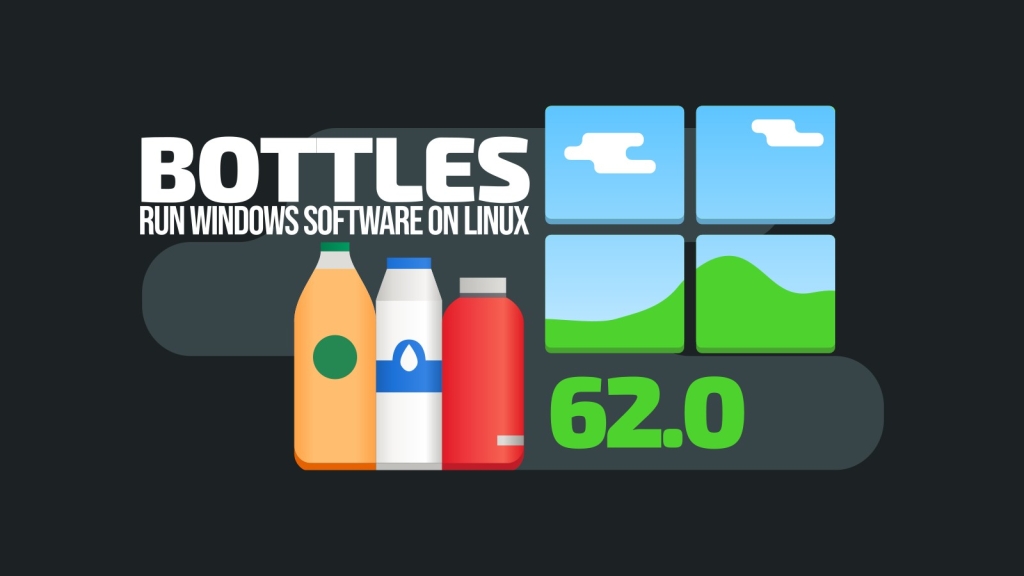
Bottles 62.0 Release: Major GPU Detection Fix and New Flatpak Launcher Support
Linux gamers and Windows app users rejoice! The popular open-source compatibility layer tool Bottles has just rolled out version 62.0, bringing a host of performance improvements, bug fixes, and new features that further solidify its position as one of the most user-friendly ways to run Windows software on Linux.
GPU Detection Fix for “Display Controller” Hardware
One of the most significant improvements in this release addresses a long-standing issue with GPU detection. Previously, certain graphics hardware categorized under “Display controller” wasn’t being properly recognized by Bottles. This fix ensures that a wider range of graphics cards and integrated GPUs are now correctly identified, potentially improving performance and compatibility for users with less common or newer hardware configurations.
Dynamic Launcher Portal Integration
Bottles 62.0 introduces support for the Dynamic Launcher portal, a feature that allows sandboxed applications to create and manage application launchers (.desktop entries) directly on the host system. This enhancement significantly improves integration with desktop environments, particularly in Flatpak setups where such functionality was previously limited. Users will now find their Bottles applications more seamlessly integrated into their application menus and launchers.
Flatpak Development Build Improvements
For those using Bottles through Flatpak, the development builds have received a crucial fix. The bottles-cli command-line tool, which had been malfunctioning in Flatpak development builds, now works properly again. This restoration of command-line functionality is particularly important for power users and developers who rely on terminal operations for automation and scripting.
Enhanced Backup Experience
The backup and restore functionality has been improved with the addition of visible progress information. Users will now see clear feedback during these operations, eliminating the uncertainty that previously accompanied backup processes. This transparency helps users better understand how long operations will take and provides reassurance that the process is working correctly.
System Environment Variable Flexibility
Another practical improvement allows users to add valid system environment variable names without encountering validation issues. This change provides more flexibility for advanced users who need to configure specific environment variables for their applications.
User Interface Refinements
The daily donation prompt screen has been fixed, addressing a bug that may have affected the user experience for those who support the project through donations. While a small change, it demonstrates the developers’ attention to detail and commitment to polishing the user experience.
FSR Handling Optimization
For gaming enthusiasts, Bottles 62.0 brings adjustments to FSR (FidelityFX Super Resolution) handling. The update removes Wine-level FSR implementation and now sets FSR only when running under Gamescope. This change should provide a more streamlined and efficient upscaling experience for supported games.
Translation Updates
As with every release, Bottles 62.0 includes updated translations, making the tool more accessible to users worldwide.
Looking Ahead
Bottles continues to evolve as a robust solution for Linux users who need Windows application compatibility. With each release, the development team demonstrates their commitment to improving both the technical underpinnings and the user experience of the platform.
The 62.0 release represents a balanced mix of bug fixes, feature additions, and performance improvements that should benefit both casual users and power users alike. Whether you’re gaming, running productivity software, or just experimenting with Windows applications on Linux, this update brings tangible improvements to your experience.
For those interested in the complete technical details, the full changelog is available on the project’s GitHub repository.
Bottles #LinuxGaming #Wine #OpenSource #CrossPlatform #GamingOnLinux #SoftwareCompatibility #TechUpdate #GPU #Flatpak #DesktopIntegration #FSR #Gamescope #LinuxDesktop #WindowsOnLinux #SoftwareNews #TechInnovation
,

Leave a Reply
Want to join the discussion?Feel free to contribute!