
Chrome just fixed some of its biggest daily annoyances
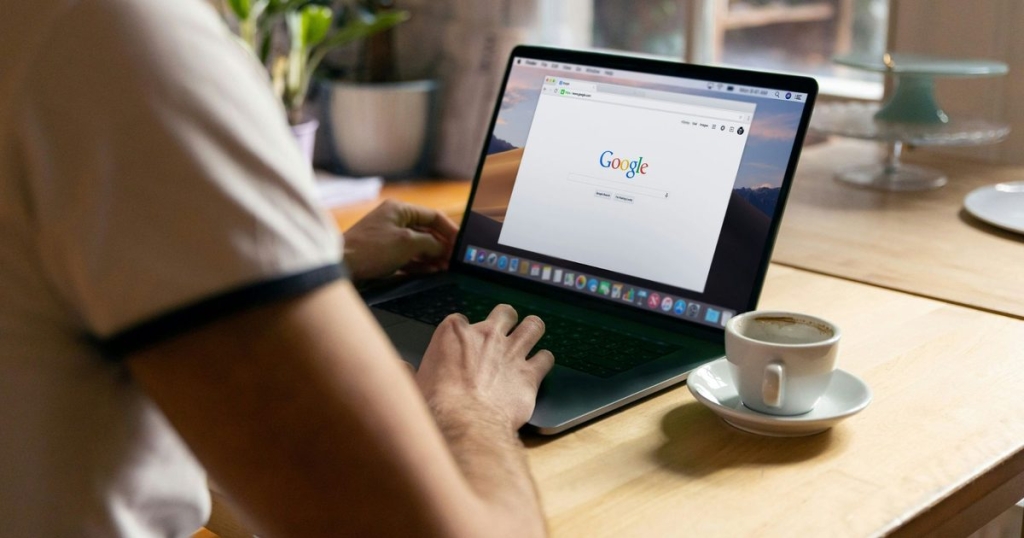
Google Just Quietly Rolled Out Three Game-Changing Chrome Features That Will Blow Your Mind!
In a stealth move that’s sending shockwaves through the tech world, Google has unleashed a trio of productivity features in Chrome that are about to revolutionize how you browse the web. This isn’t just an update—it’s a complete transformation of your browser into a powerful workspace that will make you wonder how you ever lived without it.
The Multitasking Marvel: Split View
Let’s start with the showstopper: split view. Imagine being able to work with two tabs side by side in the same window without the hassle of multiple monitors or constantly switching between tabs. That’s exactly what Google has delivered. Whether you’re comparing documents, researching while writing, or keeping a reference page open, split view turns Chrome into a legitimate productivity powerhouse.
This feature alone is worth the upgrade. No more alt-tabbing like a maniac or dealing with the chaos of multiple windows. Just smooth, seamless multitasking that actually makes you more productive instead of just making you feel busy.
PDF Editing That Doesn’t Suck
Next up is the feature everyone’s been begging for: built-in PDF annotations. Chrome has always been able to open PDFs, but now you can actually do something with them. Highlight text, add comments, mark up files—all without leaving your browser or downloading some sketchy third-party app.
Think about how much time you’ve wasted downloading PDFs, opening them in another program, making edits, and then re-uploading them. Those days are officially over. Google has killed the PDF workflow nightmare, and productivity nerds everywhere are celebrating.
Save to Google Drive: The Little Feature That Could
The third feature might seem small, but it’s actually huge: direct saving to Google Drive. Now you can save files and screenshots directly to Drive without any extra steps or extensions. It’s one of those things that seems minor until you realize how many times a day you’re doing this exact task.
These tiny friction points add up throughout the day, eating away at your productivity without you even noticing. Google has eliminated one of those silent time thieves, and your future self will thank you.
Chrome Is Becoming Your Digital Command Center
What’s really fascinating about these updates is what they reveal about Google’s vision for Chrome. This isn’t just a web browser anymore—it’s evolving into a central productivity hub. While competitors are busy experimenting with AI-powered browsing and new browser concepts, Google is doubling down on making Chrome the place where work actually happens.
For most people, work means switching between Chrome tabs all day. Google gets this, and they’re building features that acknowledge this reality. By adding multitasking and document editing directly into Chrome, they’re trying to create an environment where you don’t need to leave the browser to get things done.
The implications are massive. If Chrome becomes your primary workspace, Google essentially owns your digital productivity ecosystem. It’s a smart move that benefits users while also strengthening Google’s grip on how we work online.
Why This Matters Right Now
In a world where remote work is the norm and digital productivity tools are more important than ever, these features couldn’t come at a better time. The pandemic permanently changed how we work, and tools that help us be more efficient in digital environments are gold.
Google’s approach is also refreshingly practical. Instead of chasing flashy AI features or experimental concepts, they’re solving real problems that people face every single day. Split view addresses the tab chaos that drives everyone crazy. Built-in PDF annotations eliminate a workflow bottleneck. Direct Drive saving removes a repetitive task that nobody enjoys.
The Bottom Line
These three features might seem simple on the surface, but together they represent a significant evolution in how we think about web browsers. Chrome is no longer just a tool for accessing the internet—it’s becoming a legitimate workspace that can handle multiple tasks, edit documents, and manage files.
If you’re someone who spends most of your workday in a browser, these updates are going to change everything. The question isn’t whether you should upgrade to get these features—it’s whether you can afford not to.
Google has officially raised the bar for what we expect from our browsers, and the competition better take notice. This is productivity done right, and it’s just the beginning of what Chrome can become.
#GoogleChrome #ProductivityHacks #BrowserUpdate #TechNews #ChromeFeatures #SplitView #PDFEditing #GoogleDrive #DigitalProductivity #BrowserRevolution #ChromeUpdate #TechInnovation #WorkplaceTech #BrowserFeatures #GoogleUpdate
Game-changing browser features
Productivity revolution is here
Chrome just got a massive upgrade
Your browser is now a workspace
Google strikes again with brilliant updates
The future of browsing is now
Productivity nerds rejoice
Chrome evolution is real
Work smarter, not harder
Digital workspace transformation
Browser features that actually matter
Google’s productivity masterplan
Chrome is coming for your workflow
The browser wars just got intense
Google owns your productivity now
Chrome features that will blow your mind
Your digital command center awaits
The end of tab chaos
PDF editing nightmare is over
Google Drive integration perfected
Browser multitasking made simple
Chrome workspace revolution
Productivity features that actually work
Google’s browser dominance continues
Chrome just changed everything,

Leave a Reply
Want to join the discussion?Feel free to contribute!