
Does it matter which HDMI port you use on your TV? Short answer: Yes
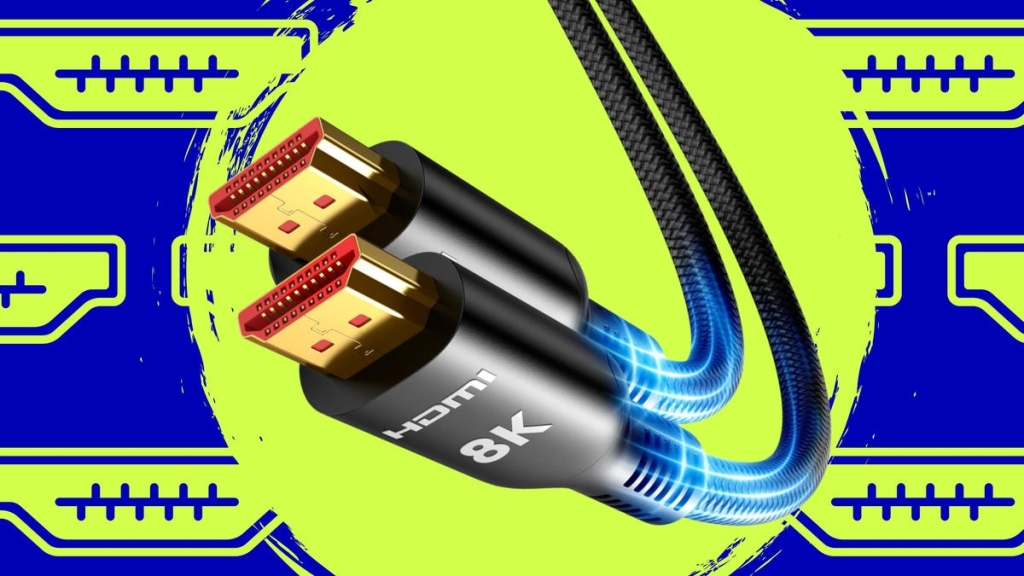
HDMI Port Types Explained: Which One Should You Use?
Not all HDMI ports are created equal. While they may look identical on the back of your TV, each port supports different features and bandwidth capabilities. Choosing the wrong one can mean missing out on 4K120 gaming, Dolby Atmos sound, or Variable Refresh Rate (VRR) for smoother gameplay.
Key Takeaways:
- HDMI 2.1 ports are essential for next-gen gaming (PS5, Xbox Series X) and high-refresh-rate PCs.
- ARC/eARC ports are required for soundbars and home theater systems to receive audio from your TV.
- Plugging into the wrong port won’t break anything—but you’ll lose performance or features.
- Always check your TV’s manual or port labels to identify which HDMI port does what.
HDMI Port Breakdown:
HDMI 2.0: Supports 4K at 60Hz, HDR, and ARC audio. Ideal for streaming devices, cable boxes, and Blu-ray players.
HDMI 2.1: Supports 4K at 120Hz (or 8K at 60Hz), VRR, ALLM, and eARC. A must for gaming consoles and high-refresh-rate PCs.
ARC/eARC: Sends audio from your TV back to a soundbar or receiver. eARC supports uncompressed Dolby Atmos and DTS:X, while ARC is limited to standard Dolby Digital 5.1.
How to Identify Your HDMI Ports:
Most TVs label their ports clearly. Look for descriptions like “4K120,” “VRR,” “Game,” or “Enhanced” for HDMI 2.1 ports. ARC/eARC ports are usually labeled as such. If a port isn’t labeled, assume it’s HDMI 2.0 (except for the ARC port).
Which HDMI Port Should You Use?
| Device | Recommendation | Why |
|---|---|---|
| Soundbar / Subwoofer / Home Theater Receiver | ARC or eARC port | Sends audio from TV back to sound system. Required for Dolby Atmos. |
| Apple TV 4K (with HomePod) | eARC port | Needed to route TV audio back to HomePods. |
| Gaming Consoles (PS5, Xbox Series X) / Gaming PC | HDMI 2.1 | Required for 4K120, VRR, ALLM, and low-latency gameplay. |
| PC | Any HDMI port | HDMI 2.1 recommended for high-refresh-rate output and VRR support. |
| Streaming Devices (Roku, Fire TV, Chromecast) | Any HDMI port | 4K streamers only need standard bandwidth. |
| Blu-ray / UHD Disc Player | Any HDMI port | Handles normal 4K60 HDR bandwidth. |
Typical TV Port Layout:
Most TVs have three or four HDMI ports. Here’s a common setup:
- HDMI 1: Streaming stick or Blu-ray player
- HDMI 2 (HDMI 2.1): Gaming console
- HDMI 3 (HDMI 2.1 or ARC/eARC): Soundbar
- HDMI 4 (HDMI 2.1): Secondary device or PC
Pro Tips:
- If your TV has only one HDMI 2.1 port, use it for your primary gaming device.
- Check your TV’s manual or port labels to confirm compatibility.
- Use right-angle HDMI adapters or swivel heads to reduce cable strain if your TV is wall-mounted.
What About HDMI 2.2?
HDMI 2.2 is the next major upgrade, offering 96 Gbps bandwidth, smoother refresh rates, and support for advanced resolutions. Announced in 2025, it uses next-gen Fixed Rate Link technology and adds features like Latency Indication Protocol. The good news? HDMI 2.2 cables are backward compatible with older ports.
Tags & Viral Phrases:
- HDMI 2.1 vs HDMI 2.0: What’s the Difference?
- HDMI Port Guide: Maximize Your TV’s Potential
- PS5 HDMI 2.1: Unlock 4K120 Gaming
- Dolby Atmos Soundbar: Why ARC/eARC Matters
- Gaming TV Setup: HDMI Port Tips for PS5 and Xbox
- HDMI 2.2: The Future of Home Entertainment
- TV HDMI Ports Explained: Don’t Miss Out on Features!
- Best HDMI Port for Gaming: HDMI 2.1 or ARC?
- How to Choose the Right HDMI Port for Your Devices
- HDMI Port Labels: What Do They Mean?
This guide ensures you’re getting the most out of your TV’s HDMI ports, whether you’re gaming, streaming, or setting up a home theater system. Plug in smart, and enjoy the full potential of your devices!
,

Leave a Reply
Want to join the discussion?Feel free to contribute!