
Google Pixel adding ‘high-contrast’ setting for At a Glance widget
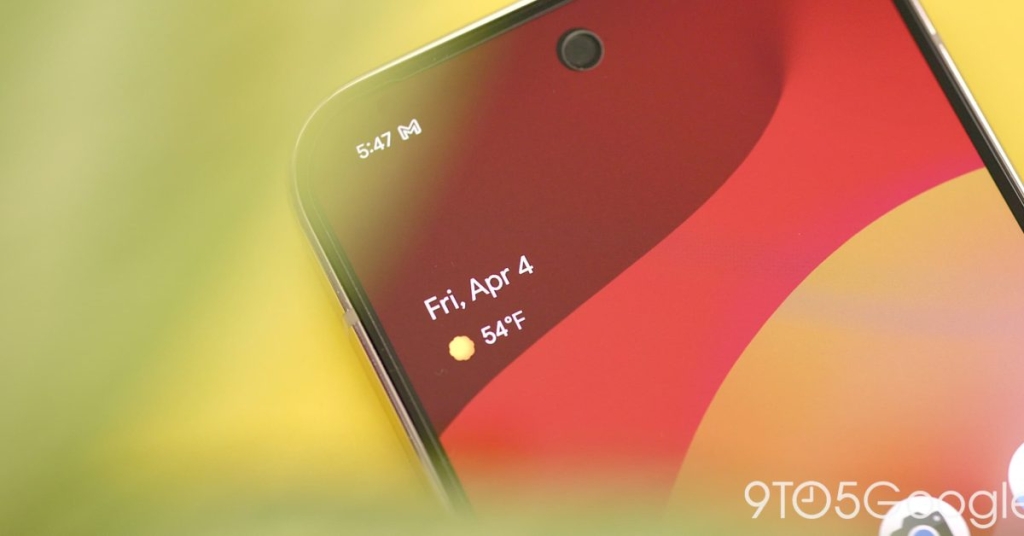
Google Pixel’s At a Glance Widget Finally Gets High-Contrast Mode—Here’s What You Need to Know
TL;DR: Google is testing a new high-contrast toggle for Pixel’s At a Glance widget, making it easier to read on light wallpapers. The feature is rolling out to some Android 16 QPR3 beta users, but availability is limited so far.
If you’ve ever struggled to read your Pixel’s At a Glance widget against a bright wallpaper, Google might have just heard your plea. The company is reportedly testing a new high-contrast mode for the widget—a feature that’s been on many users’ wishlists for years.
What Is At a Glance, and Why Does This Matter?
The At a Glance widget has been a staple of Pixel home screens since its introduction, displaying helpful information like weather updates, upcoming calendar events, and reminders. However, its transparent design often made it difficult to read against lighter wallpapers, forcing users to either change their wallpaper or accept the readability trade-off.
The New High-Contrast Feature
According to reports from Android Authority, Google is testing a simple toggle that, when enabled, adds a translucent dark background behind the widget. The background spans the full width of the home screen and features rounded corners consistent with Google’s modern Android design language. While customization options are limited, this basic enhancement could significantly improve usability for many users.
Who’s Getting It?
The feature appears to be rolling out primarily to users on Android 16 QPR3 (the third quarterly release of Android 16), though it’s unclear whether this is specifically tied to the beta or if it’s a server-side rollout. Interestingly, even some users enrolled in the beta program aren’t seeing the option yet, suggesting Google may be conducting a limited test.
One Reddit user in Germany showcased the feature working on their device, providing the first real-world glimpse of how it functions.
Why This Took So Long
The transparent widget design was likely intended to maintain aesthetic flexibility, allowing the widget to blend seamlessly with any wallpaper. However, this design choice prioritized visual appeal over practical readability—a common tension in tech design. Google’s decision to finally address this suggests the company is listening more closely to user feedback.
What’s Next?
While the feature is still in testing, its appearance in a beta build suggests it could arrive in a future Pixel update. Google hasn’t officially announced the feature, so details about broader rollout plans remain unclear.
TAGS: #GooglePixel #Android #AtAGlance #HighContrast #Widget #Accessibility #TechNews #PixelUpdate #Android16 #Google
VIRAL PHRASES: “Finally fixing what’s been broken,” “Google listens to users,” “The feature we’ve all been waiting for,” “Accessibility wins,” “Small change, big impact,” “Pixel gets smarter,” “Widget wars,” “Design meets function,” “Beta testers rejoice,” “Dark mode for your widget”
,

Leave a Reply
Want to join the discussion?Feel free to contribute!