
Happy New Year! Now Clear Your Cache
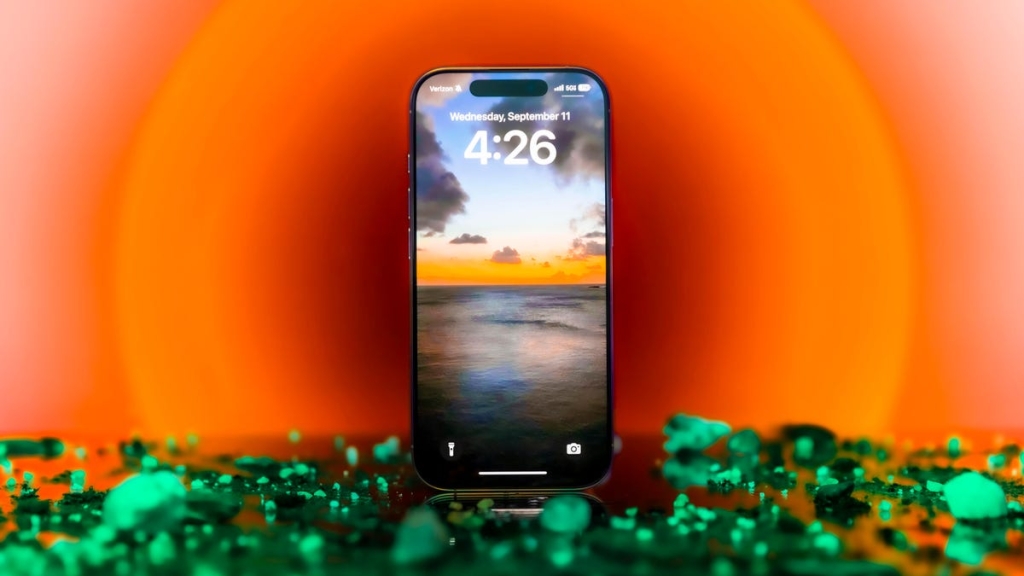
It’s the start of January, and the air is electric with possibility. The year stretches out before you, a blank canvas waiting to be filled with new experiences, achievements, and memories. You’re ready to face the new year, unburdened by the baggage of the past. But there’s one thing holding you back: your iPhone.
Your trusty iPhone, your constant companion, is still weighed down by the remnants of last year. It’s like a digital hoarder, clinging to every scrap of data, every cached page, every forgotten cookie. It’s time for a digital detox, a fresh start for your device, just like the new year gives you.
When you clear your cache, you’re essentially giving your browser a clean slate. It’s like decluttering your digital life, removing the unnecessary and making room for the new. You might even free up some valuable storage space, giving your iPhone a little more breathing room.
Think of it as a digital spring cleaning. You’re tidying up, wiping away the dust, and getting rid of the trash. It’s a simple process that can have a big impact on your iPhone’s performance and your overall digital experience.
So, how do you do it? It’s easier than you think. Here’s a step-by-step guide on how to clear your iPhone’s cache, depending on your preferred browser:
Safari:
1. Open the Settings app on your iPhone.
2. Select Apps > Safari.
3. Scroll down to History and Website Data and choose Clear History and Website Data.
4. Choose Clear History and Data in the pop-up box.
Chrome:
1. Open the Chrome app.
2. Select the three dots in the bottom right to open more options.
3. Swipe over to Settings in the top menu bar.
4. Scroll down and tap Privacy and security.
5. Tap Delete browsing data to open another menu.
6. Select the intended time range at the top of the menu.
7. Make sure that Cookies and Site Data are checked in the Browsing data menu, along with Cached Images and Files.
8. Finally, hit Delete data at the bottom of the screen.
Firefox:
1. Press the hamburger menu in the bottom right corner to open options.
2. Choose Settings at the bottom of the menu.
3. Select Data Management in the Privacy section.
4. To clear everything, choose Web Site Data at the top of the menu and then Clear All Web Site Data.
How often should you clear your cache? Most people only need to do it once every month or two. That’s generally the point when your browser will build up a cache large enough to start slowing things down. If you frequent a large number of sites, you should err on the side of clearing your cache more often.
So, go ahead and give your iPhone a fresh start. Clear that cache, declutter your digital life, and embrace the new year with a clean slate. Your iPhone will thank you for it.
Tags: iPhone, cache, browser, Safari, Chrome, Firefox, digital detox, performance, storage space, decluttering, digital life, fresh start, new year.
Viral phrases:
– “Your iPhone deserves better.”
– “Give your browser a new start.”
– “Free up some valuable storage space.”
– “Declutter your digital life.”
– “Embrace the new year with a clean slate.”
– “Your iPhone will thank you for it.”,


Leave a Reply
Want to join the discussion?Feel free to contribute!