
How to improve your Sonos soundbar’s audio performance – 3 easy and free ways
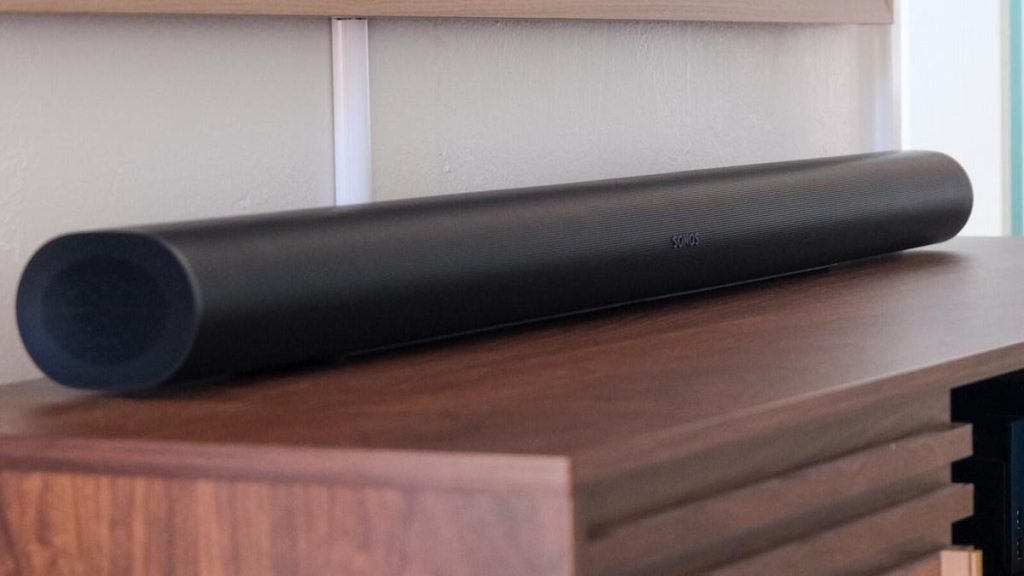
Sonos Arc & Arc Ultra: Real-World Tips to Unlock Dolby Atmos and Crystal-Clear Dialogue
Sonos soundbars are renowned for their sleek design and premium audio, but even the best hardware can fall short if your room setup isn’t optimized. While Sonos’ marketing materials and reviews are packed with specs, the truth is that real-world factors—like placement, room acoustics, and audio settings—have a bigger impact on performance than you might expect.
After living with both the Sonos Arc and Arc Ultra, along with Era 300 rear speakers, Sub 4 subwoofer, and Ace headphones, I’ve discovered that achieving the perfect sound requires more than just unboxing and plugging in. Here’s how to get the most out of your Sonos soundbar, whether you’re chasing immersive Dolby Atmos or struggling with muffled dialogue.
1. Problem: Dolby Atmos Doesn’t Sound Immersive
The Issue: Lack of Height and Room Constraints
Dolby Atmos is designed to create a three-dimensional soundscape, with sounds moving around and above you. In movie theaters, this is achieved with ceiling-mounted speakers. At home, your Sonos Arc or Arc Ultra uses upfiring drivers to bounce sound off the ceiling, but this illusion only works if your room allows it.
If you have vaulted ceilings, low ceilings, or your soundbar is too close to the TV, those upfiring speakers will struggle to create the height effect. The result? A soundstage that feels flat and less immersive than promised.
The Fix: Boost Height Channels and Add Rear Speakers
- Increase Height Channel Volume: In the Sonos app, go to the soundbar’s settings and boost the height channel volume. This can make the overhead effects more noticeable, even in less-than-ideal rooms.
- Add Era 300 Rear Speakers: The Era 300 features an upfiring tweeter, which enhances the height effect and expands the horizontal soundstage. This is especially helpful in medium-to-large rooms.
- Consider Room Layout: If possible, keep your soundbar out of cabinets and as close to ear level as possible. Sound needs space to disperse, not be trapped.
2. Problem: Dialogue Isn’t Clear
The Issue: Bass Overload and Missing Midrange
If you’re constantly reaching for subtitles, your soundbar’s audio balance might be to blame. Dialogue typically lives in the midrange frequencies, but if your bass is too prominent or your soundbar’s mids are underemphasized, voices can get lost.
The Fix: Tweak Audio Settings and Add a Subwoofer
- Enable Speech Enhancement: This feature reduces bass and boosts mids, making dialogue clearer.
- Turn On Night Sound: Paired with Speech Enhancement, this further reduces bass, perfect for late-night viewing.
- Disable Loudness: This feature can amplify non-dialogue sounds, making voices harder to hear.
- Adjust EQ Settings: Lower the bass response in the Sonos app to let dialogue shine.
- Add a Subwoofer: The Sub 4 takes the low-end load off your soundbar, freeing it to focus on mids and highs. Rear speakers also help by expanding the soundstage, so the soundbar doesn’t have to do all the heavy lifting.
For the ultimate private listening experience, the Sonos Ace headphones are compatible with Arc, Arc Ultra, Beam, and Ray, delivering the same audio format as your soundbar—perfect for late-night movie marathons without disturbing anyone.
3. Problem: Something Just Sounds ‘Off’
The Issue: Room Acoustics and Furniture Layout
Even the best soundbar can’t overcome a room that’s acoustically challenging. Hard surfaces reflect sound, soft surfaces absorb it, and furniture can block or distort audio. If you’ve rearranged your living room, your soundbar’s performance might suffer.
The Fix: Re-Calibrate TruePlay
Sonos’ TruePlay tuning feature uses your iPhone or iPad to analyze your room’s acoustics and optimize your speaker’s output. If you’ve moved furniture, added rugs, or changed your layout, run TruePlay again to ensure your soundbar is calibrated for your current setup.
Bonus Tips for Sonos Superfans
- Beam (Gen 2) vs. Ray: If you’re looking for a compact option, the Beam (Gen 2) is the best choice from Sonos, especially when on sale. It supports Dolby Atmos, unlike the Ray.
- Era 300 for Spatial Audio: The Era 300 isn’t just for music—it’s a game-changer for home theater, thanks to its upfiring tweeter and wide soundstage.
- Sub 4 for Bass: If you want chest-thumping bass without sacrificing dialogue clarity, the Sub 4 is worth every penny.
Tags & Viral Phrases:
-
SonosArc #ArcUltra #DolbyAtmos #HomeTheater #SoundbarTips #TruePlay #SpeechEnhancement #Era300 #Sub4 #SonosAce #AudioHacks #ImmersiveSound #ClearDialogue #RoomAcoustics #SoundbarSetup #TechTips #HomeEntertainment #AudioOptimization #SonosEcosystem #SoundbarSecrets
With these tweaks, your Sonos soundbar can deliver the immersive, crystal-clear audio you’ve been dreaming of—no matter your room’s quirks. Happy listening! 🎧
,


Leave a Reply
Want to join the discussion?Feel free to contribute!