
Intel Arc B390 Graphics Performance On Linux With Panther Lake Review
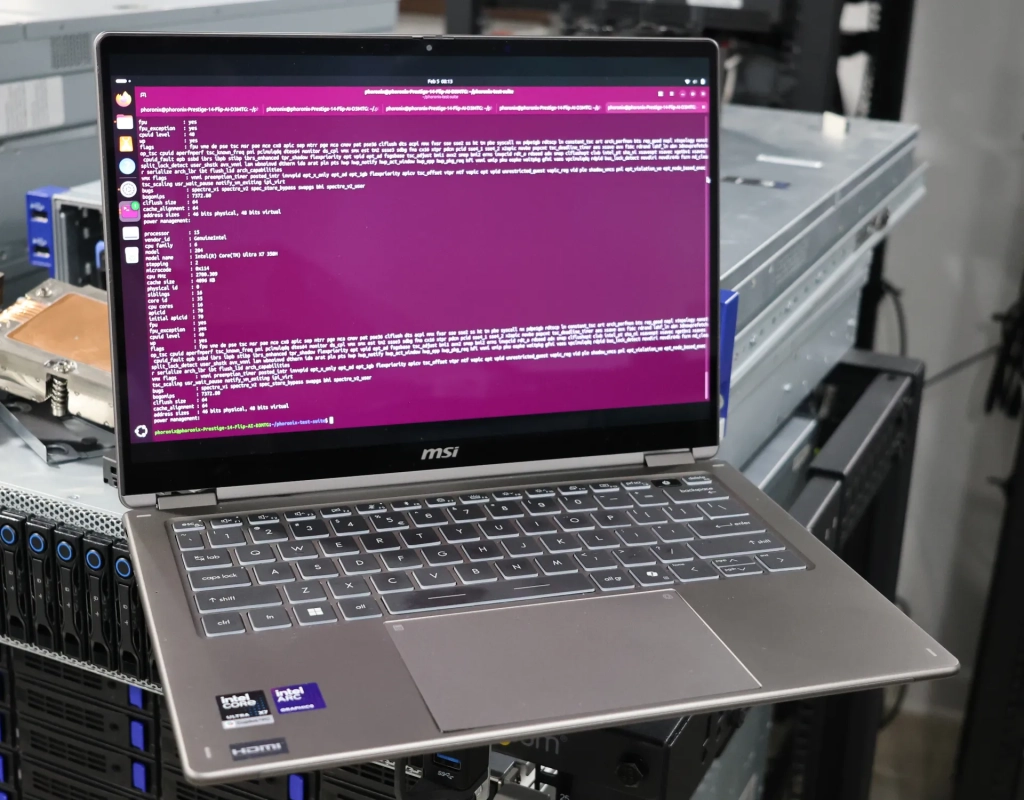
Intel’s Panther Lake Xe3 Graphics: The Arc B390 Delivers, But Only After Some Linux Tweaks
Intel’s latest mobile processor architecture, Panther Lake, is making waves in the tech world, and for good reason. The Core Ultra X7 358H, one of the top-tier models in this new lineup, boasts the Arc B390 GPU with 12 Xe cores, promising significant graphics performance improvements. However, as with any new technology, there are some initial hurdles to overcome, particularly for Linux users.
The Arc B390 GPU in the Core Ultra X7 358H features a maximum graphics frequency of 2.5GHz and supports eDP 1.5, DP 2.1, and HDMI 2.1, with the ability to drive up to an 8K @ 60 resolution and up to four total displays. This is impressive hardware that, on paper, should deliver a substantial boost in graphics performance.
However, early testing of the Arc B390 on Linux revealed some unexpected results. Initial benchmarks showed minimal gains over the previous generation Lunar Lake Xe2 graphics, which was frustrating for users expecting a significant performance uplift. The issue stemmed from the power management settings in the default “balanced” mode on Linux, which were found to be significantly lower than those on Windows.
Intel discovered that there could be up to a 15 Watt difference in the PL1 state between balanced mode on Windows and Linux. Further investigation revealed that MSI, the manufacturer of the Prestige 14 laptop used for testing, had set their balanced defaults lower than Intel’s recommendations. Typically, OEMs are expected to have higher PL1 minimum values for balanced mode, but MSI had set it at 15 Watts min and 30 Watts max for this particular model.
This discrepancy in power management settings led to disappointing out-of-the-box performance for Linux users. To achieve the expected performance, users need to switch to the “performance” mode and make some additional tweaks. Intel recommends using a temporary workaround for Thermald, a power management daemon that is shipped by default on most modern Linux distributions, and installing their Low Power Mode Daemon (LPMD).
Once these changes were made, the Arc B390’s performance became much more competitive with other laptops in their out-of-the-box balanced mode. This highlights the importance of proper power management in achieving optimal performance, especially in mobile devices where battery life is a crucial factor.
The testing revealed that the Arc B390, when properly configured, can deliver impressive graphics performance. In gaming benchmarks, it showed significant improvements over previous generations, particularly in titles like Counter-Strike 2 and Cyberpunk 2077. The GPU also performed well in synthetic benchmarks like 3DMark and Unigine, demonstrating its capabilities in both gaming and professional applications.
One area where the Arc B390 particularly shines is in ray-tracing performance. With the latest Mesa drivers and Linux kernel, the GPU can handle ray-traced games and applications with ease, providing a glimpse into the future of real-time graphics rendering.
However, it’s worth noting that the out-of-the-box experience for Linux users is not as smooth as it could be. The need for manual configuration to achieve optimal performance may be a barrier for some users, particularly those who are less technically inclined. This is an area where Intel and its partners need to improve, ensuring that their hardware performs optimally across all supported platforms without requiring extensive user intervention.
Looking ahead, the Arc B390 and the broader Panther Lake architecture represent a significant step forward for Intel in the mobile graphics market. The combination of improved CPU performance and enhanced graphics capabilities positions Intel as a strong competitor to AMD and Apple in the high-performance mobile computing space.
As Linux continues to gain traction in both consumer and enterprise markets, it’s crucial for hardware manufacturers to ensure their products work seamlessly on this platform. Intel’s efforts to improve Linux support for their graphics hardware are commendable, but there’s still room for improvement, particularly in terms of out-of-the-box performance and ease of use.
In conclusion, the Intel Arc B390 GPU in the Core Ultra X7 358H is a powerful graphics solution that, once properly configured, can deliver excellent performance on Linux. However, the initial hurdles in achieving this performance highlight the ongoing challenges in cross-platform hardware support. As Intel continues to refine their Linux drivers and work with partners like MSI to optimize power management settings, we can expect to see even better performance and user experiences in future iterations of their mobile graphics hardware.
Tags: Intel, Panther Lake, Arc B390, Xe3 graphics, Linux, gaming performance, mobile computing, ray tracing, power management, MSI Prestige 14, Core Ultra X7 358H, Mesa drivers, Thermald, LPMD, 8K resolution, eDP 1.5, DP 2.1, HDMI 2.1
Viral Sentences:
– “Intel’s Panther Lake Xe3 Graphics: A game-changer for mobile computing, but Linux users need to roll up their sleeves!”
– “The Arc B390 delivers impressive performance, but only after some Linux tweaks. Is it worth the hassle?”
– “Intel’s latest mobile GPU outshines its predecessor, but the out-of-the-box Linux experience leaves something to be desired.”
– “Panther Lake’s Arc B390: Powerful graphics that require a bit of Linux know-how to unleash their full potential.”
– “Intel’s new mobile powerhouse faces a bumpy start on Linux, but the performance payoff is worth the effort.”
– “The Arc B390’s ray-tracing capabilities on Linux are impressive, but getting there requires some technical finesse.”
– “Intel’s latest mobile GPU architecture sets a new standard, but Linux users might need to dive into power management settings first.”
– “The Core Ultra X7 358H with Arc B390 is a beast, but Linux users need to tame it with some performance tweaks.”
– “Intel’s Panther Lake brings mobile graphics to new heights, but the Linux journey to get there isn’t always smooth sailing.”
– “The Arc B390’s performance on Linux is a tale of two experiences: disappointing out-of-the-box, but impressive with the right tweaks.”,

Leave a Reply
Want to join the discussion?Feel free to contribute!