
iOS 26.2 expands AirPods Pro’s powerful new feature, here’s how to use it
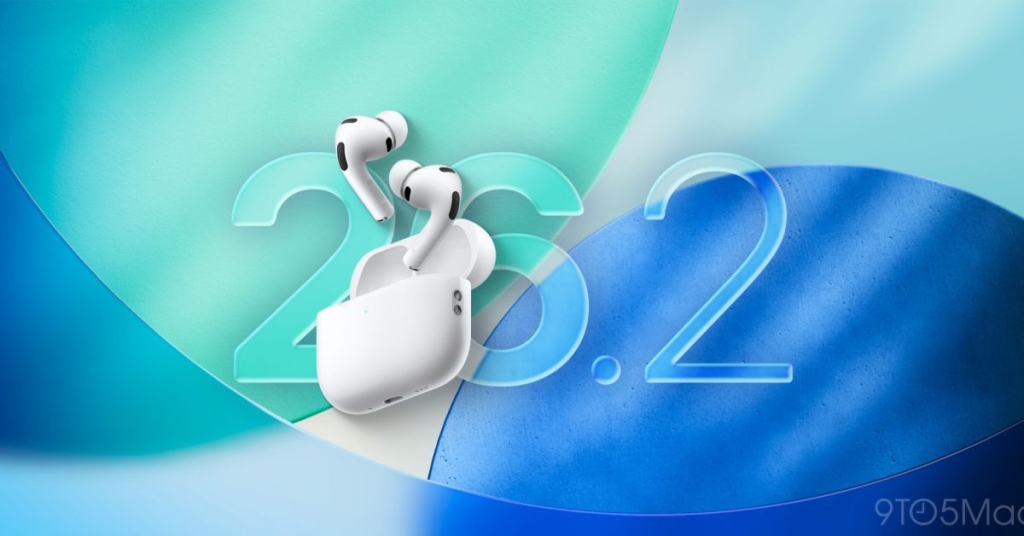
Breaking: AirPods Live Translation Just Got a Massive Upgrade — Here’s How to Unlock the Future of Global Communication
Apple just dropped a bombshell with iOS 26.2, and it’s not just another incremental update — it’s a game-changer for AirPods users worldwide. The star of the show? AirPods Live Translation, a feature so futuristic it feels like something straight out of a sci-fi movie. Imagine having real-time conversations with anyone, in any language, without missing a beat. That’s the magic Apple is now rolling out to millions of users, and trust us, you’re going to want in on this.
What’s the Big Deal?
AirPods Live Translation is not your average translation tool. It’s a seamless, AI-powered feature that lets you converse with someone speaking a different language, all while wearing your AirPods. The translation happens in real-time, so you can have natural, fluid conversations without awkward pauses or misunderstandings. Whether you’re traveling abroad, meeting international clients, or just chatting with a friend who speaks another language, this feature is about to make your life infinitely easier.
How to Get Started: The Ultimate Setup Guide
Ready to dive into the future of communication? Here’s how to unlock AirPods Live Translation:
Step 1: Check Your Gear
First things first — make sure you’re rocking the right AirPods. This feature is available on:
- AirPods Pro 3
- AirPods Pro 2
- AirPods 4 with Active Noise Cancellation (ANC)
Step 2: Update Your iPhone
Your iPhone needs to be running iOS 26.2 or later and support Apple Intelligence. If you haven’t updated yet, head to Settings > General > Software Update and get on board.
Step 3: Download the Languages
Here’s where the magic happens:
- Open the Settings app on your iPhone.
- Tap your AirPods’ name (it’s usually at the top of the Settings menu).
- Scroll down to the ‘Translation’ section.
- Tap ‘Languages’.
- Hit the download icon next to the languages you want to use.
Pro Tip: Download the languages you’ll use most often to ensure smooth, offline translation.
How to Use AirPods Live Translation
Once you’re all set up, there are four ways to start a Live Translation session:
- Via the Translate App: Open the Apple Translate app, head to the ‘Live’ tab, and select your languages.
- Press and Hold Both AirPods Stems: This is the quickest way to activate the feature on the go.
- Control Center or Action Button: Add the Translate control to your Control Center or assign it to your iPhone’s Action button for instant access.
- Ask Siri: Just say, “Hey Siri, start Live Translation,” and you’re good to go.
Why This Feature is a Game-Changer
AirPods Live Translation isn’t just a cool tech trick — it’s a revolutionary tool that’s breaking down language barriers like never before. Here’s why it’s making waves:
- Real-Time Accuracy: Powered by Apple’s advanced AI, the translations are fast, accurate, and natural-sounding.
- Seamless Integration: No need for clunky apps or devices — it’s all built into your AirPods and iPhone.
- Offline Mode: Once you’ve downloaded the languages, you can use the feature without an internet connection.
- Accessibility: It’s a lifeline for travelers, international businesses, and anyone navigating a multilingual world.
Real-World Applications
Still not convinced? Here’s how AirPods Live Translation is already changing lives:
- Travel: Order food, ask for directions, or make new friends abroad without the language barrier.
- Business: Close deals, negotiate contracts, and collaborate with international teams effortlessly.
- Education: Learn new languages or help students understand complex concepts in their native tongue.
- Personal Connections: Strengthen relationships with friends and family who speak different languages.
The Future is Here
Apple’s AirPods Live Translation is more than just a feature — it’s a glimpse into the future of global communication. With this tool, the world just got a little smaller, and a lot more connected. Whether you’re a globetrotter, a business mogul, or just someone who loves cutting-edge tech, this is one update you don’t want to miss.
So, what are you waiting for? Update your iPhone, download your languages, and start breaking down barriers today. The future of communication is here, and it’s in your ears.
Tags: #AirPodsLiveTranslation #iOS26.2 #AppleIntelligence #TechRevolution #RealTimeTranslation #FutureOfCommunication #AppleAirPods #GlobalConnectivity #TechInnovation #LanguageBarrier #AIpowered #AppleEcosystem #CuttingEdgeTech #TechNews #MustHaveFeature #GameChanger #TechTrends #AppleUpdate #AirPodsPro #iPhoneUpdate #Multilingual #TechSavvy #FutureTech #AppleFan #TechEnthusiast #BreakingNews #TechUpdate #AppleEcosystem #Innovation #TechLife #DigitalTransformation
,

Leave a Reply
Want to join the discussion?Feel free to contribute!