
iOS 26.3 brings these 3 changes to your iPhone
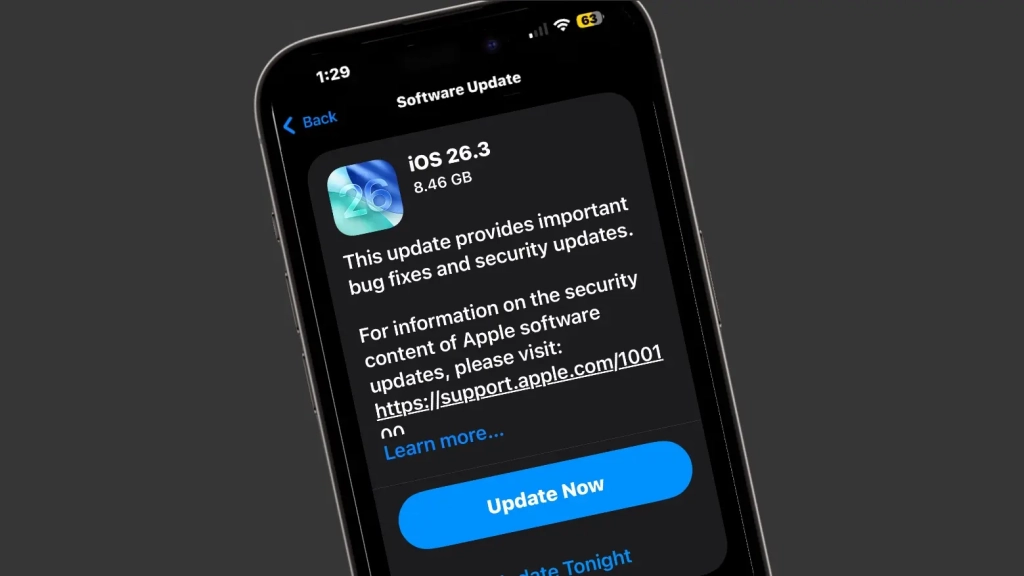
iOS 26.3 Drops: Apple’s Subtle but Powerful Update is Finally Here
Apple has officially released iOS 26.3 to the public on February 11, 2025, following months of beta testing that began in mid-December. Unlike previous major iOS updates, this release doesn’t pack flashy new features—instead, it focuses on meaningful improvements that enhance your iPhone experience in subtle but significant ways.
The Quiet Revolution: What iOS 26.3 Actually Delivers
Let’s be honest—when most people hear about an iOS update, they’re looking for the next big thing. The mind-blowing feature that changes everything. But iOS 26.3 takes a different approach, and it might just be the smartest move Apple has made in years.
This update is all about refinement. It’s about fixing the little things that have been bothering users, improving compatibility, and tightening security. While it won’t make headlines for introducing a revolutionary new feature, it addresses real-world pain points that have been frustrating iPhone users for years.
Breaking Down the Game-Changing Features
Notification Forwarding: The EU Gets a Win
One of the most significant additions in iOS 26.3 is Notification Forwarding, but there’s a catch—it’s currently only available to users in the European Union. This feature allows iPhone users to forward notifications to third-party smartwatches, addressing a long-standing limitation that forced EU users to choose between their Apple Watch and other wearables.
Here’s how it works: Navigate to Settings > Notifications, and you’ll find the new option to forward notifications to “one accessory at a time.” This means if you’re using both an Apple Watch and a Garmin or Fitbit device, you can now choose which one receives your alerts.
The limitation? You can only forward to one device simultaneously. Select a third-party smartwatch, and your Apple Watch will temporarily stop receiving notifications until you switch the setting back. It’s not perfect, but it’s a significant step toward giving users more flexibility with their devices.
Android Transfer Tool: Breaking Down the Walls
In another move that seems directly influenced by EU regulations, Apple has introduced a “Transfer to Android” tool in iOS 26.3. This feature allows users to seamlessly transfer photos, notes, messages, and apps to Android devices—something that was previously cumbersome and often required third-party software.
However, there are limitations. Your health data, protected notes, and certain photos won’t transfer as part of the process. It’s a start, but it shows Apple is still being selective about what data it’s willing to let users take with them.
Location Privacy Gets Tighter
iOS 26.3 introduces a new level of control over how carriers access your location data. Users can now choose to block access to their exact location and instead limit it to their general neighborhood. This is a significant privacy enhancement that gives users more control over their personal data.
But there’s a catch here too. This feature is only available on iPhones and iPads that use Apple’s own modem, including the iPhone 16e, M5 iPad Pro, and the upcoming iPhone Air. Additionally, it only works with selected networks globally, including Boost Mobile in the US, EE and BT in the UK, and AIS and True in Thailand.
The Bigger Picture: Apple’s Strategic Shift
What’s fascinating about iOS 26.3 is what it represents in Apple’s broader strategy. The company is clearly responding to increasing regulatory pressure, particularly in the EU, while also making incremental improvements that enhance the overall user experience.
This update feels like Apple is playing the long game. Instead of introducing flashy features that might have limited practical use, they’re focusing on improvements that make the iPhone more versatile, more private, and more compatible with the broader tech ecosystem.
Should You Update?
The short answer is yes. While iOS 26.3 doesn’t introduce groundbreaking new features, the improvements it brings—particularly around privacy and compatibility—are worth having. The update also includes the usual bug fixes and security patches that are essential for keeping your device running smoothly and securely.
Beyond iOS: The Ecosystem Update
Apple didn’t stop with iOS 26.3. The company also released iPadOS 26.3, macOS 26.3, watchOS 26.3, and tvOS 26.3, along with an update for Vision Pro. Like iOS 26.3, these updates focus primarily on underlying improvements and bug fixes rather than introducing new features.
The Bottom Line
iOS 26.3 might not be the most exciting update Apple has ever released, but it might be one of the most important. By focusing on compatibility, privacy, and user control, Apple is addressing real-world issues that have been holding back the iPhone experience.
Sometimes, the most significant improvements aren’t the ones that make the biggest splash—they’re the ones that quietly make your daily interactions with technology better, more secure, and more flexible. That’s exactly what iOS 26.3 delivers.
Tags & Viral Phrases:
iOS 26.3 release date, Apple iOS update 2025, iPhone privacy features, EU Apple regulations, notification forwarding iPhone, transfer to Android Apple, iOS 26.3 features, Apple Watch third-party compatibility, iPhone location privacy, Apple ecosystem updates, iOS 26.3 beta testing, Apple modem iPhone, EU tech regulations, iPhone 16e features, iPhone Air rumors, macOS 26.3 update, iPadOS 26.3 changes, watchOS 26.3 improvements, tvOS 26.3 update, Vision Pro software update, Apple privacy controls, carrier location access, third-party smartwatch iPhone, Apple Android compatibility, iOS 26.3 bugs fixed, Apple security patches, EU Digital Markets Act, iPhone notification settings, Apple ecosystem integration, iOS 26.3 download, Apple software updates 2025
,


Leave a Reply
Want to join the discussion?Feel free to contribute!