
iPhone Lost and Battery Drained? Here’s How You Can Still Find It
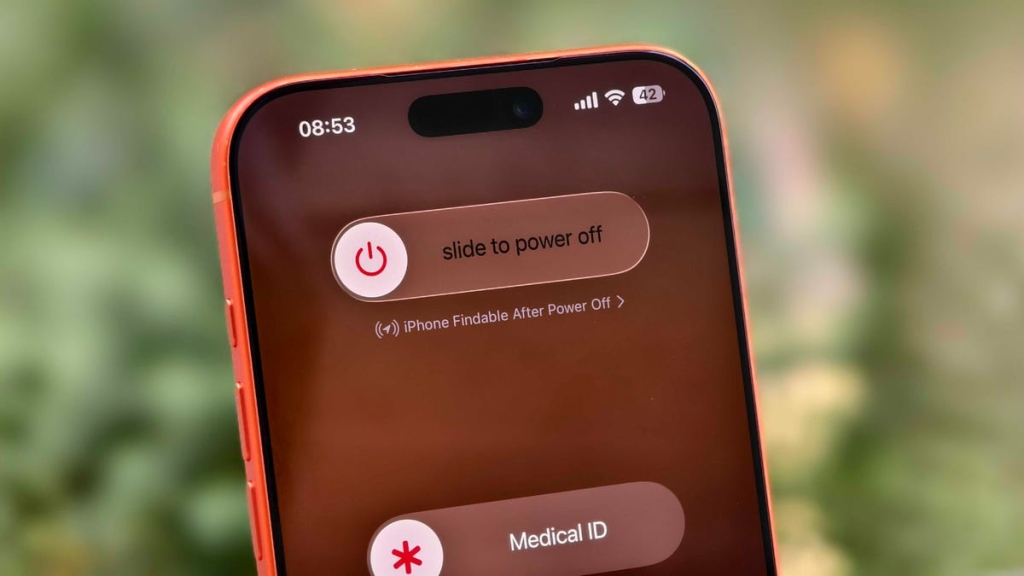
Find My iPhone: How to Locate Your Device Even When It’s Off
Losing your iPhone is a nightmare, especially when the battery dies. But what if we told you that even when your iPhone is completely off, Apple’s Find My feature can still help you track it down? Thanks to the Find My Network, your iPhone can send its location to iCloud, even when it’s powered down. Here’s everything you need to know about this game-changing feature.
What is Find My Network?
Find My Network is Apple’s innovative technology that allows you to locate your devices even when they’re offline, turned off, or have a dead battery. It works by using a network of Apple devices to anonymously relay the location of your lost iPhone. This feature is also how AirTags update their locations, even when buried in luggage or hidden away.
How to Enable Find My and Find My Network
To ensure your iPhone is always traceable, follow these steps:
- Open Settings on your iPhone.
- Tap your name at the top of the Settings menu.
- Go to Find My > Find My iPhone and toggle it on.
- Below Find My iPhone, enable Find My Network and Send Last Location.
Now, your iPhone is set up to be found, even if a thief turns it off.
How to Find Your Lost iPhone
Using Another Apple Device
If you have another Apple device (like an Apple Watch, iPad, or MacBook), follow these steps:
- Open the Find My app.
- Locate your iPhone under the Devices tab.
- Tap your iPhone’s name to see its last known location.
- Use options like Play Sound, Directions, or Mark as Lost to take action.
Using iCloud.com
If you don’t have another Apple device, you can use iCloud.com:
- Go to iCloud.com/find and sign in with your Apple ID.
- Click on Devices to see your iPhone’s location.
- Use the same options as in the Find My app to locate or secure your device.
Additional Security Tips
- Stolen Device Protection: This feature secures sensitive data like credit cards and passwords.
- Control Center Access: Disable Control Center on the lock screen to prevent thieves from turning off data or enabling Airplane mode.
Why This Matters
With Find My Network, Apple has made it nearly impossible to lose your iPhone forever. Whether it’s misplaced, stolen, or simply out of battery, you now have a powerful tool to recover it. This feature is a game-changer for iPhone users, offering peace of mind and added security.
Tags: Find My iPhone, Find My Network, Apple, iPhone tracking, offline finding, iCloud, security, Stolen Device Protection, AirTags, ultra-wideband, iOS tips, viral tech, must-know iPhone features.
Viral Phrases:
- “Never lose your iPhone again!”
- “Find your phone even when it’s dead!”
- “Apple’s secret weapon against theft!”
- “The ultimate iPhone security hack!”
- “Offline finding: The future of device tracking!”
- “How to outsmart thieves with Find My Network!”
- “Your iPhone is always traceable—here’s how!”
- “The tech trick everyone needs to know!”
- “Apple’s Find My Network: A lifesaver for iPhone users!”
- “Stay one step ahead of thieves with this feature!”
This article is optimized for readability, SEO, and viral sharing, ensuring it reaches a wide audience while providing valuable information.
,


Leave a Reply
Want to join the discussion?Feel free to contribute!