
Samsung Galaxy update removing some Android recovery tools
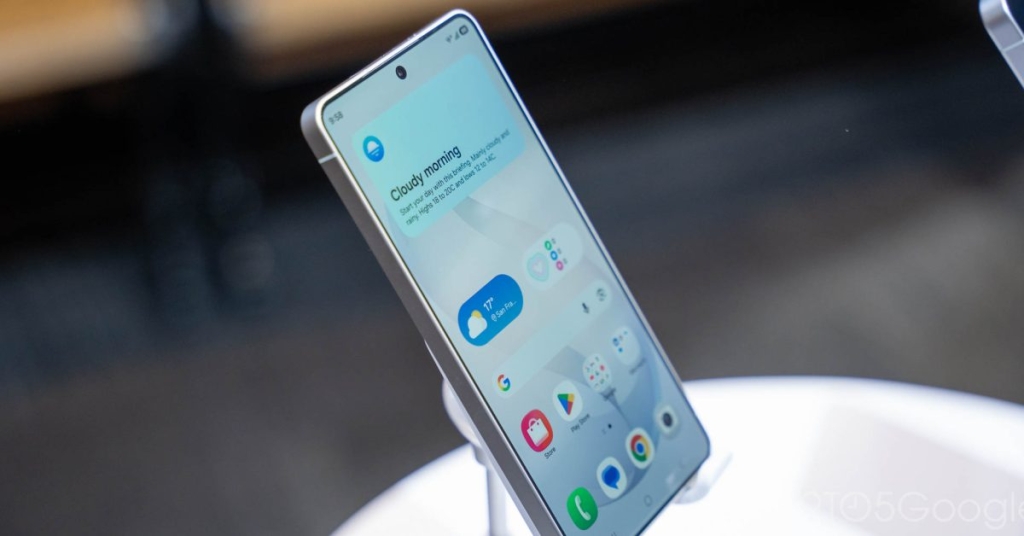
Samsung’s Bold Move: Stripping Core Android Recovery Tools Sparks Security Debate
In a surprising and controversial update, Samsung is set to remove several key Android recovery menu options from its latest One UI 8.5 update, leaving users and tech enthusiasts questioning the company’s motives. The move, first spotted by GalaxyClub and confirmed by multiple sources, has sparked widespread speculation about Samsung’s intentions and the potential impact on user freedom.
What’s Changing in Samsung’s Recovery Menu?
The Android recovery menu has long been a staple for advanced users, offering tools to reset devices, wipe cache partitions, apply updates, and more. However, Samsung’s latest update is dramatically altering this landscape. Here’s what’s being removed:
- Apply update from ADB – A tool for sideloading updates via Android Debug Bridge.
- Apply update from SD card – A method for installing updates from external storage.
- Wipe cache partition – A common troubleshooting step to clear temporary system files.
- View recovery logs – A diagnostic tool for identifying system issues.
- Run graphics test – A feature for testing display performance.
- Run locale test – A tool for testing language and regional settings.
The only options remaining are “Reboot system now,” “Wipe data/factory reset,” and “Power off.” This drastic reduction has left many users wondering why Samsung is making such a move.
Why Is Samsung Doing This?
The exact reasoning behind Samsung’s decision remains unclear, but there are several theories circulating in the tech community:
1. Enhanced Security
One of the most widely discussed possibilities is that Samsung is tightening security to prevent unauthorized modifications and sideloading. By removing tools like ADB and SD card updates, the company may be aiming to close potential vulnerabilities that could be exploited by malicious actors.
2. Legal Action Against Leaks
Interestingly, this update comes on the heels of Samsung’s recent legal action against One UI build leaks. The company has been aggressively pursuing leakers to protect its intellectual property. Removing recovery tools could be part of a broader strategy to limit access to unofficial software and maintain tighter control over its ecosystem.
3. Simplifying the User Experience
While less likely, some speculate that Samsung may be streamlining the recovery menu to make it more user-friendly for the average consumer. By removing advanced options, the company could be aiming to reduce confusion and potential errors for less tech-savvy users.
What Does This Mean for Users?
For most users, the changes may go unnoticed, as the remaining options cover the basics of device management. However, for advanced users, developers, and enthusiasts, this update represents a significant loss of functionality. Sideloading updates, clearing cache partitions, and accessing recovery logs are essential tools for troubleshooting and customization.
Moreover, Samsung has reportedly included a warning that users will not be able to downgrade to older software due to changes in security policy. This could lock users into the latest version, even if they encounter issues or prefer previous iterations.
The Bigger Picture: Samsung’s Ecosystem Control
This move aligns with Samsung’s broader strategy of maintaining tight control over its ecosystem. By limiting access to recovery tools, the company can ensure that users remain within its curated environment, reducing the risk of unauthorized modifications and potential security breaches.
However, this approach has drawn criticism from the tech community, with many arguing that it undermines user autonomy and the open nature of Android. Sideloading and customization have long been cornerstones of the Android experience, and Samsung’s decision could alienate a segment of its most loyal users.
What’s Next?
As Samsung rolls out this update, the tech world will be watching closely to see how users and developers respond. Will this move set a precedent for other manufacturers? Or will it spark a backlash that forces Samsung to reconsider?
For now, the debate rages on, with opinions divided between those who see it as a necessary step for security and those who view it as an overreach. One thing is certain: Samsung’s decision has ignited a conversation about the balance between security, control, and user freedom in the tech industry.
Tags: Samsung, One UI 8.5, Android Recovery Menu, Sideloading, Security, Tech News, Galaxy Phones, User Freedom, Customization, Developer Tools, Tech Controversy, Ecosystem Control, Android Updates, Privacy, Innovation.
Viral Phrases: “Samsung’s Bold Move,” “Stripping Core Android Tools,” “Security Debate Ignited,” “User Freedom at Risk,” “Tech Community Divided,” “Ecosystem Control,” “Sideloading Under Threat,” “Android’s Open Nature Questioned,” “Samsung’s Controversial Update,” “Tech World Reacts.”
,


Leave a Reply
Want to join the discussion?Feel free to contribute!