
Screenshot OCR, Custom Themes & More
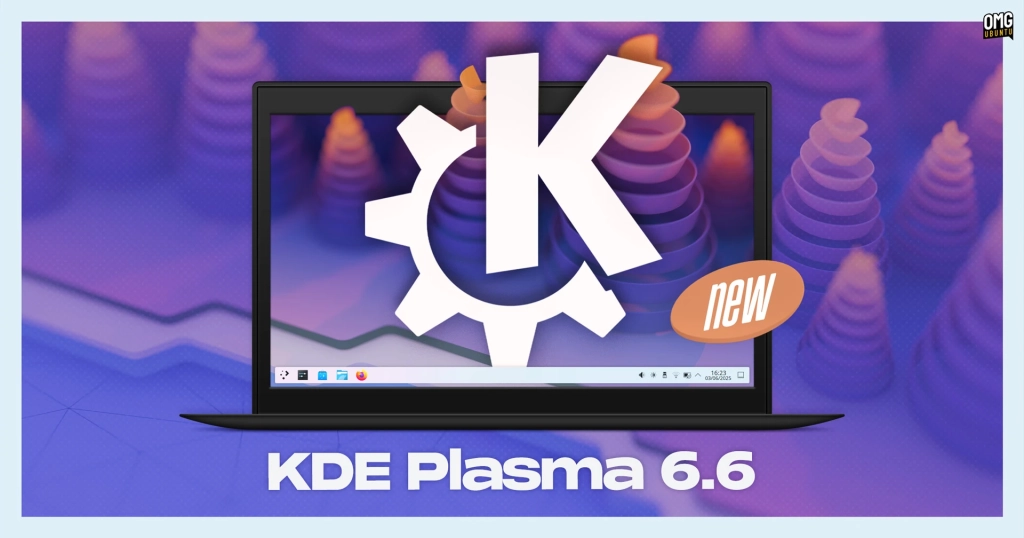
KDE Plasma 6.6: The Ultimate Linux Desktop Upgrade You Need Right Now
KDE Plasma 6.6 has officially dropped, and it’s bringing a truckload of game-changing features that will revolutionize your Linux desktop experience. This seventh major update since Plasma 6.0 hit the scene in February 2024 is dedicated to the memory of KDE contributor Björn Balazs, and it’s packed with innovations that will make you wonder how you ever lived without them.
Let’s dive into the mind-blowing new features that make Plasma 6.6 an absolute must-have:
Text Extraction from Screenshots: The Game Changer
Say goodbye to tedious manual typing! With the new OCR (Optical Character Recognition) functionality in Spectacle, KDE’s built-in screenshot tool, you can now extract text from any image with mind-blowing accuracy. Whether it’s a web page, document, or that pesky error box you can’t select text from, Spectacle pulls the text out and copies it to your clipboard instantly. Powered by Tesseract OCR and supporting multiple languages, this feature handles clean printed text like a champ. Pro tip: It won’t work miracles on scrappy handwriting, but for everything else, it’s pure magic!
Custom Themes: Unleash Your Creativity
KDE Plasma has always been known for its insane customizability, but Plasma 6.6 takes it to the next level. Now you can save your meticulously crafted appearance tweaks as custom global themes that you can reuse anytime. Create themes that follow the day/night switching introduced in Plasma 6.5, so your desktop looks different at different times of day. Open System Settings > Colours & Themes, modify an existing theme, and hit save. Your masterpiece is ready to rock!
60Hz Animation Bug Fixed: Smooth as Butter
Calling all gamers and high-refresh-rate display owners! Plasma 6.6 fixes a long-standing bug that capped animations at 60Hz regardless of your display’s refresh rate. Animations now sync perfectly with your compositor’s render loop, making everything buttery smooth. This isn’t just a visual upgrade—it’s a performance revolution that will make your desktop feel alive.
Wi-Fi QR Code Connection: The Future is Here
Forget typing long, complicated Wi-Fi passwords! Plasma 6.6 lets you connect to Wi-Fi networks by simply scanning a QR code. Click the QR code icon in the Networks widget, install the QRCA Barcode Scanner app, and point your webcam at the code. Many mobile devices let you share Wi-Fi passwords as QR codes, and now your desktop can read them too. Perfect for public Wi-Fi spots where passwords change frequently or are impossibly long.
Per-App Volume Control with Mouse Scroll: Pure Genius
This tiny feature is going to change your life. Move your mouse over any application playing audio in the task manager, then scroll the mouse wheel to change that app’s volume specifically—no menus, no windows, just instant control. If you’re like most people with multiple audio sources open (music players, browsers, chat apps), this is going to feel like magic every single day.
Media Seeking Shortcuts: Skip Like a Pro
Plasma 6.6 introduces global keyboard shortcuts for seeking backwards or forwards 5 or 30 seconds in playing media. Skip through podcasts or rewind missed lines in videos without switching windows. These keybindings aren’t assigned by default, so you’ll need to set them up in System Settings, but once you do, you’ll wonder how you ever lived without them.
Workflow Buffs: Power User Paradise
Multi-tasking gets a massive upgrade with the virtual desktop limit raised from 20 to 25. Create that coveted 5×5 grid configuration! Virtual desktops can now be limited to the primary monitor only. The Window List widget gains new options like opening windows on hover and showing only windows on the current virtual desktop. Hold alt and double-click any file or folder on the desktop to open its properties directly. Emoji lovers, rejoice! A skin tone filter is now available in the emoji selector (open with super + .).
Accessibility Improvements: For Everyone
Plasma 6.6 adds a new Grayscale color filter alongside existing filters for color blindness. Zoom and Magnifier get a new tracking mode that keeps the pointer permanently centered on screen. The desktop now follows the Reduced Motion setting by nixing animations. Wayland support for Slow Keys helps users with motor control difficulties who tend to accidentally graze keys. And if you find interface borders too faint or overbearing, you can now adjust the intensity of frames and outlines around UI elements.
New System Components: Fresh Alternatives
Plasma 6.6 introduces three new system components as alternatives rather than replacements:
Plasma Keyboard: A new on-screen keyboard for touch input, designed to look nicer than Maliit and based on Qt Virtual Keyboard.
Plasma Login Manager: An alternative to SDDM, handling user login and session selection.
Plasma Setup: An OEM-style first-run wizard for configuring user accounts and basic system settings, perfect for pre-installs where the buyer isn’t the one installing the OS.
Other Notable Improvements:
– Sandboxed apps can now request USB device access
– Auto-screen brightness on devices with ambient light sensors (optional)
– Hardware-based screen content sharpening on supported displays
– Font installation through Discover software center
– Mounting removable drives no longer performs file system scans by default
– Crash reporting now works for non-KDE applications
– Up arrow in Kickoff search results can return focus to search field
– Screen chooser dialog now includes search/filter field
– Process priority adjustment and command matching in System Monitor
– Lock/Logout widget icons can be reordered
How to Get KDE Plasma 6.6
The update is rolling out now to KDE Neon and other rolling-release distributions. Kubuntu users can check the Kubuntu Backports PPA in the coming weeks. Source code is available from the KDE website for those who prefer to compile it themselves.
Tags: KDE Plasma 6.6, Linux desktop environment, open source, customizable desktop, OCR text extraction, screenshot tool, custom themes, accessibility features, virtual desktops, Wi-Fi QR codes, per-app volume control, media seeking shortcuts, on-screen keyboard, login manager, system setup wizard, high refresh rate support, Wayland improvements, performance optimizations, OMG Ubuntu
Viral Phrases: “Game-changing features,” “mind-blowing accuracy,” “revolutionize your Linux desktop experience,” “pure magic,” “buttery smooth,” “future is here,” “pure genius,” “power user paradise,” “for everyone,” “fresh alternatives,” “rolling out now,” “must-have update,” “ultimate Linux desktop upgrade,” “transform your workflow,” “accessibility for all,” “customize like never before,” “smooth animations,” “productivity booster,” “tech innovation,” “open source excellence,” “desktop revolution,” “next-level customization,” “workflow optimization,” “user experience enhancement,” “cutting-edge features,” “Linux desktop evolution.”,
Leave a Reply
Want to join the discussion?Feel free to contribute!