
The MacBook Neo’s USB-C Ports Look Identical – But They Work Very Differently
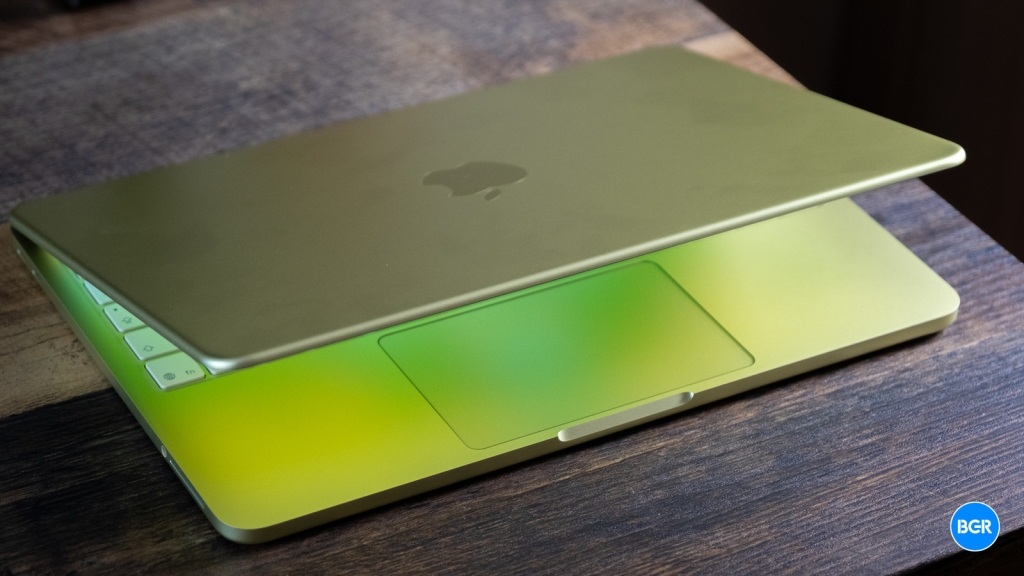
The MacBook Neo’s USB-C Ports: Identical in Appearance, Radically Different in Function
Apple’s latest budget-friendly MacBook Neo has taken the tech world by storm, earning rave reviews for its impressive performance, exceptional battery life, and surprising repairability—all at the remarkably affordable price of $599. Tech enthusiasts and everyday users alike have praised this machine as a legitimate powerhouse that delivers far more than its price tag would suggest, with many reviewers noting the stark absence of comparable competition from Windows laptop manufacturers in this price bracket.
In our comprehensive MacBook Neo review, we concluded that this laptop is “easily better than any Windows laptop” in its class, offering a premium experience without the premium price. However, as with any device, there are trade-offs to consider. These include the absence of Touch ID on the base model, the inability to upgrade RAM after purchase, the lack of a MagSafe charging connector, and perhaps most intriguingly, the significant functional differences between its two seemingly identical USB-C ports—a distinction not found on other MacBook models where ports share identical specifications.
At first glance, the two USB-C ports on the MacBook Neo’s left side appear indistinguishable, presenting a subtle but potentially confusing design choice. Users won’t immediately know which port supports faster data transfers or can connect to an external display without some experimentation. Given that the MacBook Neo targets users who may not require advanced capabilities, many might never notice these differences in their daily usage.
Understanding the Technical Specifications
Let’s dive deeper into what each USB-C port can actually do. Both ports can recharge the MacBook Neo’s battery at comparable speeds, requiring a 20-watt (or higher) power adapter for optimal charging. They also support data transfers, but here’s where the crucial difference emerges: the left port boasts USB 3 speeds of 10 Gb/s, while the right port is limited to USB 2 speeds of up to 480 Mb/s.
This performance gap becomes particularly relevant when using external SSDs with the MacBook Neo. For users seeking maximum data transfer speeds, connecting storage devices to the left port is essential to leverage those faster 10 Gb/s rates. Accidentally plugging a high-speed drive into the right port won’t prevent file transfers altogether, but the process will be significantly slower—potentially a frustrating experience for those transferring large files or running applications directly from external drives.
The left USB-C port also holds the exclusive capability for DisplayPort functionality, enabling connection to an external monitor. According to Apple, this port can handle displays up to 4K resolution (3,840-by-2,160-pixel) at 60 Hz refresh rates. The MacBook Neo supports only one external display at a time, even with the laptop lid closed, meaning users can have at most two screens active simultaneously—counting the laptop’s built-in display. Attempting to connect a display to the wrong port will trigger a notification from the MacBook, helpfully suggesting you switch to the correct one.
For users needing to connect two external drives and a display simultaneously, a USB dock connected to the left port becomes necessary to manage both data transfers and DisplayPort output. A practical rule of thumb for navigating these differences: use the right port primarily for charging and the left port for connecting storage drives and external monitors.
The Absence of Thunderbolt Technology
Neither USB-C port on the MacBook Neo includes Thunderbolt support, which would dramatically increase data transfer speeds to 40 GB/s with Thunderbolt 4 or an impressive 120 GB/s with Thunderbolt 5. These advanced ports are available on Apple’s more expensive M5 MacBook Air and M5 MacBook Pro models.
This limitation represents an expected compromise for a $599 laptop, similar to the absence of MagSafe charging support. The discrepancy between the MacBook Neo’s USB-C ports might initially seem surprising, but it likely reflects a deliberate cost-saving decision in the laptop’s engineering.
Apple powered the MacBook Neo with the A18 Pro chip—the same processor found in the iPhone 16 Pro and iPhone 16 Pro Max from 2024. This chip can actually outperform Apple’s first M-series processor, the M1, in benchmark tests. The M1 was originally designed for MacBooks and iPads, making the A18 Pro’s performance in the MacBook Neo particularly noteworthy. Reviews have consistently shown that the A18 Pro delivers dependable performance across various tasks, from managing multiple browser tabs to running background applications and handling light photo editing work.
However, Apple doesn’t appear to have significantly upgraded the A18 Pro chip specifically for the MacBook Neo. This may explain why the laptop is limited to 8 GB of RAM—matching the memory configuration found in iPhone 16 Pro models, as the A18 Pro chip was originally designed with only 8 GB of memory for mobile devices. Interestingly, the iPhone 16 Pro models feature one USB-C port that offers 10 Gb/s transfer speeds and DisplayPort connectivity, suggesting the MacBook Neo may simply be inheriting this limitation from its mobile origins.
According to both Apple and respected tech expert John Gruber, implementing a second USB-C port on the MacBook Neo while basing it on the A18 Pro processor represented “a significant engineering achievement,” highlighting the technical challenges overcome in bringing this budget-friendly laptop to market.
Tags: #MacBookNeo #USBCPorts #Apple #BudgetLaptop #TechReview #A18Pro #DisplayPort #DataTransfer #TechNews #GadgetReview
Viral Phrases: “identical in appearance, radically different in function” “budget powerhouse” “engineering achievement” “hidden limitations” “performance surprise” “cost-saving design” “tech world storm” “unexpected trade-offs” “premium experience, budget price”
,


Leave a Reply
Want to join the discussion?Feel free to contribute!