
Wispr Flow: A Mac speech-to-text app that actually works
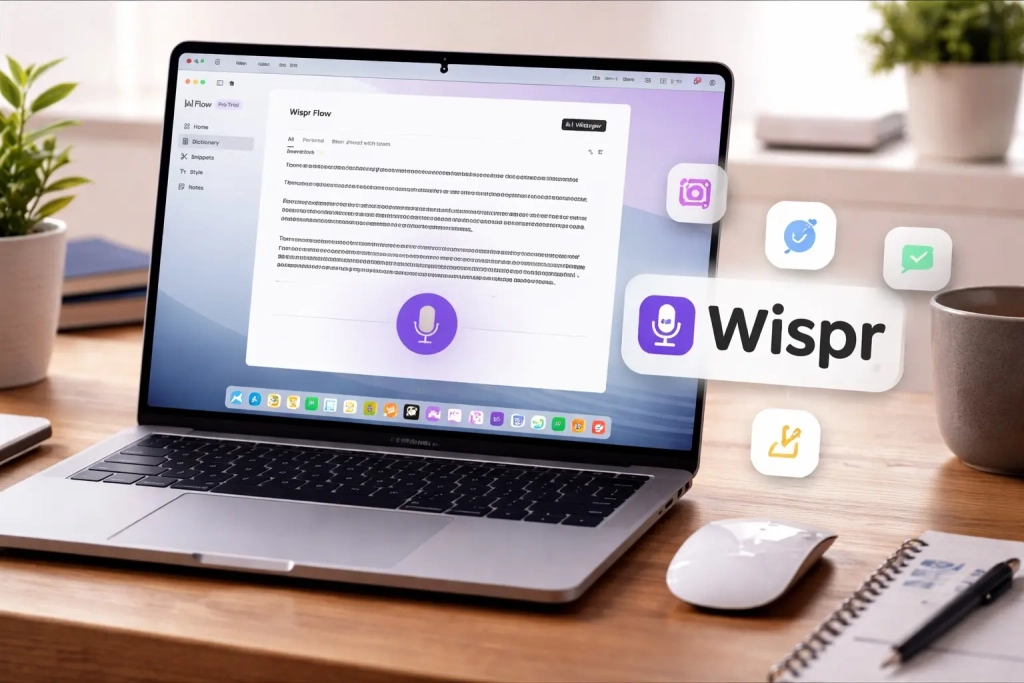
Wispr Flow: The AI-Powered Voice-to-Text Revolution Transforming Mac Workflows
In a world where typing fatigue is real and productivity demands are higher than ever, Wispr Flow emerges as a game-changing AI-powered voice-to-text app that’s reshaping how Mac users interact with their devices. After years of traditional typing methods, this innovative application has proven to be nothing short of revolutionary for content creators and professionals alike.
The Typing Revolution That Changed Everything
For years, my Mac typing routine remained unchanged—until Wispr Flow entered the scene. This AI-powered voice-to-text application has completely transformed my writing experience, making me not only more efficient but genuinely faster at producing content. The shift from traditional typing to voice dictation isn’t just about speed; it’s about discovering a more natural, intuitive way of expressing thoughts digitally.
The impact has been profound enough that I simply cannot imagine returning to my old typing habits. This isn’t just another voice recognition tool—it’s a complete workflow transformation.
Breaking Free from Traditional Keyboard Constraints
Like many professionals, I spend between eight to ten hours daily in front of my Mac, producing anywhere from 3,000 to 4,000 words. Despite having an ergonomic setup and using one of the best Mac keyboards available—the Logitech MX Keys S—my hands would inevitably feel fatigued by day’s end.
I experimented with various shortcuts and text snippets to minimize keystrokes, but these solutions only provided marginal relief. The breakthrough came when I discovered the world of advanced voice-to-text technology, and Wispr Flow specifically.
Why Apple’s Built-in Solution Falls Short
Last year, I explored Apple’s native voice-to-text capabilities in macOS, hoping it might replace traditional typing entirely. Given my extensive experience with voice typing on iPhone and iPad—where it works exceptionally well thanks to on-device processing—I had high hopes for the Mac version.
I configured a simple double-tap Option key shortcut, making dictation accessible anywhere within any text field. On paper, this seemed like the perfect solution for my tired fingers. However, the reality proved disappointing.
Apple’s voice-to-text on Mac suffers from a critical flaw: it completely breaks down when you pause to think or rephrase sentences. While it excels on mobile devices, the Mac implementation simply isn’t designed to handle the natural pauses and thought processes that occur during longer dictation sessions.
Enter Wispr Flow: The Game-Changer
After initially abandoning voice-to-text on my Mac, I discovered Wispr Flow. I wish I had tried it sooner—the difference is that significant.
Wispr Flow transcends basic transcription. It leverages sophisticated AI to understand natural speech patterns and makes intelligent adjustments in real-time. The application handles mid-sentence corrections seamlessly—I can pause, ask it to delete recent content, or completely rephrase thoughts without missing a beat.
The AI’s intelligence extends to knowing what not to transcribe, automatically filtering out filler words like “uh” and “umm.” Punctuation is handled automatically in most cases, and when it isn’t, simple voice commands like “comma” or “full stop” instantly correct the issue.
Multilingual Mastery and Coding Superpowers
With support for over 100 languages, Wispr Flow eliminates language barriers that plague many voice-to-text applications. Whether you’re dictating in English, Spanish, Mandarin, or any other supported language, the accuracy remains consistently impressive across my testing with multiple languages.
For developers, Wispr Flow becomes an absolute productivity powerhouse when paired with AI-powered IDEs, enabling faster coding and reduced friction in the development process.
Intelligent Writing Styles for Every Context
One of Wispr Flow’s most impressive features is its ability to adapt writing styles based on the application you’re using. I’ve configured it to use casual, conversational tones for personal messaging in WhatsApp, Telegram, and Messages, while automatically switching to professional, formal styles for Slack communications and email correspondence.
This contextual awareness eliminates the need to mentally adjust your speaking style for different platforms—Wispr Flow handles it automatically.
Exceptional Performance Even With Subpar Audio
Here’s where Wispr Flow truly demonstrates its technological superiority: it works flawlessly even with less-than-ideal microphone setups.
On my Mac mini, I use a Rode microphone connected through a CalDigit TS5 Plus Thunderbolt dock, configured with very low gain. The microphone sits more than an arm’s length away, and the output is so quiet that I can’t reliably use it for standard voice notes without speaking loudly and very close to the mic.
Yet Wispr Flow transcribes accurately despite these challenging conditions. Even with background music playing, it consistently captures my voice with remarkable precision. The same exceptional performance extends to my MacBook Pro in public spaces—even when whispering in cafes or shared workspaces, Wispr Flow has no trouble understanding and transcribing my speech.
Lightning-Fast Activation, Zero Friction
Wispr Flow’s instant activation makes voice typing feel perpetually accessible. The initial setup is straightforward, after which the application stays completely out of your way. I’ve mapped Ctrl + Option on my Mac mini and the Fn key on my MacBook Pro to trigger the AI-powered voice-to-text, and in both cases, activation is instantaneous.
Universal Compatibility Across All Text Fields
Wispr Flow works seamlessly in any text input field across your entire system. During my month of usage, I’ve relied on it for writing long-form articles, chatting with friends, sending Slack messages, and even crafting detailed AI prompts. The productivity boost has been undeniable—I accomplish more work with significantly less friction.
When urgent messages arrive during deep work sessions, I can instantly switch apps, trigger Wispr Flow, dictate my response, hit enter, and return to my original task—all within seconds, maintaining complete workflow continuity.
Weekend AI Tool Enhancement
On weekends, when experimenting with various AI tools, Wispr Flow becomes even more valuable. Instead of manually typing lengthy, detailed prompts, I can speak my thoughts naturally and refine them on the fly. This natural expression makes it easier to explain complex ideas, add nuance, and iterate quickly—ultimately resulting in better AI outputs.
Command Mode: The Experimental Powerhouse
Beyond basic transcription, Wispr Flow includes an experimental Command Mode that can directly modify highlighted text or execute actions on your behalf. After dictating a rough email draft, I can highlight the text and use Command Mode to tighten and polish the content without switching applications or breaking my flow.
I can even ask questions directly, with Wispr using Perplexity to find answers and deliver additional information on the subject. While currently experimental and requiring manual activation, Command Mode represents the future of voice-controlled computing.
Privacy Considerations
Privacy remains a legitimate concern with any voice-to-text tool, particularly those utilizing AI processing. Wispr Flow sends audio to its servers for transcription, which may concern privacy-conscious users. While the company states it doesn’t store recordings long-term or use them for training without consent, users with strict privacy requirements might prefer alternative solutions.
Alternatives Worth Considering
If Wispr Flow doesn’t align with your needs, several alternatives merit consideration. Apple’s built-in Dictation remains the most private option since it processes everything on-device, though it struggles with longer, more natural dictation sessions.
Tools like MacWhisper and AI notetaker Otter offer solid transcription accuracy, particularly for recorded content rather than live, always-on typing. While none match Wispr Flow’s real-time flexibility, they serve as viable options depending on your specific workflow requirements and privacy priorities.
Pricing and Accessibility
Wispr Flow offers a free tier including up to 2,000 words per week on Mac or Windows and 1,000 words per week on iPhone. The Pro plan costs $15 per month when billed annually, unlocking unlimited dictation across all supported platforms, Command Mode access, and early feature access.
Students receive special treatment with a three-month free trial, followed by a 50% discount on the Pro plan.
The Future of Mac Interaction
Wispr Flow represents more than just another utility application—it’s a fundamental reimagining of how we interact with our computers. By removing the mechanical barrier of typing, it allows thoughts to flow more naturally from mind to screen, potentially unlocking new levels of creativity and productivity.
For anyone spending significant time typing on their Mac, Wispr Flow isn’t just worth trying—it’s becoming an essential tool that’s difficult to live without once you’ve experienced its capabilities.
Download from: Wispr Flow
Tags: AI-powered voice-to-text, Mac productivity, voice dictation, Wispr Flow review, typing alternative, speech recognition, macOS tools, content creation, workflow optimization, hands-free typing
Viral Phrases: “Game-changing productivity tool,” “Typing revolution,” “AI that actually understands you,” “Say goodbye to typing fatigue,” “The future of Mac interaction,” “Voice-to-text that works in any app,” “Transform how you work on Mac,” “Productivity superpower,” “The typing alternative that actually delivers,” “Voice technology that gets smarter every day”
,
Leave a Reply
Want to join the discussion?Feel free to contribute!