
You Can Download the First iOS 26.4 Developer Beta on Your iPhone Right Now
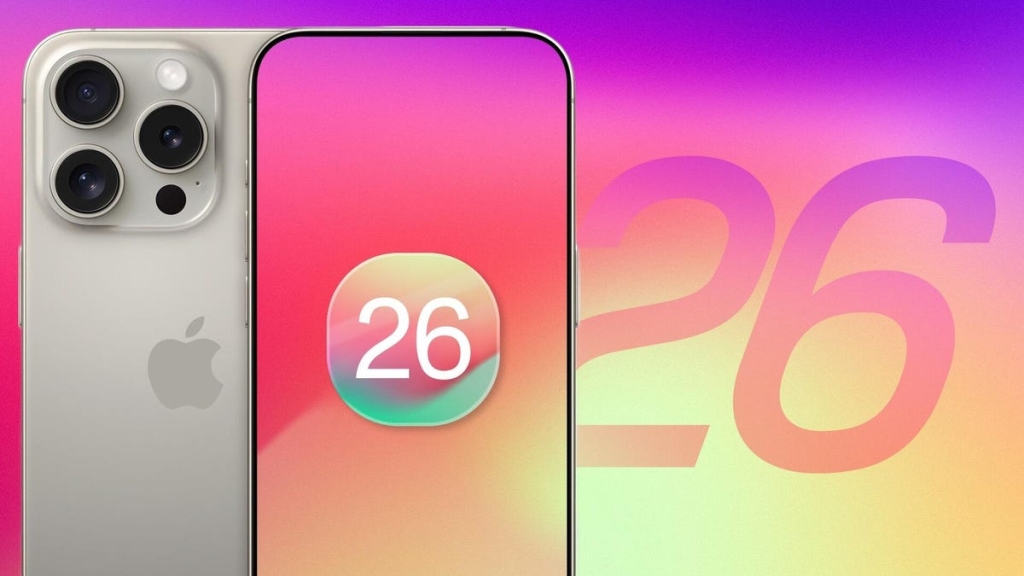
Apple’s already looking ahead to the next version of iOS, even as iOS 26.3 is still fresh. The company has just dropped the first developer beta of iOS 26.4, and while it’s not packed with flashy new features like the Liquid Glass redesign or major Apple Intelligence upgrades, it’s still a significant update. Apple’s point releases tend to focus on refining existing features, boosting privacy and security, and laying the groundwork for bigger changes later in the year.
So, what’s new in iOS 26.4? The update includes early testing support for end-to-end encrypted RCS messaging, meaning you’ll soon be able to send secure messages between iPhones and Android devices. There are also updates to Stolen Device Protection, which is now automatically enabled for all users, adding an extra layer of security if your phone is lost or stolen. Apple Music gets a new Playlist Playground, powered by Apple Intelligence, letting you generate custom playlists from simple text prompts. Plus, the Podcasts app now supports video episodes, so you can switch between audio and video formats on the fly.
Other tweaks include a unified Apple Account hub, the return of Notification Forwarding, and the usual round of bug fixes and performance improvements. While these updates might not sound as exciting as a major redesign, they’re important for keeping your iPhone secure and functional.
If you’re thinking about trying out the iOS 26.4 developer beta, there are a few things to keep in mind. First, it’s meant for developers and early adopters—not for everyday use. Beta software can be buggy, and you might experience crashes, battery drain, or other issues. Make sure your iPhone is on the latest stable version (iOS 26.3) before installing, and back up your data. You’ll also need at least 9GB of free space, and a good Wi-Fi connection.
To install the beta, you’ll need to sign up for the Apple Developer Program (which is now free for anyone). After agreeing to the terms and enabling Developer Mode in your settings, you can download the update over the air. The process usually takes about 10-15 minutes, but your mileage may vary.
One last thing: iOS 26.4 supports all iPhones from the iPhone 11 onward, but if you want the full suite of Apple Intelligence features, you’ll need an iPhone 15 Pro, 15 Pro Max, or any iPhone 16 or 17 model.
In summary, iOS 26.4 isn’t a flashy update, but it’s a solid step forward—especially for those who value security, privacy, and the latest tech. If you’re a developer or just curious, it’s worth checking out. Otherwise, you might want to wait for the public beta or the official release later this year.
iOS264 #Apple #iPhone #RCS #EncryptedMessaging #StolenDeviceProtection #AppleMusic #Podcasts #BetaTesting #AppleIntelligence #iPhone17 #TechNews #iOSUpdate #DeveloperBeta #iPhoneSecurity #AppleEcosystem
tags: iOS 26.4, Apple, iPhone, developer beta, RCS messaging, encrypted messages, Stolen Device Protection, Apple Music, Playlist Playground, Apple Intelligence, Podcasts, video episodes, tech news, iPhone security, iOS update, Apple ecosystem, iPhone 17, beta testing, Apple Developer Program, privacy, security, iPhone 15 Pro, iPhone 16, iPhone 11, Liquid Glass, Apple ID, Lost Mode, Wi-Fi, backup, Recovery Mode, Notification Forwarding, unified Apple Account, bug fixes, performance improvements, over-the-air update, Developer Mode, Apple Developer site, public beta, official release, tech enthusiasts, early adopters, Apple ecosystem, iPhone features, messaging, security features, software update, iOS 26.3, iPhone 11 and newer, A13 Bionic, iPhone XR/XS, Apple ID password, Face ID, Touch ID, trusted locations, audio and video formats, offline viewing, text prompts, built-in ideas, Concert Near You, full-page artwork, albums, playlists, custom playlists, Apple ecosystem, iPhone 15 Pro Max, iPhone 16 lineup, iPhone 17 models, iPhone 11 and newer, A13 Bionic handset, Apple Intelligence features, iPhone 15 Pro, iPhone 16, iPhone 17, Wi-Fi network, 9GB of space, iCloud backup, Finder, iTunes, Preferences, Archive, Recovery Mode, iOS 26.3, passcode, terms, installer, over-the-air update, Settings, General, Software Update, Beta Updates, iOS 26.4 Developer Beta, Download and Install, Apple Developer Program, Apple Developer site, ☰ menu, Account, Apple ID, Developer Mode, Privacy and Security, sign up, download, update, iPhone models, support, Apple Intelligence, compatible phones, headline features, major redesign, refinements, privacy and security, groundwork, bigger changes, end-to-end encrypted RCS support, toggle, Settings, Messages, RCS Messaging, lock icon, conversation threads, full rollout, early step, encrypted RCS, Stolen Device Protection updates, automatically enabled, security feature, 2023, Face ID or Touch ID, time delay, saved passwords, Lost Mode, erase device, Apple ID password, trusted locations, disable, Apple Music Playlist Playground, Apple Intelligence-powered, text prompts, chill rainy day mix, built-in ideas, tweak, generated playlist, Concert Near You, redesigned full-page artwork, albums and playlists, video in Apple Podcasts, audio and video versions, stream shows, download video podcasts, offline viewing, unified Apple Account hub, Notification Forwarding, bug fixes, performance optimizations, early developer beta, minor new features, improvements, iPhone 17, iOS 26.4, Viva Tung/CNET, mock up, iPhone 17 Pro, iPhone 11 or newer, iPhone XR/XS generation, A13 Bionic handset, iPhone 17 models, Apple Intelligence, iPhone 16 model, iPhone 15 Pro, iPhone 15 Pro Max, prepare iPhone, install iOS 26.4 developer beta, check hardware, iPhone 11 and newer, iPhone 15 Pro, iPhone 15 Pro Max, iPhone 16 or 17 lineup, update to latest public release, iOS 26.3, good Wi-Fi connection, enough space, 9GB, archive backup, Mac, Windows, iTunes, escape hatch, Recovery Mode, restore iOS 26.3, archived backup, ready to go, install iOS 26.4 developer beta, Apple Developer program, settings, Settings, General, Software Update, Beta Updates, iOS 26.4 Developer Beta, Download and Install, passcode, terms, installer, Wi-Fi connection, 10 to 15 minutes, iPhone powers back on, developer beta.
,

Leave a Reply
Want to join the discussion?Feel free to contribute!