
You can now use NotebookLM as your faster path from notes to slides
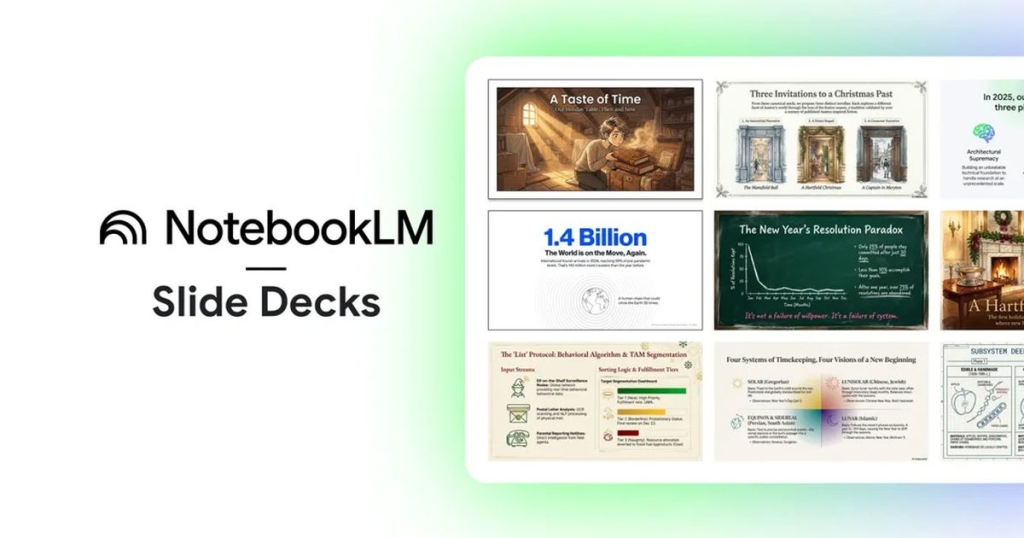
Google’s NotebookLM Gets a Major Presentation Upgrade: Edit Slides with a Prompt and Export to PowerPoint
Google’s AI-powered research assistant, NotebookLM, is taking a bold leap into the world of presentations. With a significant update rolling out this week, the tool now allows users to revise slides using simple prompts and export their work as polished PowerPoint-ready PPTX files. This move transforms NotebookLM from a quick slide generator into a powerful drafting workspace, streamlining the often tedious process of creating and refining presentations.
Prompt-Based Slide Revisions: No More Rebuilding from Scratch
One of the standout features of this update is the ability to edit individual slides without regenerating the entire deck. Users can now select a specific slide and describe the changes they want—whether it’s tightening the language, reframing the main point, or reorganizing content. This granular control is a game-changer for anyone who’s ever faced the frustration of making small tweaks that end up requiring a complete overhaul.
The real-world impact is significant. Feedback loops are rarely linear; revisions often come in waves, with last-minute requests piling on. With NotebookLM’s new prompt-based editing, you can address these changes efficiently, avoiding the dreaded all-nighter spent reformatting slides.
However, there’s a caveat: the more you revise, the more you’ll need to watch for consistency. Layouts, titles, spacing, and visuals can drift if not carefully managed, so a bit of cleanup may still be necessary after heavy editing.
PPTX Export: Seamless Sharing and Compatibility
The addition of PPTX export is the practical unlock many users have been waiting for. NotebookLM decks can now be saved as PowerPoint files, which are universally compatible with most workplace workflows. This means you can easily integrate your drafts into existing templates, share them with Office-centric teammates, or deliver a presentation that anyone can open without needing to install new software.
This feature also lowers the barrier to entry for trying NotebookLM. You can quickly outline and sequence your ideas within the tool, then transition to PowerPoint for final touches like speaker notes, branding, and formatting.
Google has also hinted at a future Google Slides export option, which could further streamline workflows for teams already embedded in the Google ecosystem. While details on timing are scarce, this upcoming feature promises even greater flexibility.
What This Means for You
If you regularly create presentations, now is the perfect time to test NotebookLM on a real project. Start by drafting your outline and building your deck within the tool, then run through a few revision cycles. Once you’re satisfied, export the deck as a PPTX and see how editable it remains when you start making final adjustments.
For now, the recommended workflow is to use NotebookLM for the initial outline and first build, then shift to PowerPoint (or Google Slides, once the export is available) for polishing and delivery. This hybrid approach leverages the strengths of both tools, saving you time and effort.
Looking Ahead
As NotebookLM continues to evolve, its integration with presentation tools is likely to deepen. The ability to export to Google Slides, when it arrives, could make the handoff even smoother for teams already using Google’s productivity suite. For now, the combination of prompt-based editing and PPTX export makes NotebookLM a formidable ally for anyone looking to create, refine, and share presentations with ease.
Tags: NotebookLM, Google AI, presentation tools, PPTX export, prompt-based editing, slide revisions, PowerPoint, Google Slides, productivity, AI research assistant
Viral Phrases: “Edit slides with a prompt,” “Export to PowerPoint in seconds,” “No more rebuilding from scratch,” “AI-powered presentation workspace,” “Streamline your slide deck workflow,” “The future of presentations is here,” “NotebookLM just got a major upgrade,” “Say goodbye to all-nighters,” “Seamless sharing and compatibility,” “Transform your ideas into polished slides effortlessly.”
,


Leave a Reply
Want to join the discussion?Feel free to contribute!